15
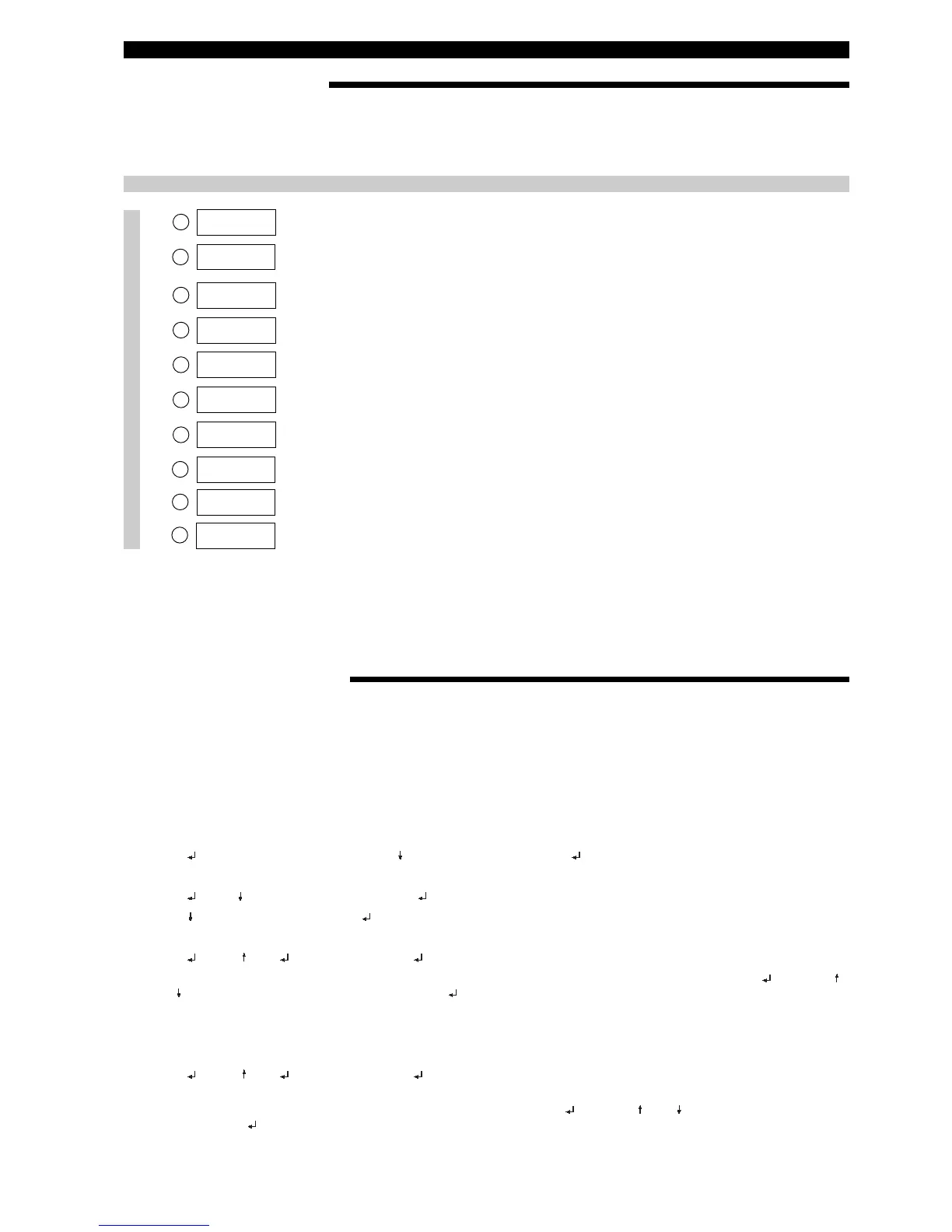
MENU: ADVANCED CALIBRATION - CalSelct SUBMENU
Screen Action Comment
Diagnostics
1
3
4
5
6
7
LVDT%
xx.xx %
DrySenr
xx.xx %
2
Calib SG
xx.xx sg
SnrCalLo
xx.xx %
LvlCalLo
xx.xx lu
Set 4mA
xx.xx lu
SnrCalHi
xx.xx %
8
9
LvlCalHi
xx.xx lu
Set 20mA
xx.xx lu
10
Escape
D
iagnostic display.
F
actory set.
F
actory calibration menu. Only used for units configured for liquid
level applications.
E
nter or capture sensor
o
utput for Dry Sensor.
P
ress up arrow + Enter (simultaneously) to capture current sensor
o
utput.
Enter or capture sensor
output for Low Cal Point.
Press up arrow + Enter (simultaneously) to capture current sensor
output.
Enter level value corresponding
to SnrCalLo.
Enter the level value
for 4 mA set point.
Specify level at 4 mA (User Cal menu only).
Enter or capture sensor
output for High Cal Point.
Press up arrow + Enter (simultaneously) to capture current sensor
output.
Enter level value corresponding
to SnrCalHi.
E
nter the level value
f
or 20 mA set point.
S
pecify level at 20 mA (User Cal menu only).
Depress enter key to exit calibration
sub-menu; returns to factory menu.
SUBMENU FACTORY OR USER
«CalSelct» allows to view either the factory settings «Factory» or the super user modified settings «User». Spare heads
will be configured per factory default values and will be different from the super user modified settings. The super user settings
overrule the factory settings, whereby the factory settings can at all times be referenced to, to allow efficient troubleshooting.
USER CALIBRATION PROCEDURE
Use this procedure
- for matching new E3 electronics with older generation EZ Modulevels
- when replacing spare parts: Electronic module, LVDT assembly, range spring, stem assembly or displacer
- for exchanging a complete electronics head on a E3 Model.
NOTE: This procedure should be performed at normal operating conditions.
Capturing the 4mA value
1. Move liquid level on displacer to desired low level point. Using keypad and LCD display, scroll down to DispFact.
2. Press to access data entry mode, then until “Yes” is displayed and again. The factory menu is now accessible.
3. Scroll down to CalSelct.
4. Press , then until “User” is displayed and again.
5. Press to UserCalMenu and press to show the menu.
6. Scroll down to SnrCalLo.
7. Press , then and simultaneously and again. The current liquid level has been captured as the low level point.
8. Scroll down to LvlCalLo. The default value is 0.00. If a different level value is desired at this point, press , use the
and keys to choose the desired value and press again.
Capturing the 20mA value
9. Move the liquid level on displacer to the desired high level point. Scroll to SnrCalHi.
10. Press , then and simultaneously and again. The current liquid level has been captured as the high level
point.
11. Scroll down to LvlCalHi. The default value is an arbitrary length. Press , use the and keys to choose the level
value and press again. The user calibration is complete.
NOTE: PACTware™ provides a user friendly way to remotely perform the identical procedure




 To Next Page