EN
9
Instructions Guide
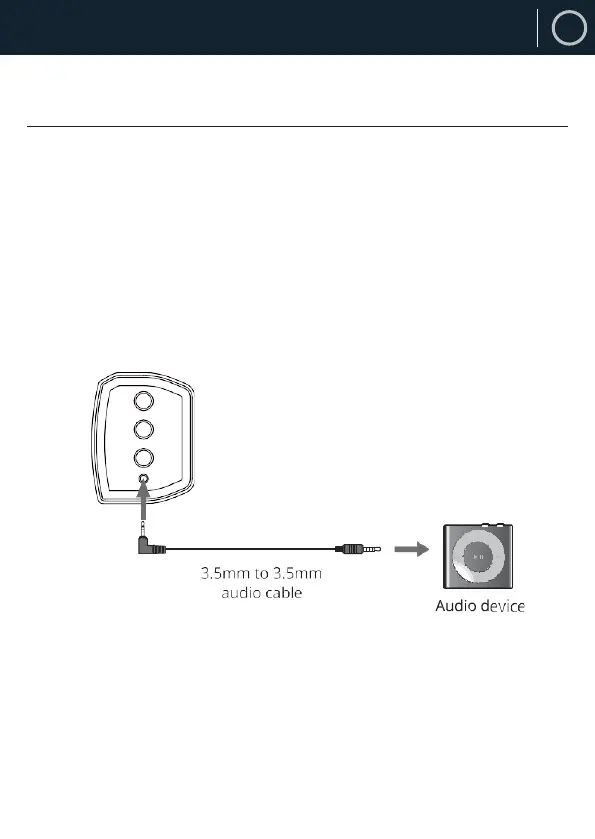
Using the AUX Input
Plug one end of a 3.5mm audio input cable (included) into the AUX
on the unit (Ref.7).
Plug the other end of the cable into the audio output/headphone
outpud on your MP3 player, PC, TV, etc, or any.
Press the POWER/MODE button (Ref.4/Ref.13) repeatedly to enter
AUX mode. The mode indicator will turn green.
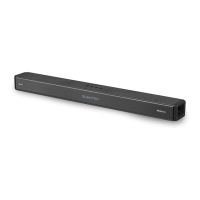
Side View of the Unit



 To Next Page