11
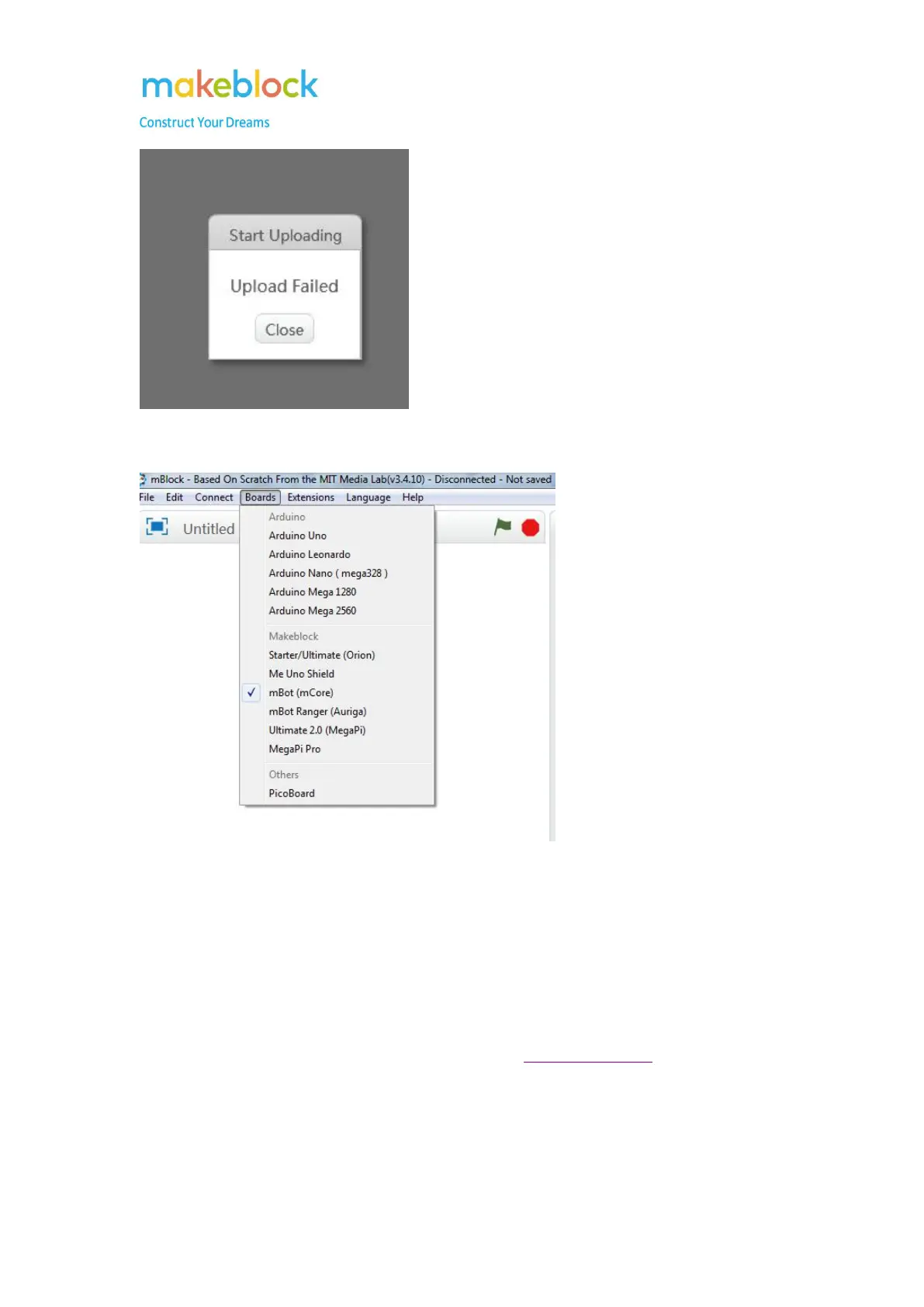
1. You may select the wrong board.
Please select the corresponding board then try to upgrade firmware or reset default
program.
2. The upload failed issue might be caused by using defective modules, faulty serial
port chip, or faulty main board.
1) Please remove all the modules from main board, including RJ 25 cables, then
upgrade firmware again.
2) If it is still the same issue, try to upload “Blink” program on Arduino IDE
environment to test if the main board lose its bootloader.
PS: Only USB connection allows us to do firmware upgrade.



 To Next Page