5
Part I General Questions
How to connect Makeblock robot with mBlock
This article applies to: mBot, mBot Ranger, Starter, Ultimate, Ultimate 2.0
Devices required: PC (here we use windows); Makeblock robot kit (here we use mBot as an
example); USB cable
Step 1
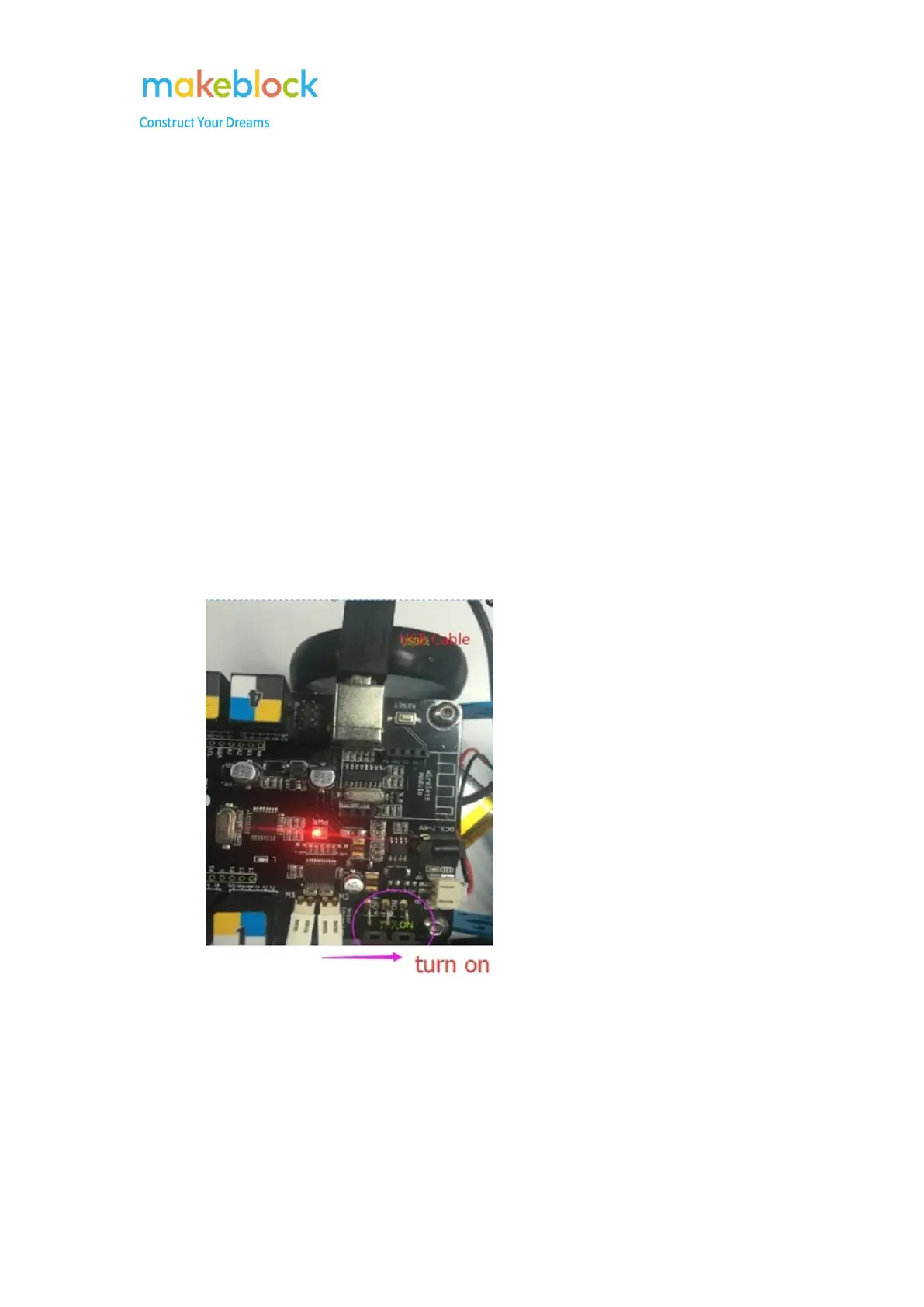
Connect mBot to PC with USB cable and turn on the mBot.
Step 2
Open mBlock software, choose mBot(mCore) under Boards.
If you are using a starter, select Orion; for ultimate 2.0, select Megapi, etc.



 To Next Page