118
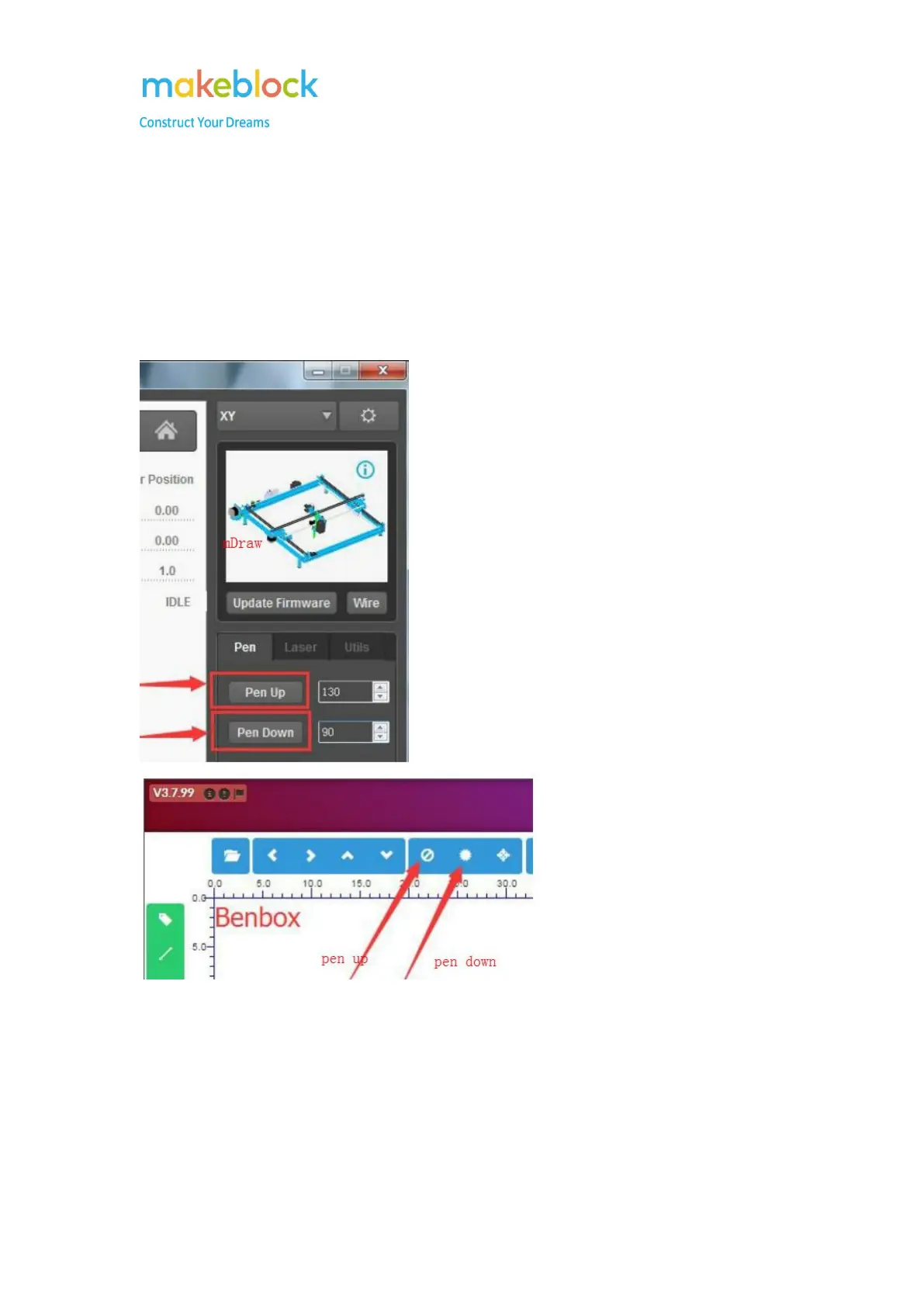
Why Pen-up and Pen-down is not working properly?
1. Try to update firmware again;
2. Check the Pen servo is connected to RJ25 adapter slot 2;
3. Test Pen up and Pen down: click pen up, pen should be remove from paper and click on pen
down, pen should just get in touch with paper;
4. If the servo works ok but pen up or pen down is not working properly, please re-assemble this
part.



 To Next Page