98
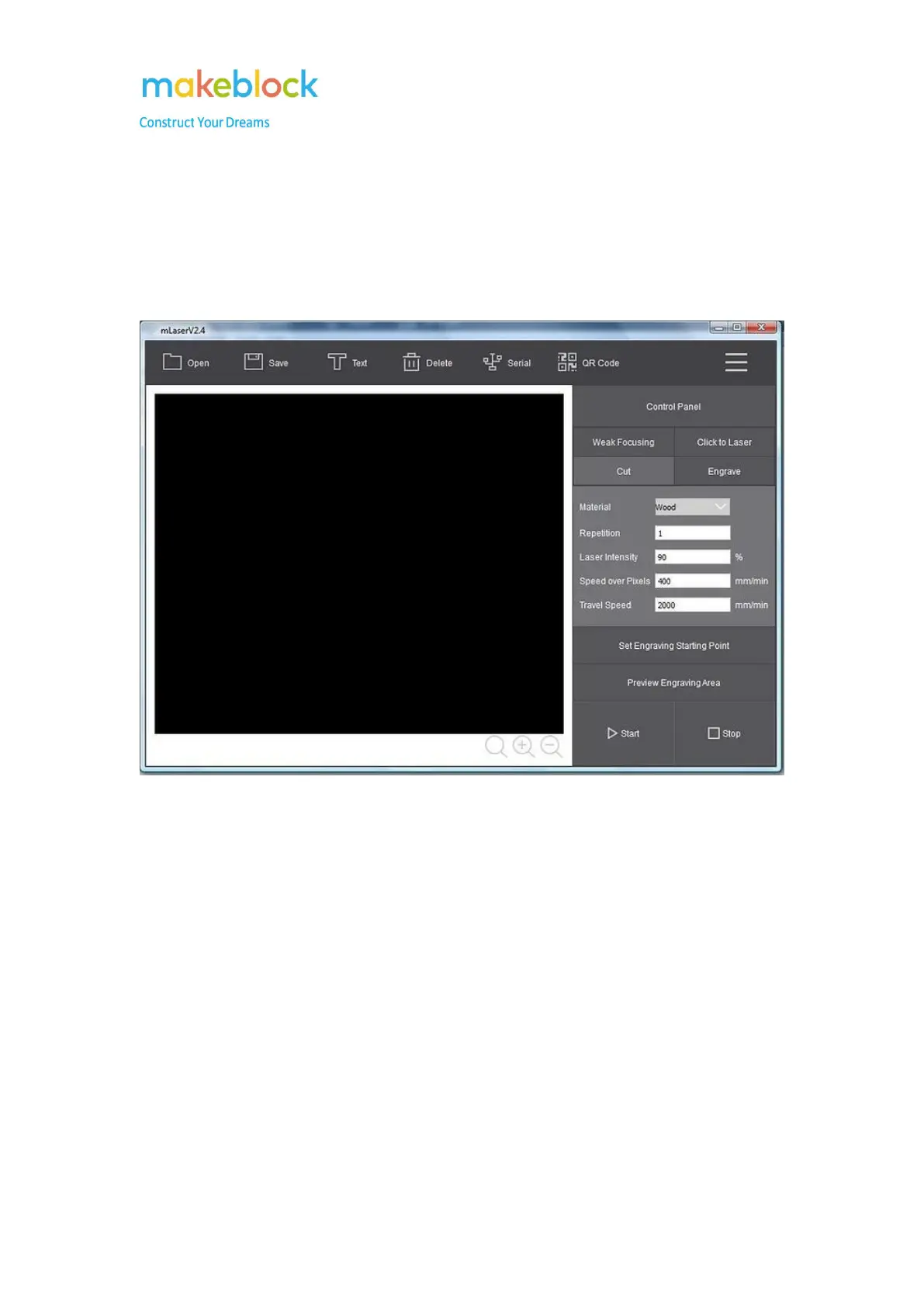
Why the interface of the mLaser is black rather than white
Issue: In some cases, the interface of the mLaser appears black rather than white in older
computer systems.
Reason: The graphics driver of the computer is out of date.
Troubleshooting:
1. Please update the computer graphics driver to the latest version.
2. If step 1 doesn’t help, please use another PC to install mLaser.



 To Next Page