Tray Bottom: Specifies the thickness of the
bottom of the tray, in mm.
In our example, set to 2.0.
Resolution: Specifies STL resolution. In
our example, select Medium. [Fig. 13.3]
7. To save your changes and create an STL
file you can download, click the Create
Thing button.
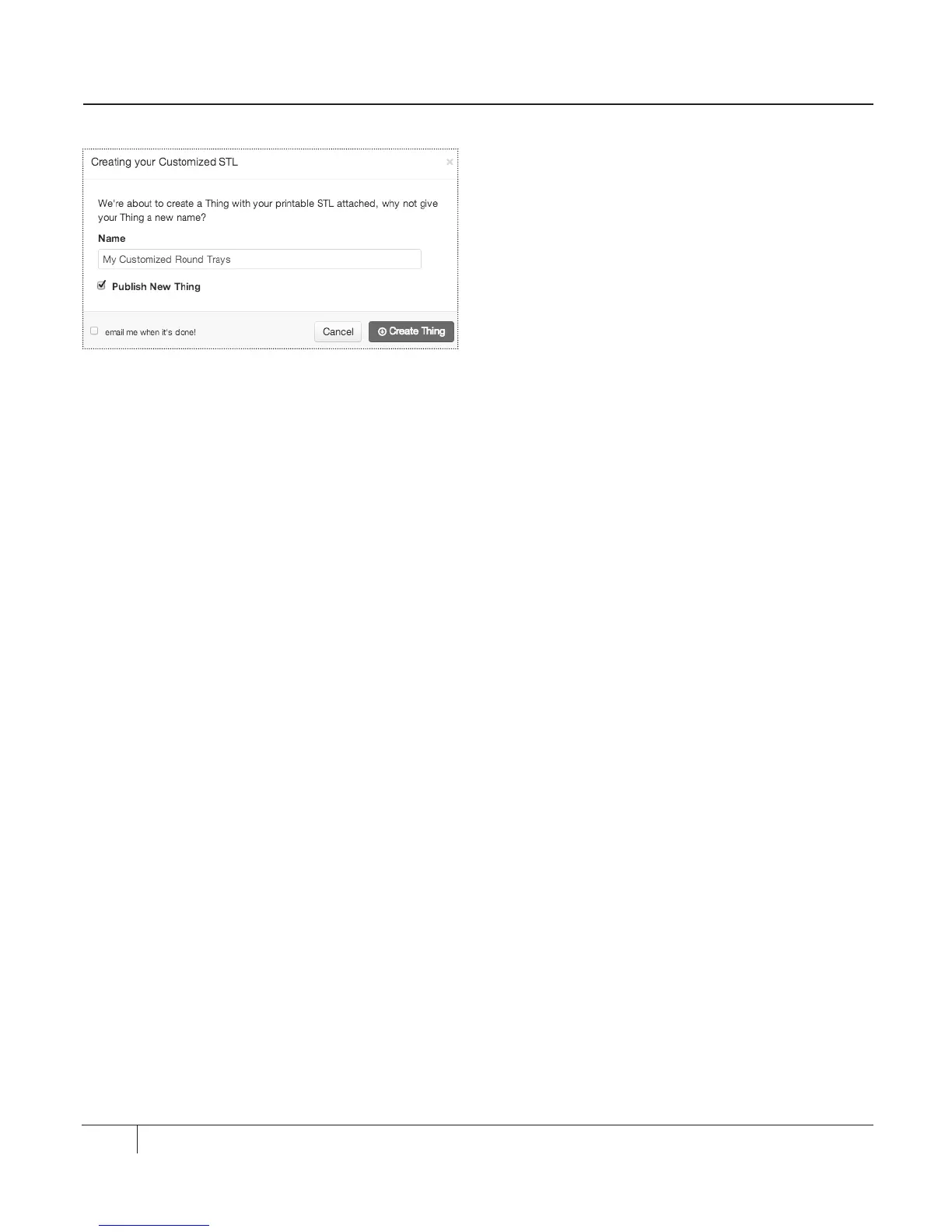
8. In the Creating Your Customized STL
dialog, enter the following:
Name: Name of the new STL file. In our
example, enter “Customized Round Tray”.
Publish New Thing: Select this checkbox
to publish the STL file to Thingiverse. In our
example, leave this unchecked.
Email me when it’s done: Thingiverse
will send you an email when your STL
file has been created. In our example,
leave this unchecked.
CUSTOMIZING A THING CONTINUED
92
Fig. 13. 4





 To Next Page