GETTING STARTED17
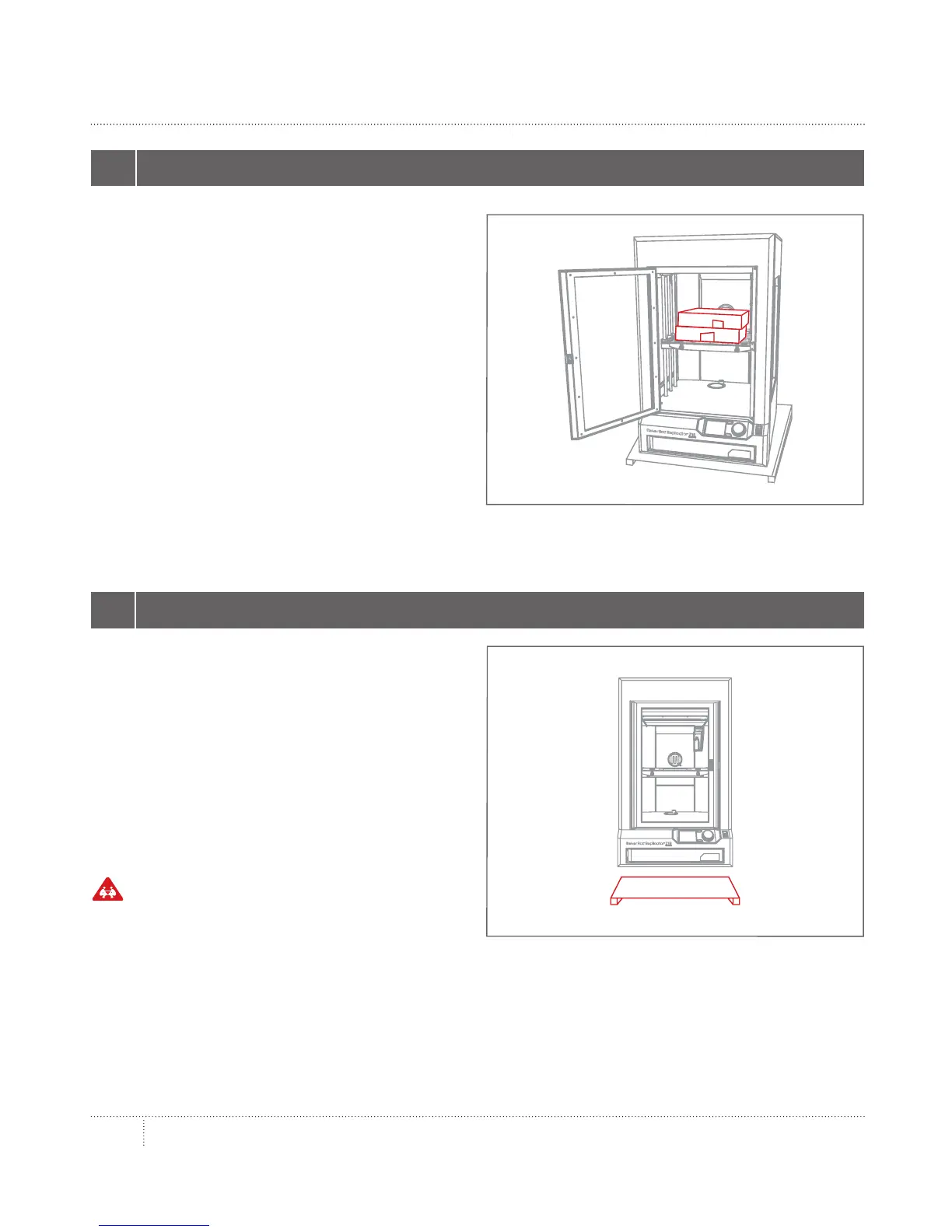
3 REMOVE ACCESSORIES
UNPACKING THE MAKERBOT REPLICATOR Z18
Take the accessory and filament boxes out
of the MakerBot Replicator Z18 and set
them aside.
4 TAKE THE MAKERBOT REPLICATOR Z18 OFF OF THE PALLET
Li the MakerBot Replicator Z18 o of the
pallet and place it on a stable surface.
You will need to remove the lid of the
MakerBot Replicator Z18 in order to load
filament, so make sure the surface is low
enough to allow you to access the top of
your 3D printer.
Caution: Two people are required to li
the MakerBot Replicator Z18. Do not li
alone. To prevent injury, li with your legs,
not your back.



 To Next Page