GETTING STARTED22
SETTING UP THE MAKERBOT REPLICATOR Z18
3 ROUTE FILAMENT
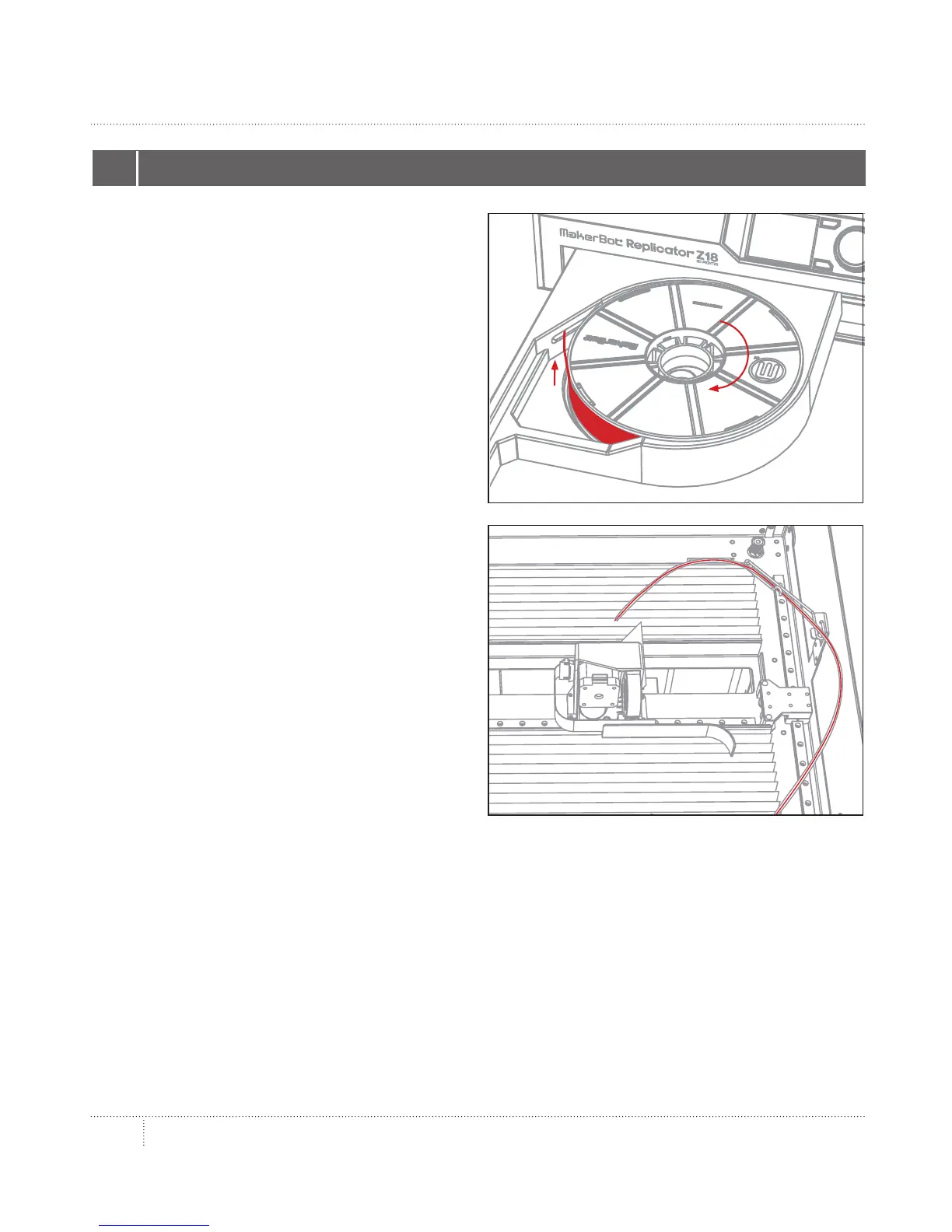
3a. Detach the free end of the filament from
the spool and insert it into the hole at the
back le corner of the filament drawer.
3b. Continue to feed the filament by hand into
the slot at the side of the filament drawer. The
filament will move up through the MakerBot
Replicator Z18 to the top compartment. Stop
feeding the filament when you see it emerge
from the end of the filament guide tube.



 To Next Page