TROUBLESHOOTING58
LEVELING THE BUILD PLATE
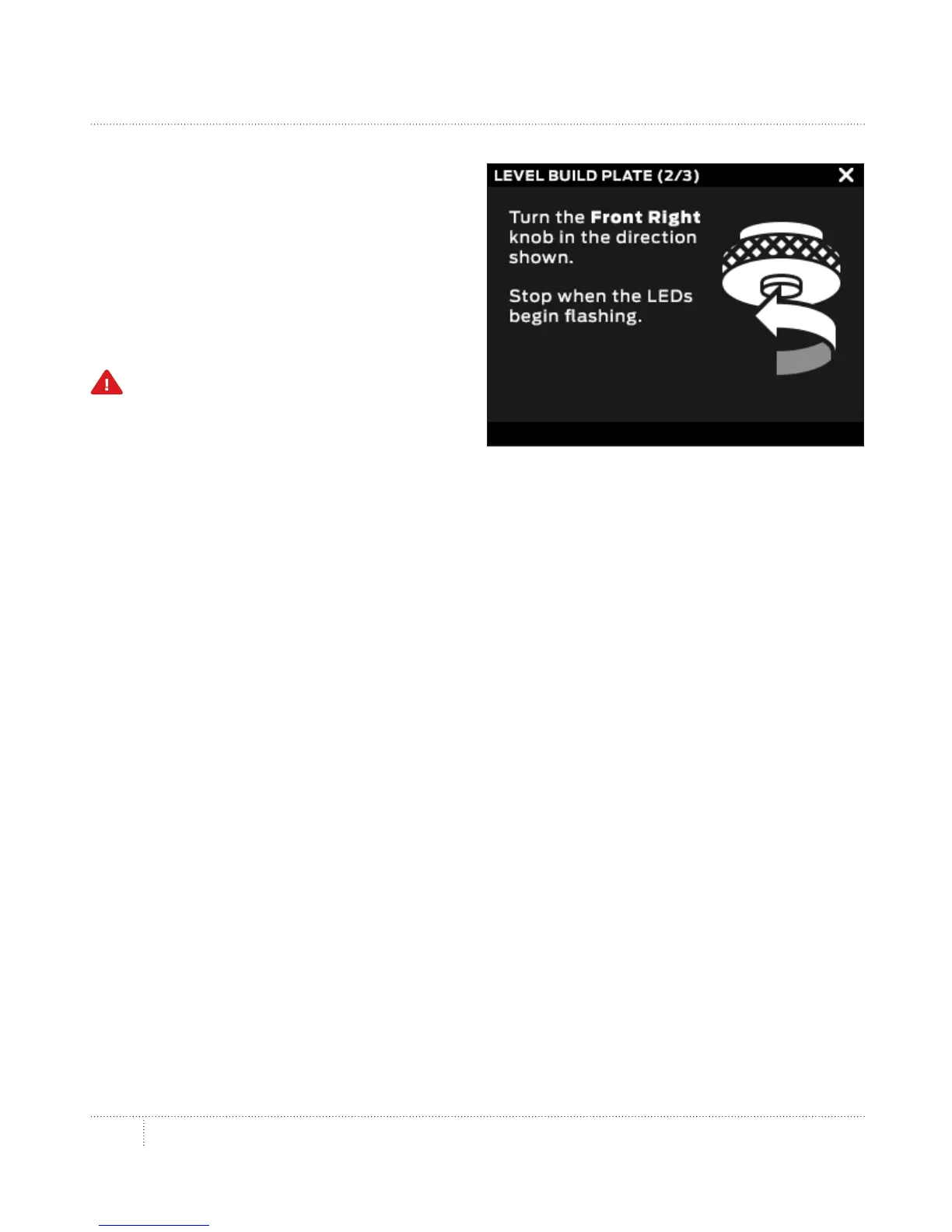
4. Follow the directions on the control panel.
The Makerbot Replicator Z18 will move the
Smart Extruder to dierent positions on
the build plate. At each point it will prompt
you to adjust one of the leveling knobs and
prompt you again when the plate is in the
correct position.
Caution: Only turn the leveling knobs
as directed by the instructions on the
control panel.
5. When the leveling process is finished,
tighten down the four locking bolts to secure
the build plate.
6. When the build plate is locked into place,
the MakerBot Replicator Z18 will go through
a short calibration sequence. Wait until the
calibration sequence is complete before
initiating any other action on your MakerBot
Replicator Z18.



 To Next Page