Speaker configuration and “Amp Assign” settings
This system configuration plays back 15-channels. You can create speaker systems such as a bi-amp connection by changing the “Amp Assign” settings.
Perform “Amp Assign” settings to suit the number of rooms and speaker configuration to be installed. (v p. 215)
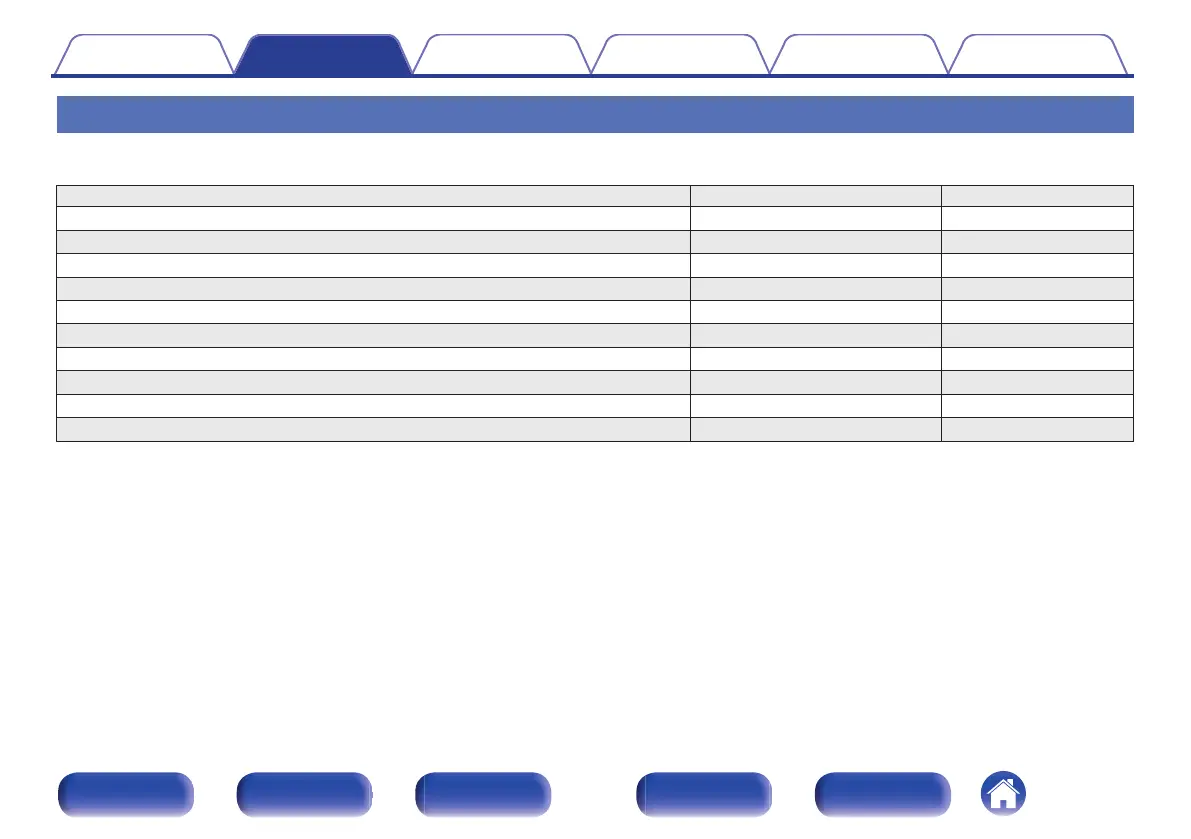
Playback speaker in MAIN ZONE “Amp Assign” settings Connection page
5.1-channel playback 15.1ch (Default) 50
7.1-channel playback 15.1ch (Default) 51
9.1-channel playback 15.1ch (Default) 53
11.1-channel playback 15.1ch (Default) 55
13.1-channel playback 15.1ch (Default) 58
13.1-channel playback (Dolby Atmos and Auro-3D) 15.1ch (Default) 61
15.1-channel playback for Dolby Atmos 15.1ch (Default) 61
15.1-channel for Dolby Atmos and 13.1ch for Auro-3D 15.1ch (Default) 62
13.1-channel playback (bi-amp connection of front speakers) 13.1ch (Bi-Amp) 63
13.1-channel playback + second pair of front speakers 13.1ch + Front B 64
The sound mode that can be selected varies according to the speaker configuration.
The following pages provide basic connection examples.
Contents
Connections Playback Settings Tips Appendix
48
Front panel Display Rear panel Remote Index



 To Next Page