66
ENGLISH DEUTSCH FRANÇAIS ITALIANO ESPAÑOL NEDERLANDS SVENSKA
Inputting characters
1
Display the screen for inputting characters
(vpage 63 “Menu map”).
2
Press SEARCH/INFO while a normal screen is
displayed.
A keyboard screen is displayed.
3
Select a character to be changed.
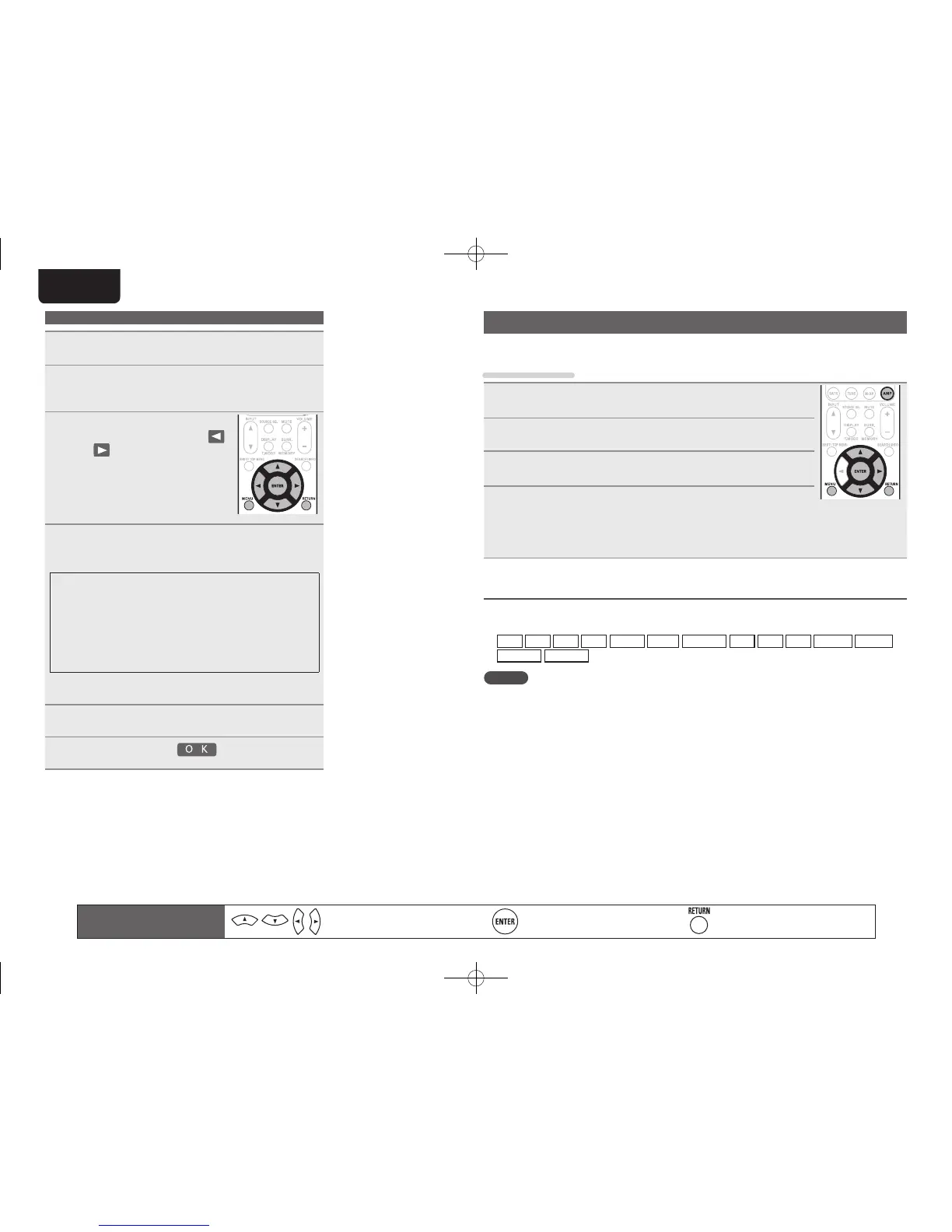
q Press uio p to select
or .
w Press ENTER to place the
cursor at the character to be
changed.
Each time ENTER is pressed, the
cursor moves by one character.
4
Select a character to be input with uio p then
press ENTER.
• The types of characters that can be input are as shown below.
GUpper case characters/Numbers/SymbolsH
ABCDEFGHIJKLMNOPQRSTUVWXYZ
0123456789
! “ # $ % & ’ ( )
z
+ , ; < = >
GLower case characters/Numbers/SymbolsH
abcdefghijklmnopqrstuvwxyz
0123456789
. @ - _ / : ˜ ? [ \ ] ^ ` { | }
• The input character type can be switched by pressing
SHIFT/TOP
MENU
while the display name is being changed.
5
Repeat steps 3 and 4 to change the name.
6
Use uio p to select , then press ENTER.
Input Setup
Perform settings related to input source playback.
• You do not have to change the settings to use the unit. Make settings when needed.
Menu operation
1
Press AMP to set the remote control unit to amplier operation
mode.
2
Press MENU.
The menu is displayed on the TV screen.
3
Use ui to select the menu to be set or operated.
4
Press ENTER or p to enter the setting.
• To return to the previous item, press RETURN.
• Exiting the Menu, press MENU while the menu is displayed.
The menu display disappears.
Important information
n About the display of input sources
In this section, the configurable input sources for each item are shown as follows.
BD
DVD
VCR
SAT
GAME
AUX1
NET/USB
TV
CD
CDR
PHONO
SIRIUS
HD Radio
M-XPort
NOTE
Input sources that have been set to “Delete” at “Source Delete” (vpage84) cannot be selected.
Remote control operation
buttons
Move the cursor
(Up/Down/Left/Right)
Confirm the setting Return to previous menu
1.AV7005U_ENG.indd 66 2010/08/23 18:33:09





 To Next Page