15
SERVICE MODE AND TAKING THE DISC OUT OF EMERGENCY
[A] SERVICE MODE
(1)Insertmainscableplugintheoutlet.(TheUnitisstandbymode.)
(2)Pressthe<ON/STANDBY>buttonWhilepressing
7
/
9
and
2
Button.
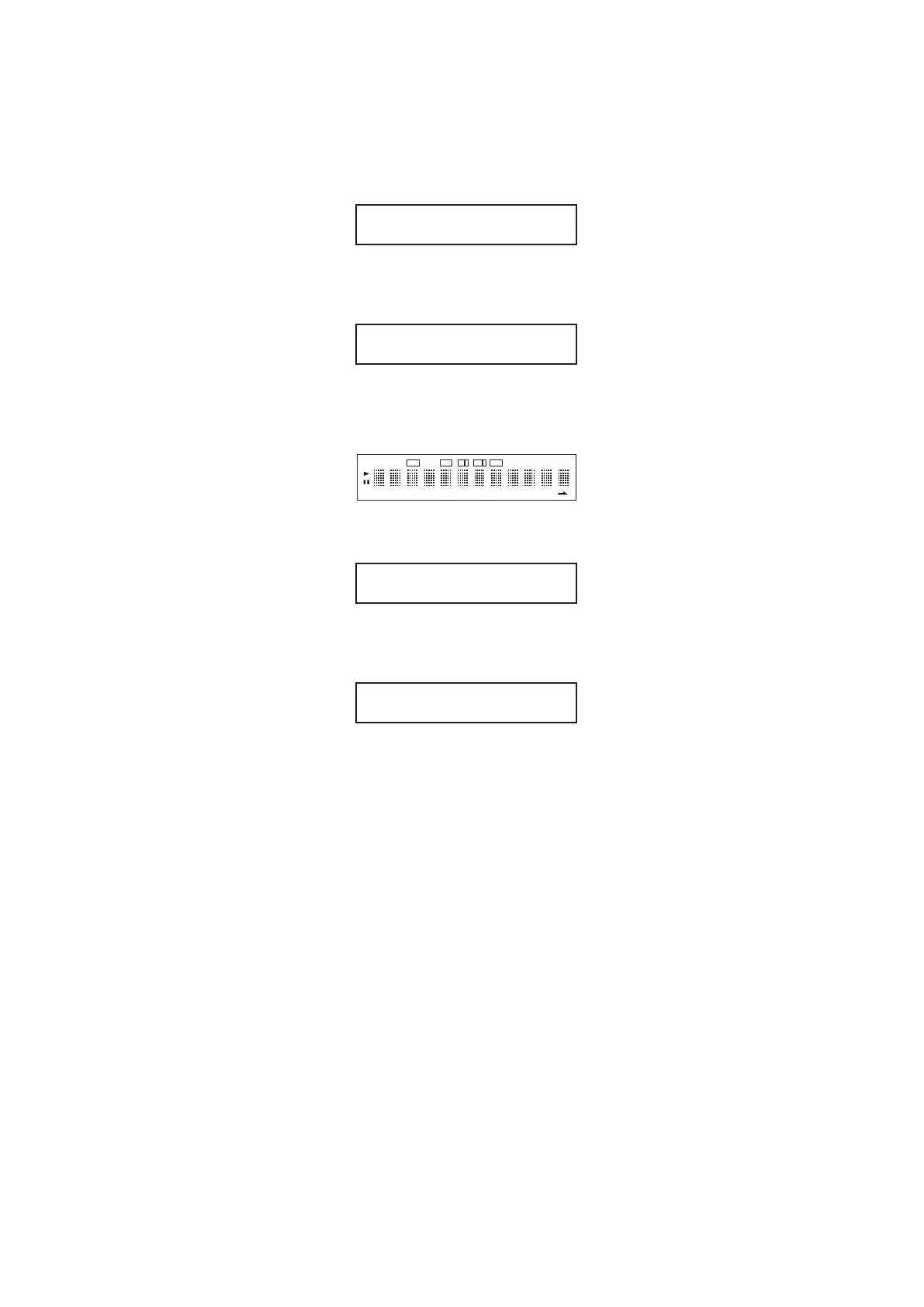
Modelnameisdisplayed.
(3)Press
7
/
9
button.
Versionofmicroprocessorisdisplayed.
(4)Press
7
/
9
button.
LightupallFLsegment.
(5)Press
7
/
9
button.
Serialnumberisdisplayed.
(6)Press
7
/
9
button.
Playbacktimeisdisplayed.
Toreturntoapreviousdisplayatanytime,press
8
/
6
button.
Pressthe<ON/STANDBY>buttontoquitServiceMode.
CD5004
2008-05-16-1
DISC
TTL
TRK
PEAK
TTL
TIME
RNDM
PROG
A
–
B RPT 1
PITCH
EDIT
TEXT
1 2 3 4 5 6 7 8 9 10 11 12 13 14 15 16 17 18 19 20
MZ_000000000
PTime : 00021h



 To Next Page