1. Version display mode
Turn on the AC plug while pressing the button of
"
DISC/INPUT
"
and
"
1
"
.
Now, press the
"
8
/
6
"
or
"
7
/
9
"
button, following information is displayed on the FL tube.
Display Order
Version of System μ-com → Version of USB μ-com → Serial number ·····
To exit, turn off.
main μ-com :
"
_V e r_# # # # # # # # v * *
"
########
:
Main microcomputer version
**:Destination
main μ-com :
"
# # # # _ # # _ # # _ # # _ _ _
"
#### ## ## ##:USB microcomputer version
2. VFD check mode
Turn on the AC plug while pressing the button of
"
DISC/INPUT
"
and
"
2
"
.
To exit, turn off.
All displays on the FL tube ash every 2 seconds. (Lit:1 second, Off:1 second)
3. Cold start mode
Turn on the AC plug while pressing the button of
"
DISC/INPUT
"
and
"
3
"
.
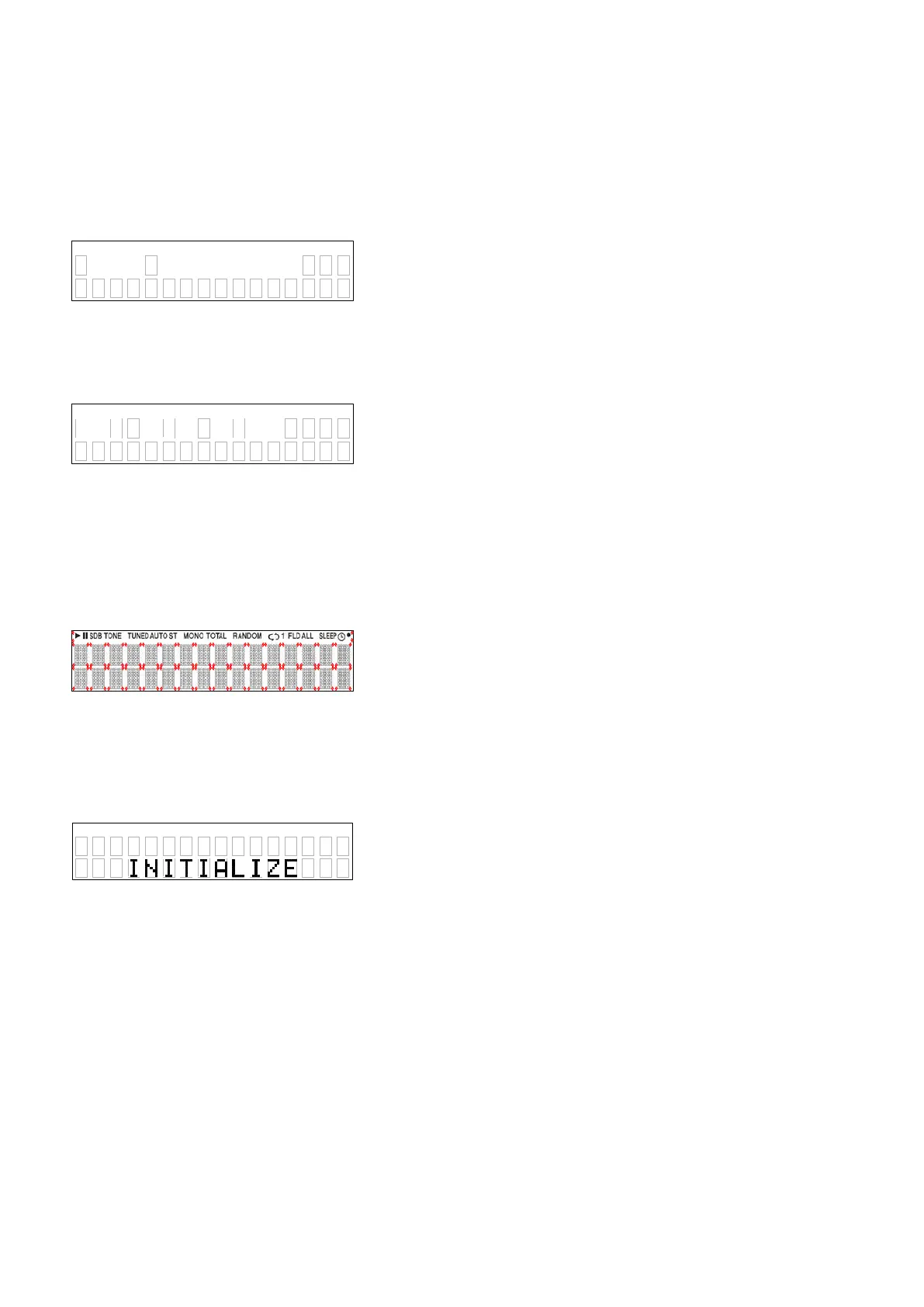
"INITIALIZING"
is displayed on the FL tube. Then start in Normal mode.
Initialization item
DIMMER : 100%
PURE DIRECT : OFF
DISC/USB : DISC
REMOTE/BROWSE : REMOTE
AUTO STANDBY : ON
z
"Laser on time"
is not erase.
13052801Ver
VER
USB 0085
18





 To Next Page