5. CD heart run mode
• Set the disc in the tray. Turn on the AC plug while pressing the button of
"
8
/
6
"
and
"
2
"
.
• If an error occurs, display the error and stop operation at that point. Number of operations held. See
"
Error display
"
.
• Heat run count cleared when
"
2
"
button pressed.
Mode canceled and tray opened after
"
5
"
button pressed.
Detale of the CD heart run mode
No. Mode Button / Operation
1 Normal heat run
1
2 Chacking
2
3 Error display
8
/
6
or
7
/
9
(while the button is pressed)
5.1. Normal heat run
• The CD heat run mode is launched. Once writing of the TOC data is completed, press the
"
1
"
button. Count this as
the 0th heat run repetition.
q
Play from the rst to last track on disc.
w
If disc being used has less than 20 tracks, play all tracks. If disc has 21 or more tracks, skip to nal track after
playback of rst track has nished.
e
After disc playback has nished, move pickup to innermost position and open tray.
r
When loader open status detected, close tray again, re-read TOC and start playback from the rst track on the disc.
t
The heat run repetition count is incremented (increased by 1) when the tray is opened.
y
Conduct
q
to
t
repeatedly.
q
,
w
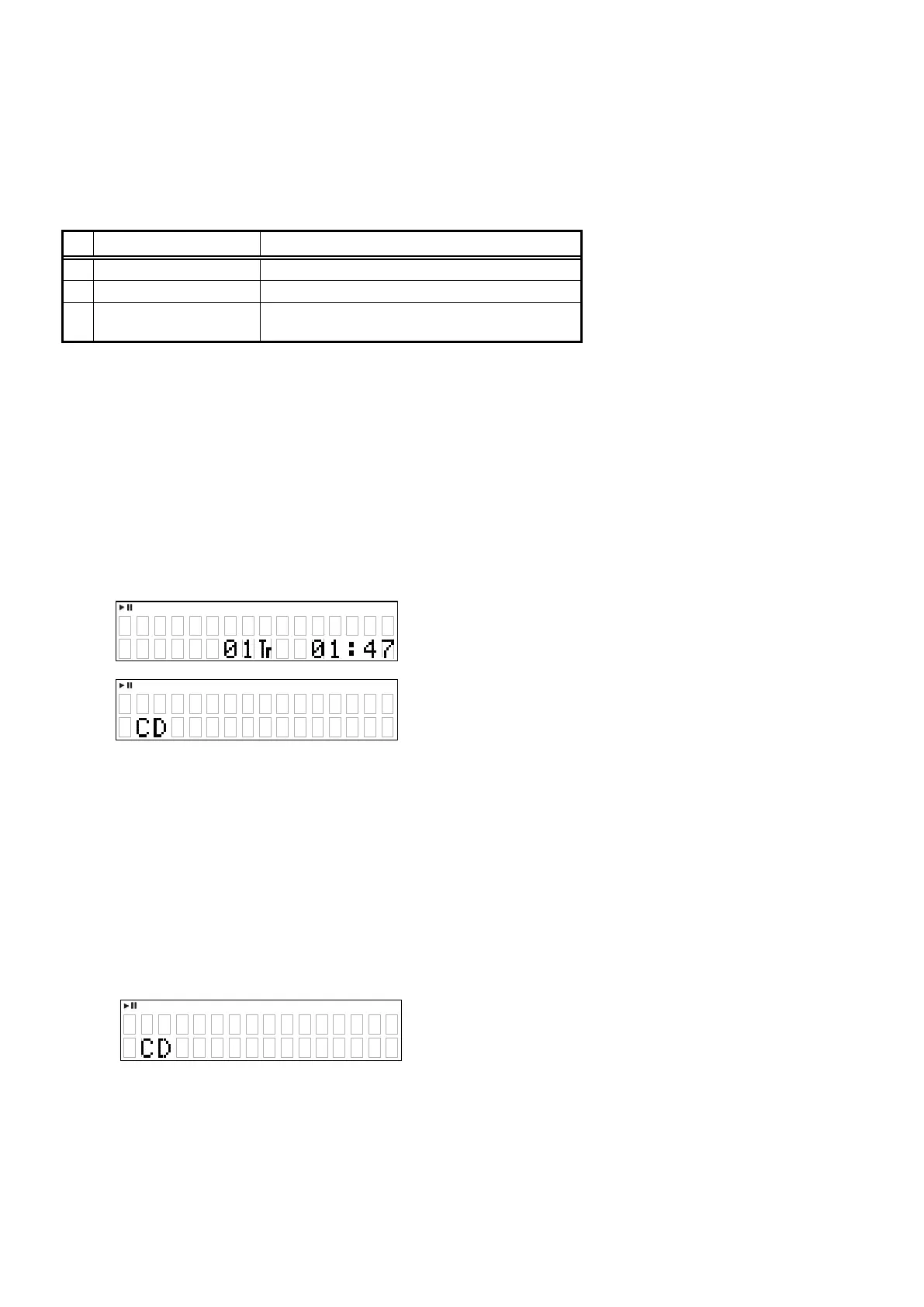
Display during playback.
e
z
XX:XX : No. of heat run repetitions
In cases other than when
"
1
"
is lights, same display as during normal playback.
5.2. Chacking mode
Start heat run mode, after TOC read, the Mechanism stopped, press
"
2
"
button.
Repeat the following.
TOC read
Sarch the rst track on disc.
Open tray.
Close tray.
• The heat run repetition count is incremented (increased by 1) when the tray is opened.
z
XX:XX : No. of heat run repetitions
In cases other than when
"
1
"
is lights, same display as during normal playback.
X X XX
X X XX
22





 To Next Page