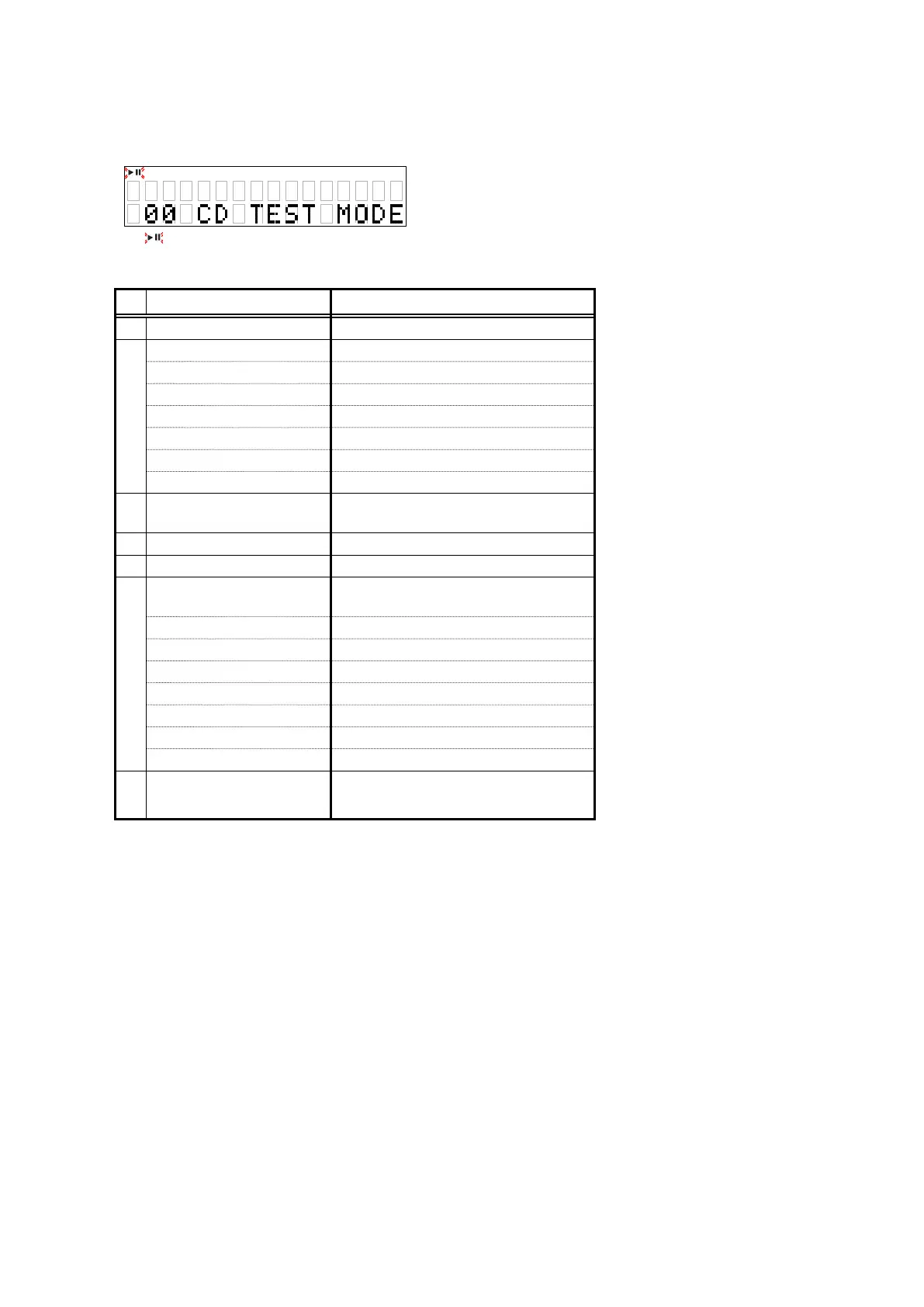
4. CD test mode
Turn on the AC plug while pressing the button of
"
8
/
6
"
and
"
1
"
.
To exit, turn off.
z
: Blink
Detail of the CD test mode
No. Mode Button / Operation
1 Disc loading
5
2
Servo check
-
LD ON
1
FOCUS ON
1
CLV ON
1
TRACKING ON
1
SUB CODE
1
BER
1
3 Pickup movement
8
/
6
or
7
/
9
(while the button is pressed)
4 STOP Servo
2
5 All servo on
2
+
5
6
Adjustment value display
2
(After
"
All servo on
"
state)
FOCUS BALANCE
7
/
9
FOCUS GAIN
7
/
9
TRACKING BALANCE
7
/
9
TRACKING GAIN
7
/
9
FOCUS OFFSET
7
/
9
TRACKING OFFSET
7
/
9
RFRP
7
/
9
7 Laser current is display
2
(Press more than 1second)
4.1. Disc loading mode
• Press the
"
5
"
button to open the tray.
• Set a disc on the tray, then press the
"
5
"
button again to close the tray. The disc is mounted automatically.
• Move the slide to the initially set position (10 mm towards the outside from the innermost position) and stop in this
status.
• Return to CD test mode.
19





 To Next Page