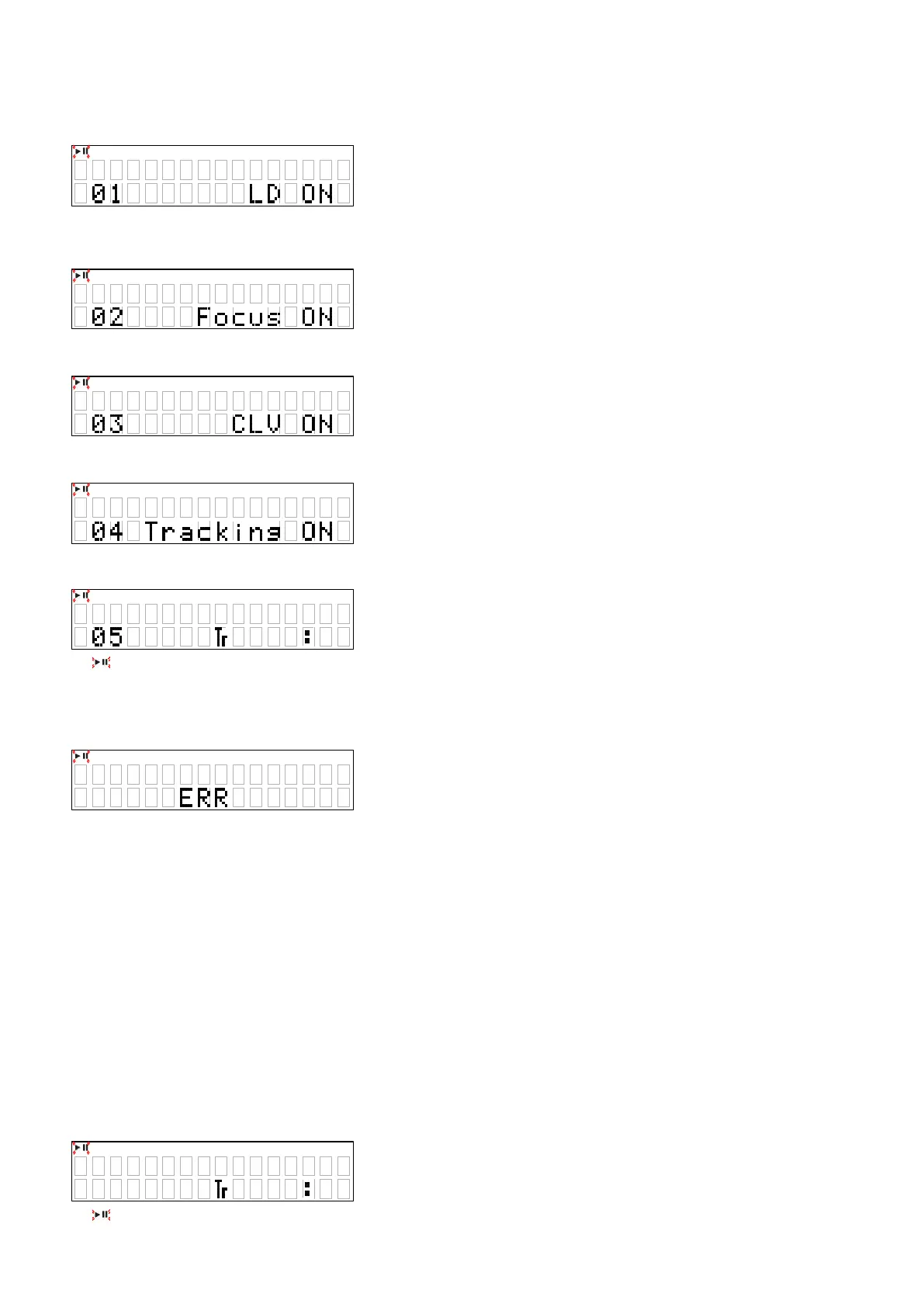
4.2. Servo check
• Press the
"
1
"
button. Execute the following steps.
(1) LD ON (with servo still stopped)
(2) FOCUS ON (disc rotation, tracking off)
If no disc loaded, retry then stop.
(3) CLV ON
(4) TRACKING ON
(5) SUB CODE readout (playback sound output)
z
: Blink
z
@@ : T.No
z
XX:XX : Elapsed Time
z
BER: When display is as in SUB CODE and the
"
1
"
button is pressed, conduct BER (Block Error Rate) display for 2
seconds.
4.3. Pickup movement
• In the stop mode, pickup moves in REV (inwards) or FWD (outwards) direction when
"
8
/
6
"
or
"
7
/
9
"
button
pressed.
• When
"
8
/
6
"
button pressed, move to stop operation after detection that inner switch has turned on.
• Pickup movement stops when button released.
4.4. STOP Servo
• When
"
2
"
button is pressed, play operation and servo stop.
• After stopping, conduct reading of auto adjust values.
4.5. All servo on
• When the
"
8
/
6
"
and
"
5
"
buttons is pressed, all is performed and switch to playback operation. (Playback sound
output)
• Press the
"
2
"
button is rst.
• When the
"
2
"
button pressed more than 1 second, the Laser Current measurement will be started.
z
: Blink
X X XX
@ @
# # ## ##
X X XX
@ @
20





 To Next Page