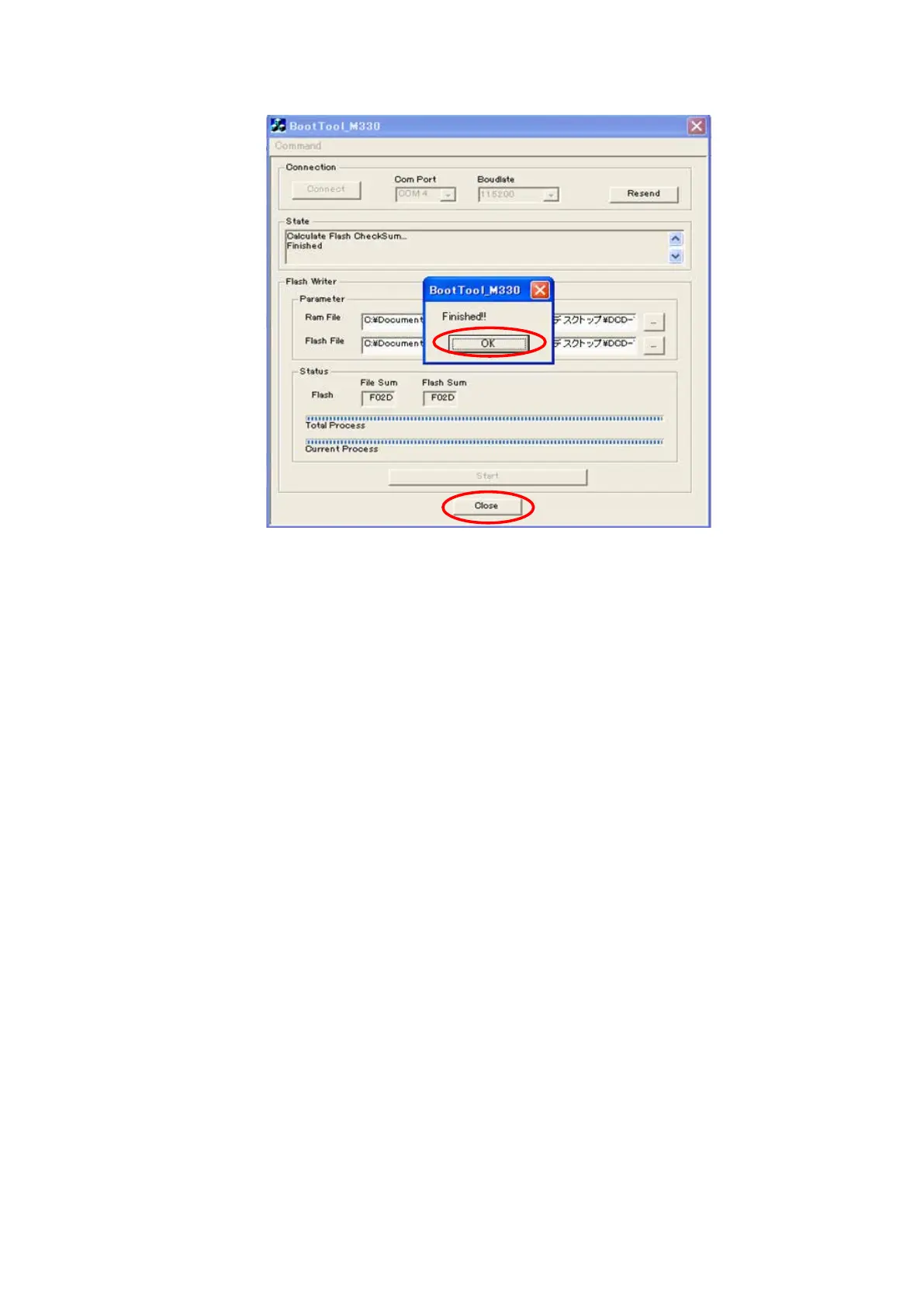
(9) If the software is updated successfully,
"OK."
appears. Click OK.
Disconnect mains cord from the unit, and then disconnect FFC of connection JIG from the unit.
(10) Initializing the unit. Remove the AC plug.
Turn on the AC plug while pressing the button of
"
DISC/INPUT
"
and
"
3
"
.
(11) After updating the rmware, check the version.
Turn on the AC plug while pressing the button of
"
DISC/INPUT
"
and
"
1
"
.
29





 To Next Page