21
ENGLISH
Erasing recordings
You can erase data (tracks) recorded to the HD after stopping
recording.
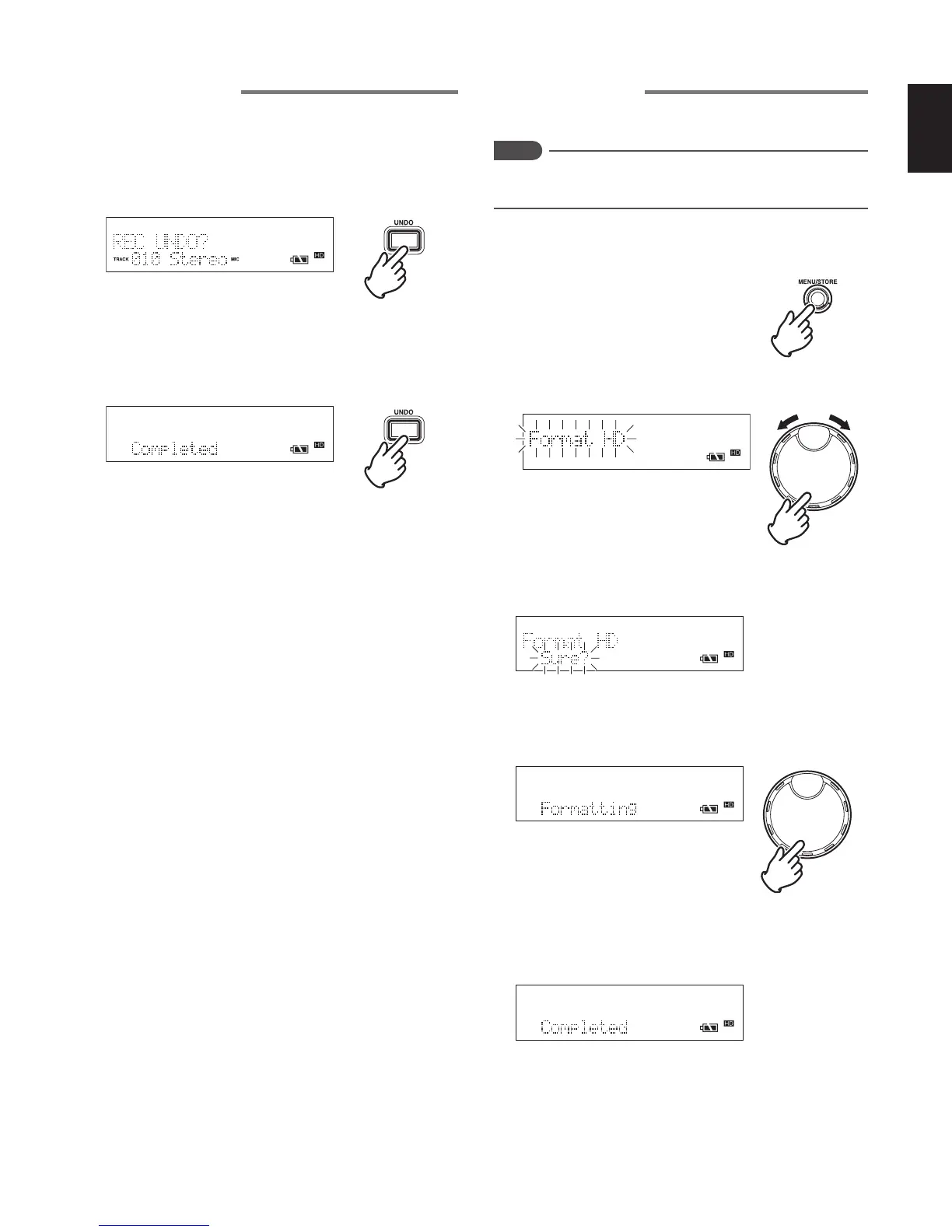
1 After stopping recording, press the UNDO button to switch
to the erase mode of the recorded track.
• “REC UNDO?” is displayed for 3 seconds.
2 Press the UNDO button again while “REC UNDO?” is
being displayed.
• The recorded track is erased, and “Completed” is
displayed for 3 seconds.
Formatting the HD
Formats all of the tracks recorded onto the HD.
Notes
If the HD is formatted, all contents of the HD are erased.
Before formatting, re-check the contents of the HD.
1 While the recorder is stopped, press the MENU/STORE
button.
2 Turn the JOG to select “Format HD” and press the JOG.
• A confirmation message to perform HD format is
displayed.
3 To format the HD, press the JOG.
• “Formatting” is displayed while the HD is being
formatted.
• After formatting has completed, “Completed” is displayed
for 1 second After that, the recorder returns to the
stopped status.



 To Next Page