37
ENGLISH
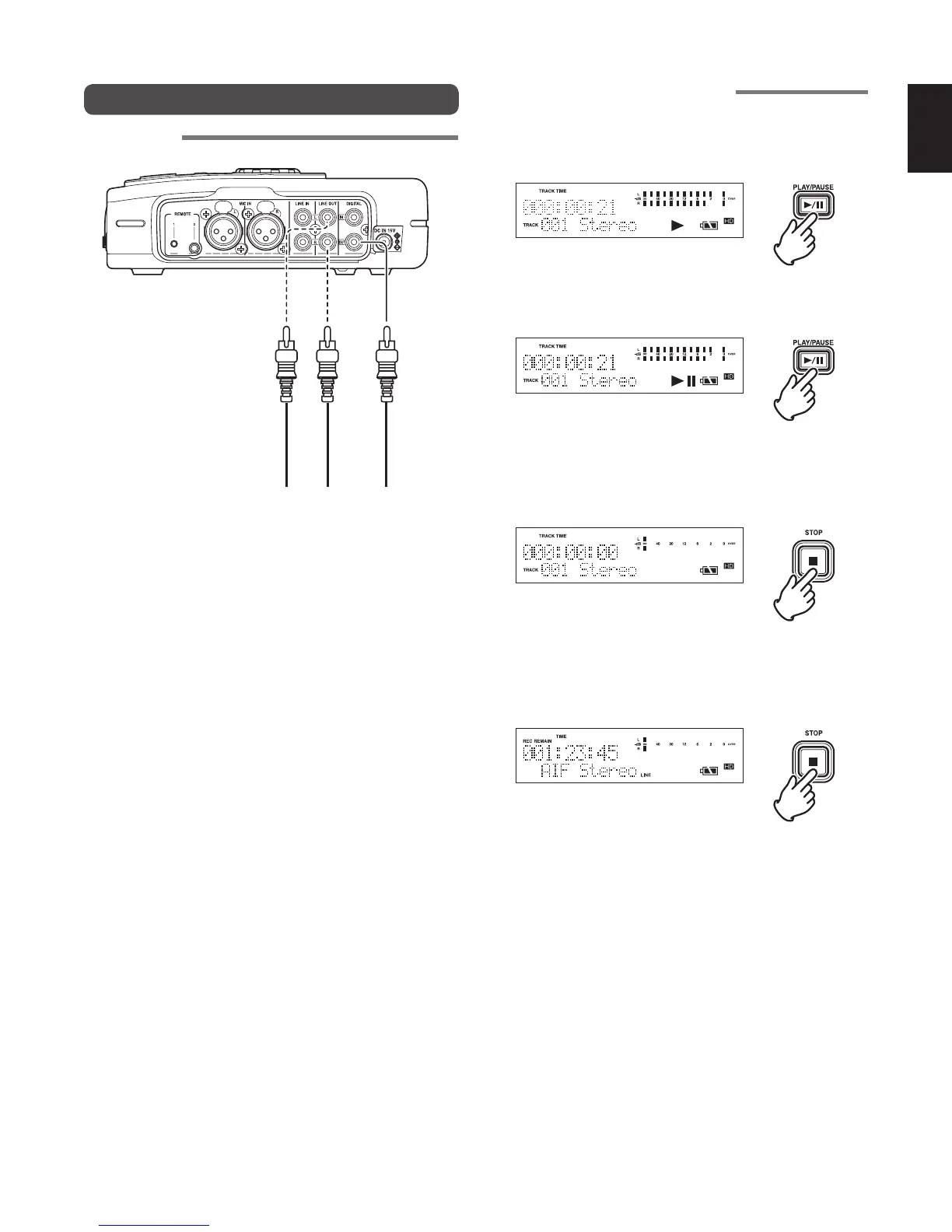
Playing Back HD Data
Schematics
LINE
OUT
DIGITAL
OUT
LR
Basic operations for playback
1 Press the PLAY/PAUSE button while the recorder is
stopped to play back.
• The following information is displayed during playback.
2 During playback, press the PLAY/PAUSE button to pause
playback.
3 Press the STOP button to stop playback.
• This display shows the stopped status of playback. If you
press the PLAY/PAUSE button again, the stopped track
starts playback again from the beginning of the track.
4 Press the STOP button again to return to the stopped
status.
• Press the PLAY/PAUSE button to play back from the first
track.



 To Next Page