35
ENGLISH
6 To burn the data again onto a different CD-R disc, turn the
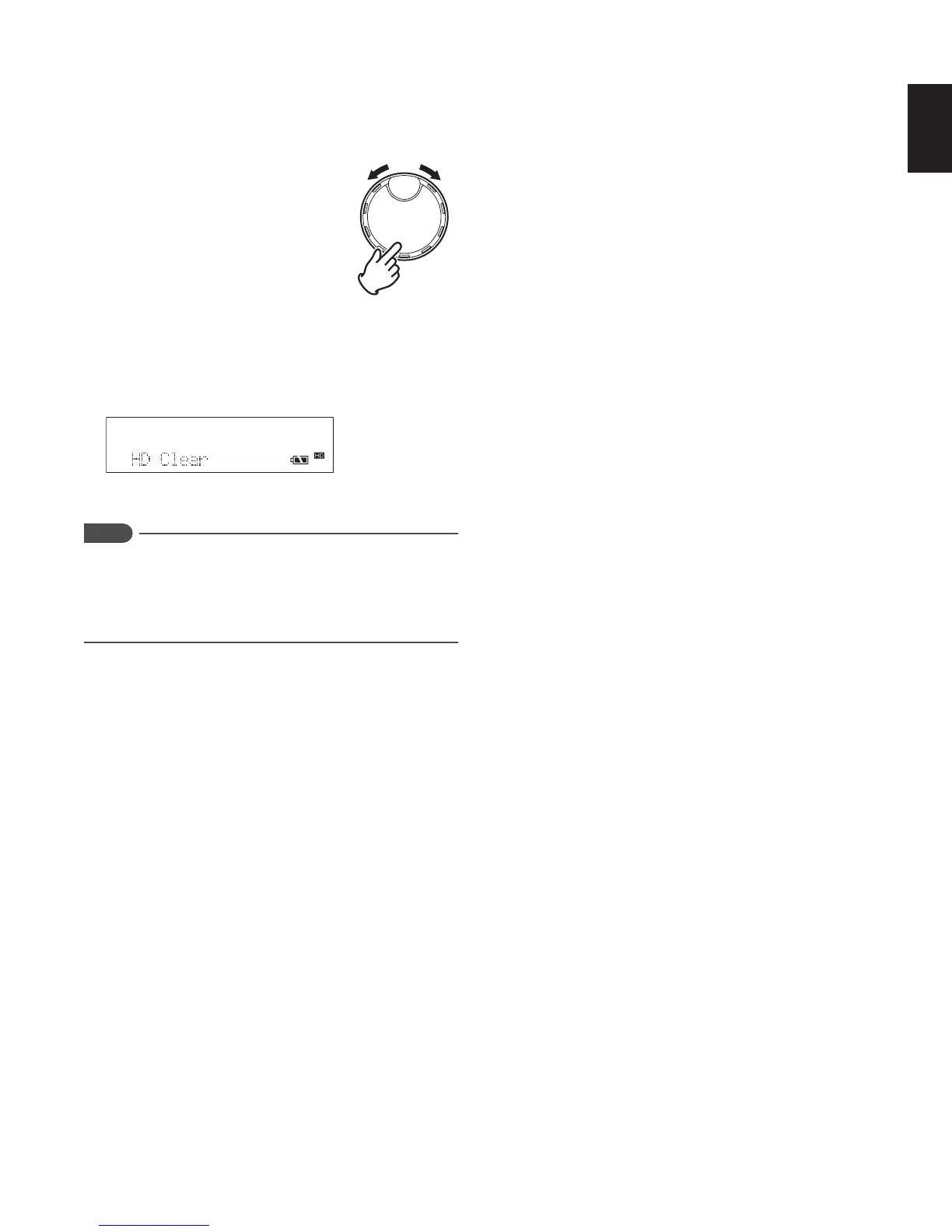
JOG to select “Yes”, and press the JOG.
If you have finished burning to CD-R, select “No” and
press the JOG.
• If you selected “Yes”, CD creation starts again.
• If you selected “No”, all of the HD data is erased.
After all of the HD data is erased, “HD Clear” is displayed
for 3 seconds, after which the display returns to the
default display.
Notes
If an error occurs during CD creation, “Write_Err”
is displayed in the lower section, and the CD-R disc is
automatically ejected from the CD slot.
If a new CD-R disc is inserted, the recorder automatically
starts CD creation again.



 To Next Page