1. Version check display mode
1.1. Operation
To enter the special mode.
・
Press the Power operation "
X
"and SETUP buttons simultaneously while inserting the AC plug to turn the power on.
1.2. Actions
Turn the "Input Selector" knob after this to show the information below on the display.
Model name -> System u-com version -> USB(USB-A device) version -> USB-DAC(DSP) version -> Serial number ->
*Back to the top.
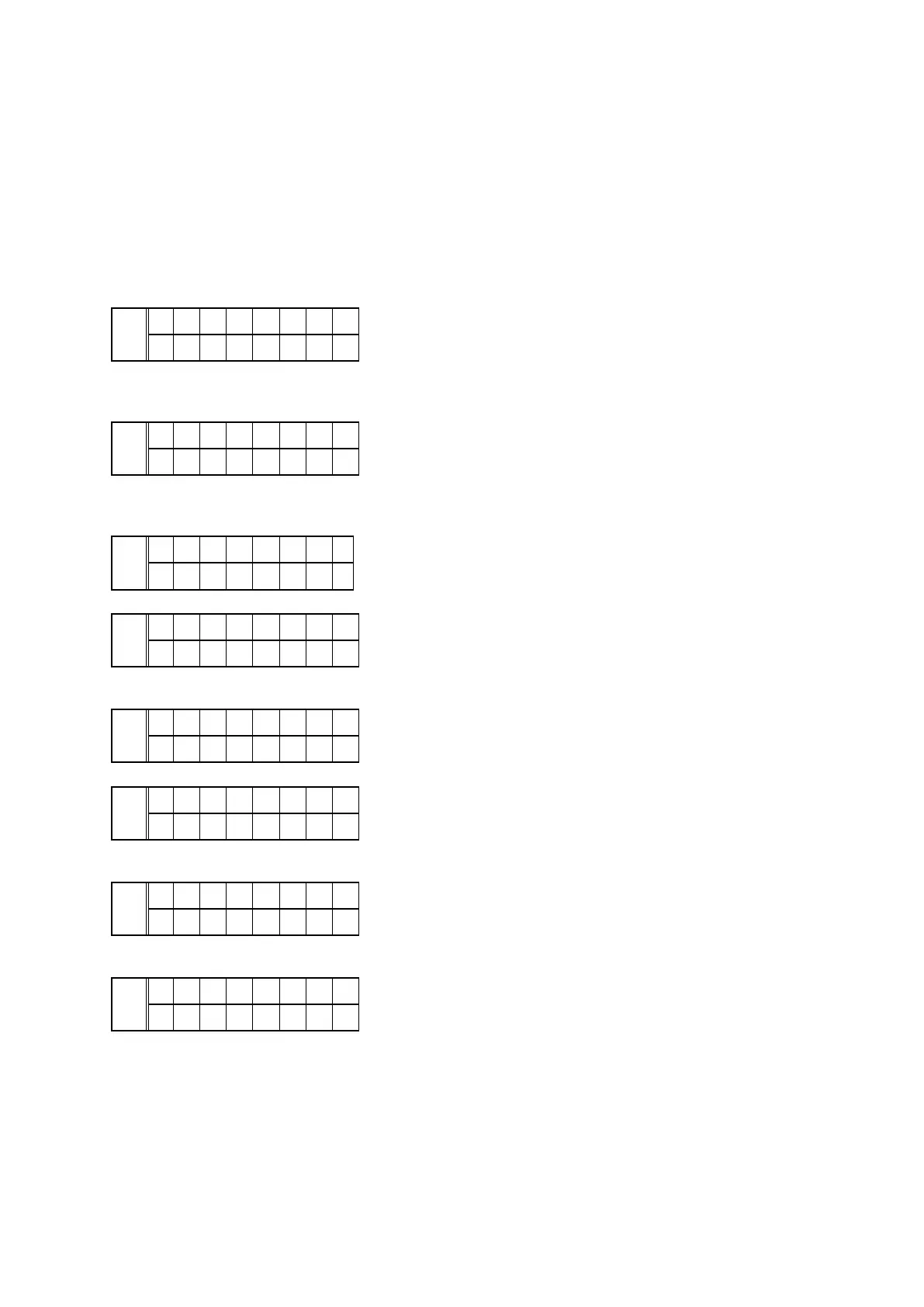
Model name
FLD
H D - D A C 1 N
# # . # #
N: Region, EU: N, NA: U, JP: F, CN: K
System u-com version
FLD
S y s t e m :
# # . # #
# # . # # : Version number
USB (USB-A device) version
FLD
U S B - A :
# # . # #
*if cannot get USB-A information
FLD
U S B - A : - -
- - . - -
USB-DAC (DSP) version
FLD
U S B - D A C :
# # . # #
*if cannot get USB-DAC information
FLD
U S B - D A C :
- - . - -
Serial number
FLD
S / N : y w w
x x x x x x
y:Year (last digit), ww:Week number, xxxxxx:Production number
*if cannot get Serial number information
FLD
S / N : - - -
- - - - - -
To exit the special mode disconnect the adapter plug.
Press the " SETUP " button to move to Display/LED check mode.
23


 To Next Page