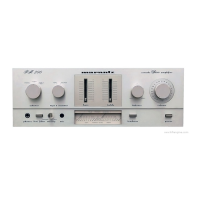
VOLUME
df
SOURCE
DIRECT
MUTE
AMP POWER
X
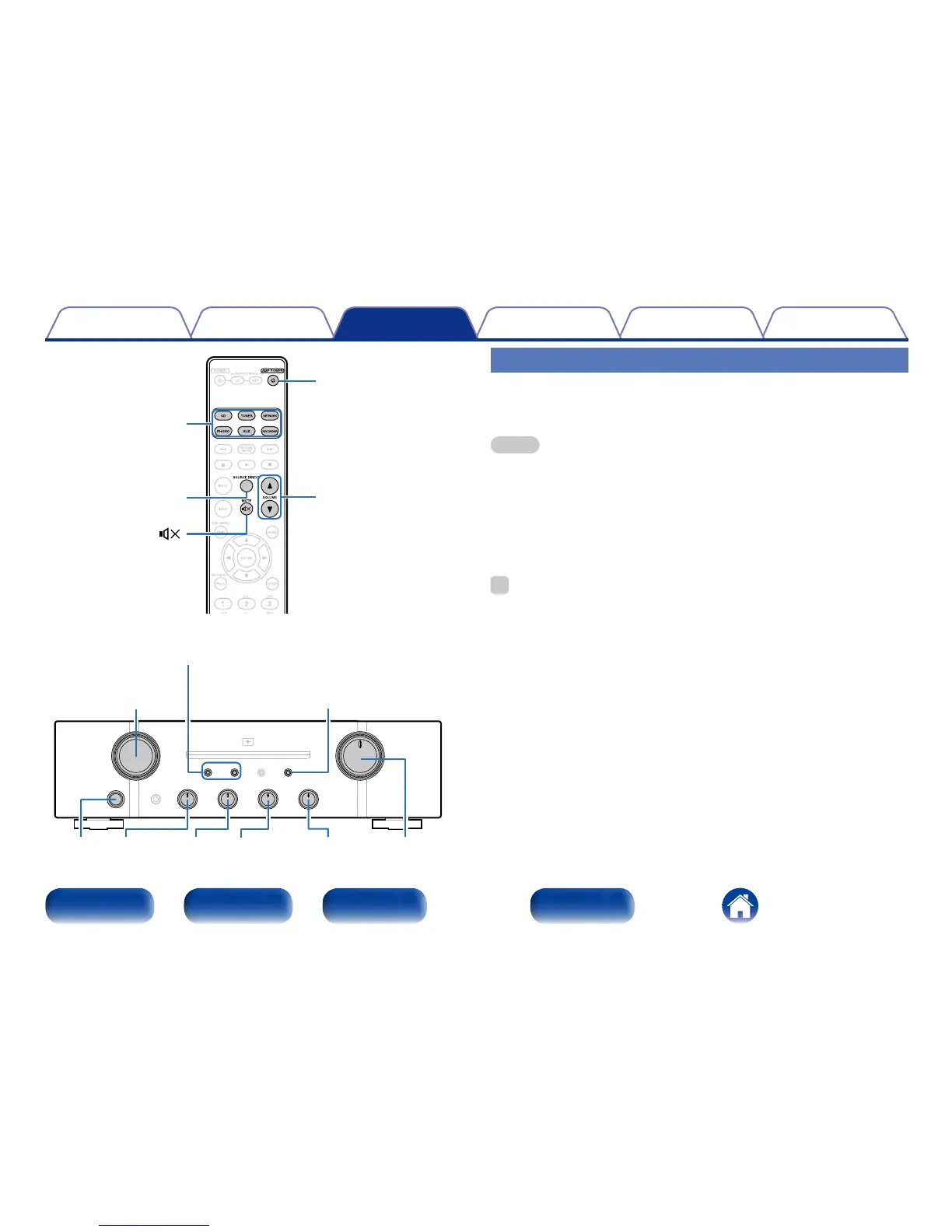
Input source select
buttons
VOLUMEBALANCETREBLEMIDBASS
SPEAKERS
A/B
INPUT
SELECTOR
X
SOURCE
DIRECT
Turning the power on
1
Press X on this unit to turn the power on.
Input indicator for the selected source lights.
NOTE
•Turn VOLUME on this unit to adjust the volume to the lowest level before turning
on the power.
2 Turning the power standby
1
Press AMP POWER X.
The standby indicator lights red.
%
•Press AMP POWER X to turn on power from standby mode.
•You can also turn on power by using either INPUT SELECTOR on this unit from
standby mode.
2 Turning the power o
1
Press X on this unit to turn the power o.
All indicators turn o.



 To Next Page