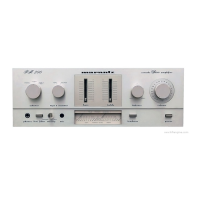
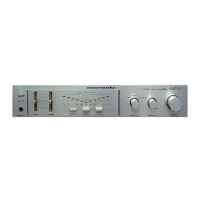
Playing CDs
1
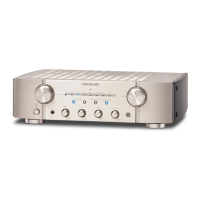
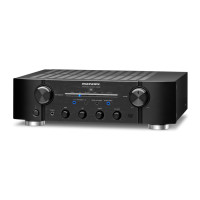
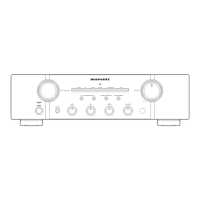
Press X on this unit to turn the power on.
2
Press the input source select buttons to switch the
input source to “CD”.
The “CD” input indicator lights.
3
Playback the CD.
4
Use VOLUME df to adjust the volume.
2 Playback in source direct mode
The signal does not pass through the tone adjustment circuitry (BASS,
MID, TREBLE and BALANCE), resulting in playback of a higher sound
quality.
1
Press SOURCE DIRECT to turn on source direct mode.
The SOURCE DIRECT indicator lights.



 To Next Page