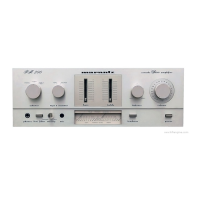
Front panel Rear panel IndexRemote
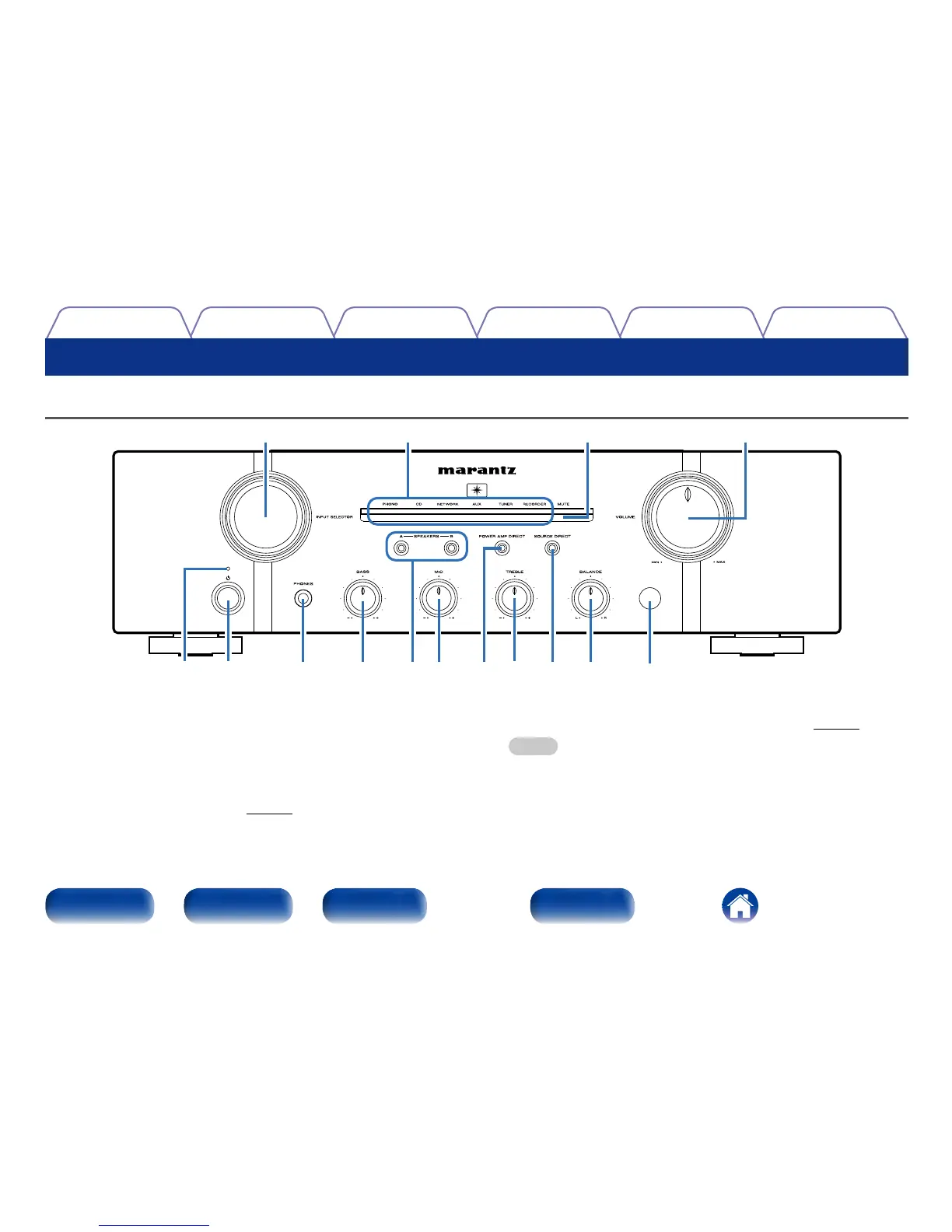
Front panel
r
i
o
Q0
Q1
y
u
tw
e
q
Q4
Q3 Q2Q5
Part names and functions
q Power indicator
This is lit as follows according to the power status :
•Power on : O
•Standby : Red
•Power o : O
•When the protection circuit is activated : Red (blinking)
w Power operation button (X)
This turns the power on/o (vpage25).
e Headphone jack (PHONES)
Used to connect headphones.
Turn o speaker output when using headphones (vpage26).
NOTE
•To prevent hearing loss, do not raise the volume level excessively when using
headphones.



 To Next Page