15
To Check the Programmed Tracks
Press the
button on the remote control
during the program or when the program is stopped (“PROG”
lights up).
Every time press
button, the programmed
tracks will be displayed one after the other in order.
To Delete a Programmed Track
q Press
button in stop mode when program has
been made (When “PROG” indicator is lighting up).
w Every time press
button, the programmed
tracks are deleted in order from the last track programmed.
Also, the deleted track’s track number indicator will
disappear.
To Clear Whole Program
Press
button two times while in program play. In
the stop mode, press
button once.
Program can also be cleared by pressing
key to open the disc tray.
To Add Tracks to Program
Tracks can be added to the end of program when program is
remaining (“PROG” indicator is lighting up) and in stop mode.
However tracks cannot be added to the program when the
RNDM (random) indicator is lit up.
* Please be careful about the following matters.
• When programming 1st through 9th tracks in a disc that
has over 10 tracks by using numeric buttons. For instance,
programming the 3rd track after programming the 1st track,
press 3 button more than approximately 1.5 seconds after
1 button is pressed. When a program is finalized, the time
is updated.
• Likewise, when programming a track at 10th or after. For
example, to program 13th track, press 3 button within
approximately 1.5 seconds after 1 button is pressed.
• When programming a track in a disc that has less than 9
tracks. For instance, to program the 5th track after 4th track
has been programmed, press 5 button more than
approximately 0.5 second after 4 button is pressed.
Q&A
• How many tracks can be programmed?
Up to 30 tracks can be programmed for program
play.
• Can I listen to program play repeatedly?
Press
button once. “ ” “ALL” indicator
will light and program play will be repeated.
• Can I shuffle the programmed track order?
Press
button in stop mode.
Searching your favorite tracks
(AMS (Automatic Music Scan) Play)
This feature is convenient to search where your favorite track
is.
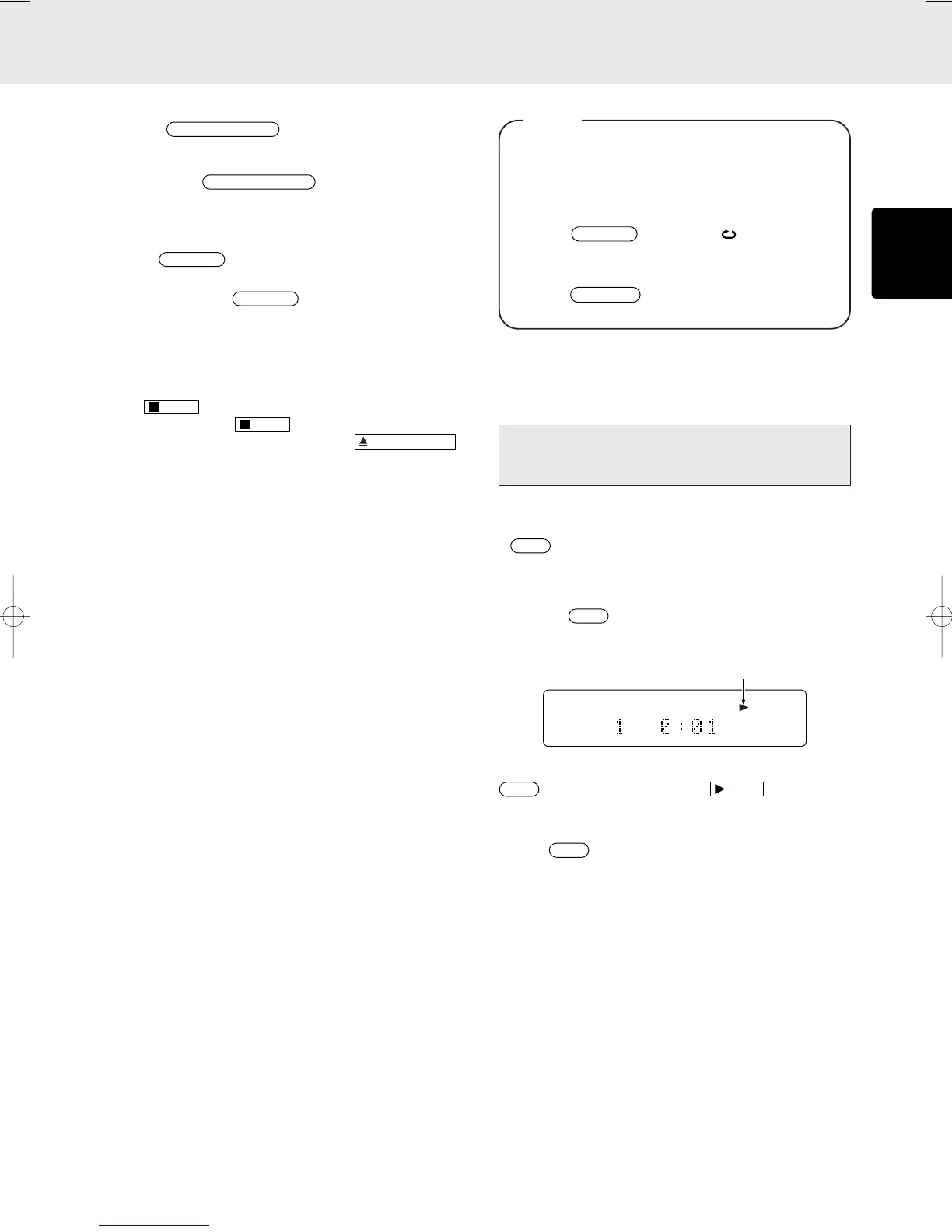
If
button on the remote is pressed in stop mode, the
PLAY “3” indicator will blink and the beginnings of all the
tracks will be played for 10 seconds each starting from the
first track.
Also, if the
button is pressed during playback, the
PLAY indicator “3” will blink, and the program will jump to the
next track after a display time of approximately 10 seconds.
TRK
12 34 56 78 91011 12 13 14 15
When you find a song that you want to listen to, press the
button again or press the
button. PLAY
indicator will light up constantly and normal playback will begin
from the current track.
* If the
button is pressed after the tracks are
programmed, only the programmed tracks are played by
AMS.
Blinks
OPERATION



 To Next Page