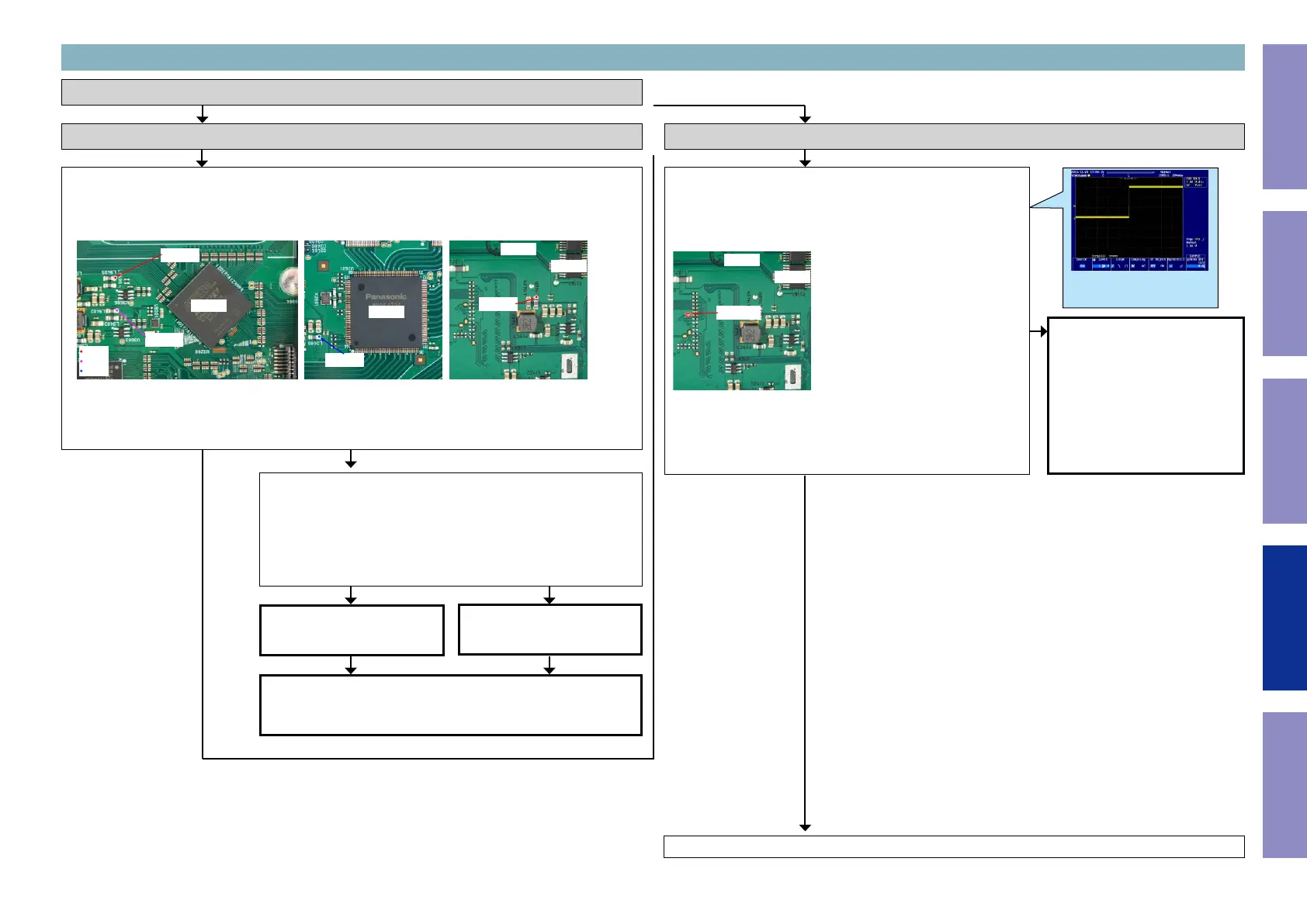
Check the power supply voltage. (HDMI Tx)
Check item(3-1.1.). Check the power supply voltage. :
Does the power supply voltage of the HDMI Tx [U9101] indicate the correct voltage (0.9V x2, 1.8V, 3.3V)?
The test points are as follows.
HDMI Tx
U3200
U2601
U9102
B side
0.9V
1.8V
3.3V
L9408
L9405
L9402
L3608
Check item(3-1.2.). Check the power supply voltage. :
Check the power components [U3606/U3608/U3603/U3601] and
the pattern on the substrate.
If there is no problem, remove the HDMI Tx [U9101] from the sub-
strate and measure the voltage at the test point of check item (3-
1.1.).
Is the voltage correct (0.9V x2, 1.8V, 3.3)?
Replace with a new device.
The power supply circuit is
faulty.
Replace the PCB.
Recheck from check item (3.1.).
If it does not work, replace the PCB.
Checking device. [U9101 : MN864807]
3-1. Error Code H1-01 failure detection procedure
NOYES
NOYES
Go to next page.
YES
Checking the reset waveform. (HDMI Tx)
Check item(3-1.3.). Checking the reset waveform :
Check the waveform.
Is the "RST" waveform of the TP near the CPU [U6201] correct (like
the one shown in the diagram) when the power is turned on?
HDMI Tx
U9102
B side
TPX901
Check the reset circuit between
CPU [U6201] and HDMI Tx
[U9101].
If there is no problem, the HDMI
Tx [U9101] is faulty.
Replace with a new device.
Recheck from check item (3.1.).
If it does not work, replace the
PCB.
NO
Examples of conrmation waveform
Voltage scale : 1.0V/div
Time scale : 20ms/div
112
Before Servicing
This Unit
Electrical Mechanical Repair Information Updating



 To Next Page