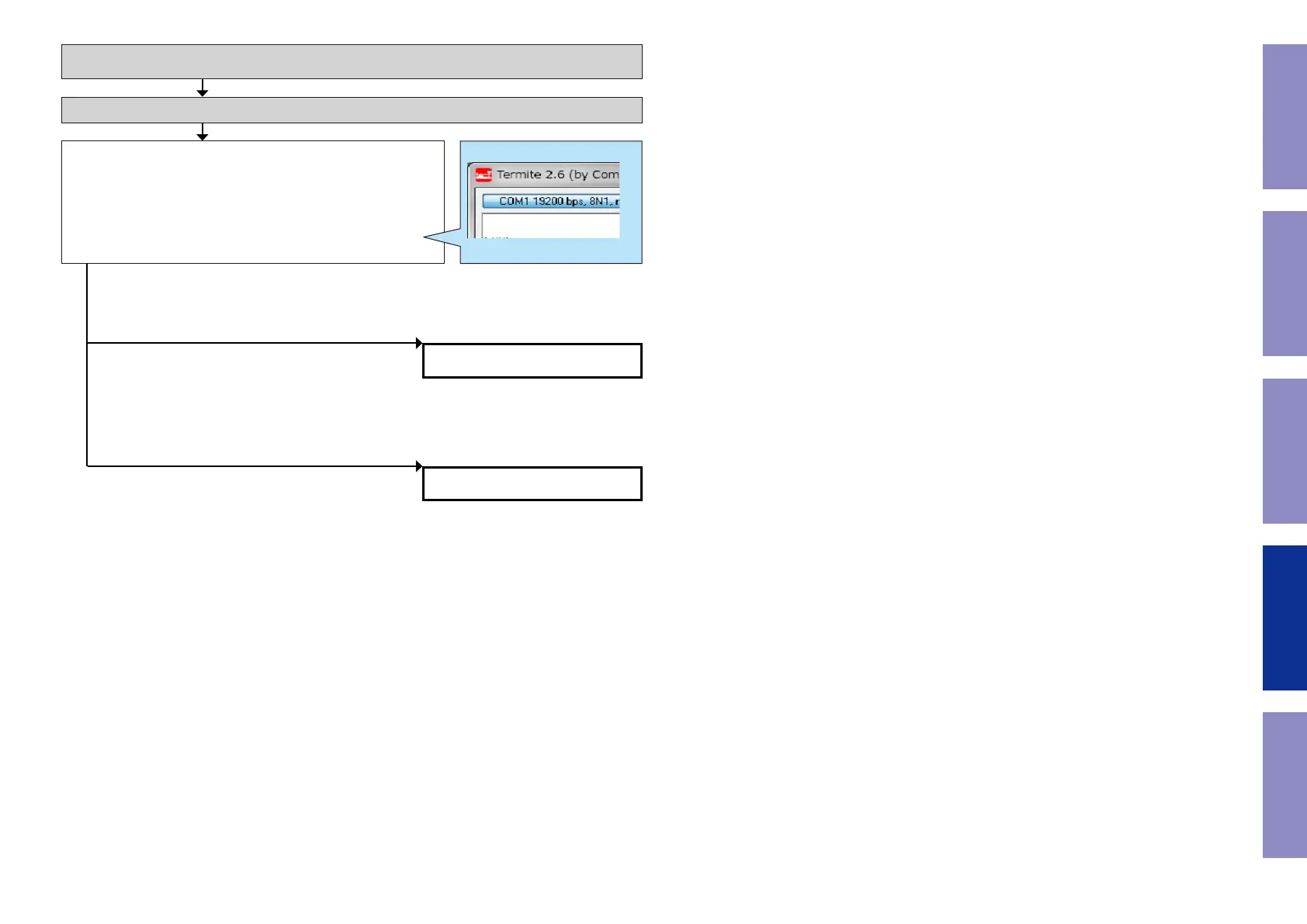
Check item(3-13.9.). Check the HPD register value of the HDMI TX
device. :
Send the following command from Termite.exe.
Send the command "i 0000 00FF 0001".
Move to the branch destination according to the value returned.
Checking between Monitor 2 and the TV.
Connect Monitor2 to the TV and check the following items with the TV turned on.
Checking the HPD status register (HDMI OUT2)
Example
i 0000 00FF 0001
XX
"61"
(Detection of HPD is OK)
"60"
(Detection of HPD is not OK.)
Go to check item (3-13.10.).
Go to check item (3-13.13.).
138
Before Servicing
This Unit
Electrical Mechanical Repair Information Updating



 To Next Page