3-4. Operation Info Mode
3-4.1. Actions
This mode enables the unit to display the accumulated operating time, power On count and each
protection count.
3-4.2. Starting up
While holding down buttons "
ZONE SELECT
" and "
BACK
" simultaneously, press the power button to
turn on the power.
Select the "
4. OP INFO
" using the "
CURSOR
f
/
d
" button, then press the "
ENTER
" button to conrm.
3-4.3. Operations
Press the "
STATUS
" button after starting up this device in Operation Info mode.
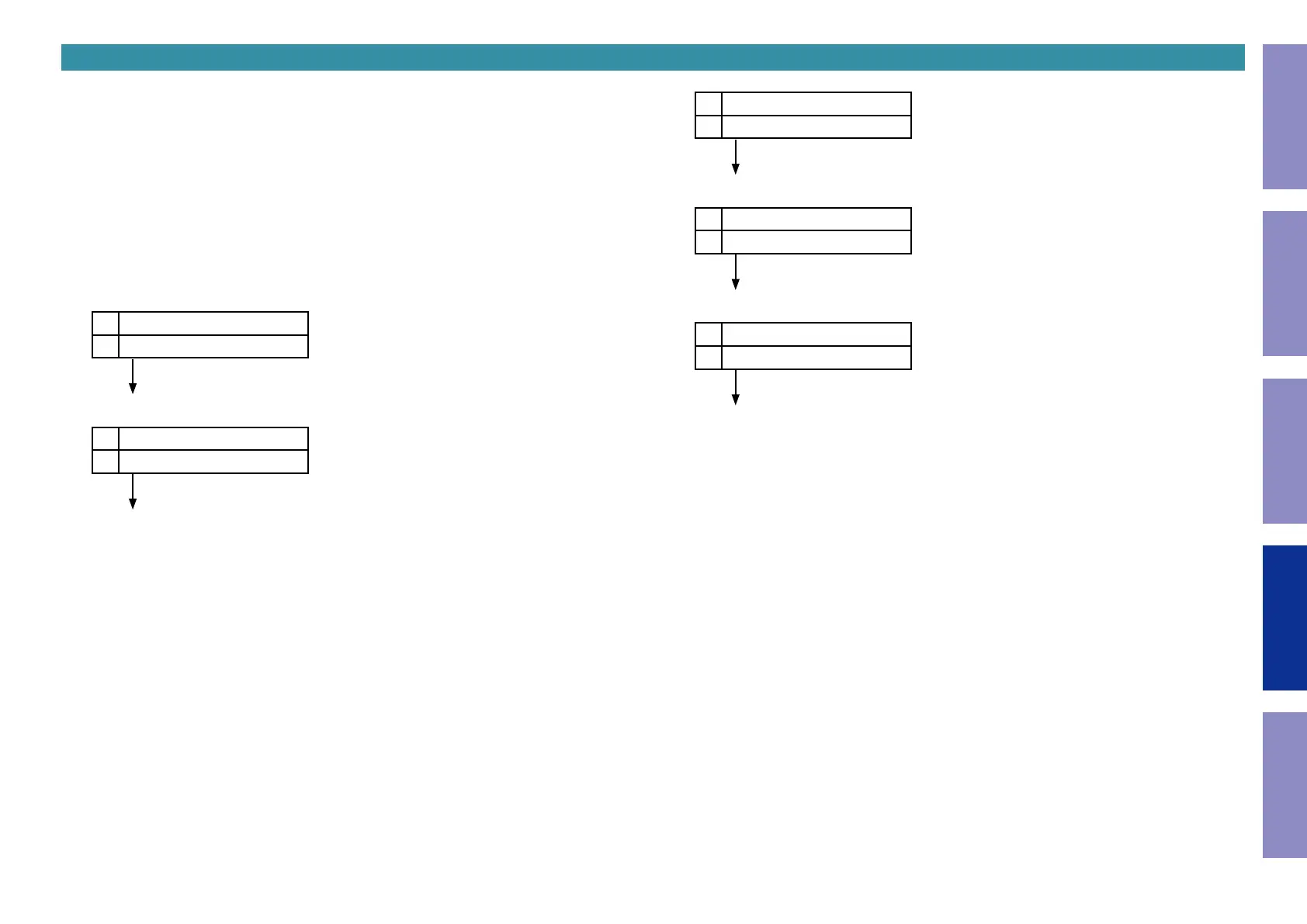
The following information is displayed in the following order.
(1) Accumulated operating time
L1
Operation Time
L2
Total: ______H
↑ Time display
"
STATUS
"
(2) Power On time
L1
Power On Time
L2
Total: ______H
↑ Time display
"
STATUS
"
(3) DC / ASO Protection count
L1
Protection Time
L2
DC:___/ASO:___
"
STATUS
"
(4) Thermal Protection (H) count
L1
Protection Time
L2
THM H:___
"
STATUS
"
(5) Current Protection count
L1
Protection Time
L2
Current:___
"
STATUS
"
(Returns to normal display)
157
Before Servicing
This Unit
Electrical Mechanical Repair Information Updating



 To Next Page