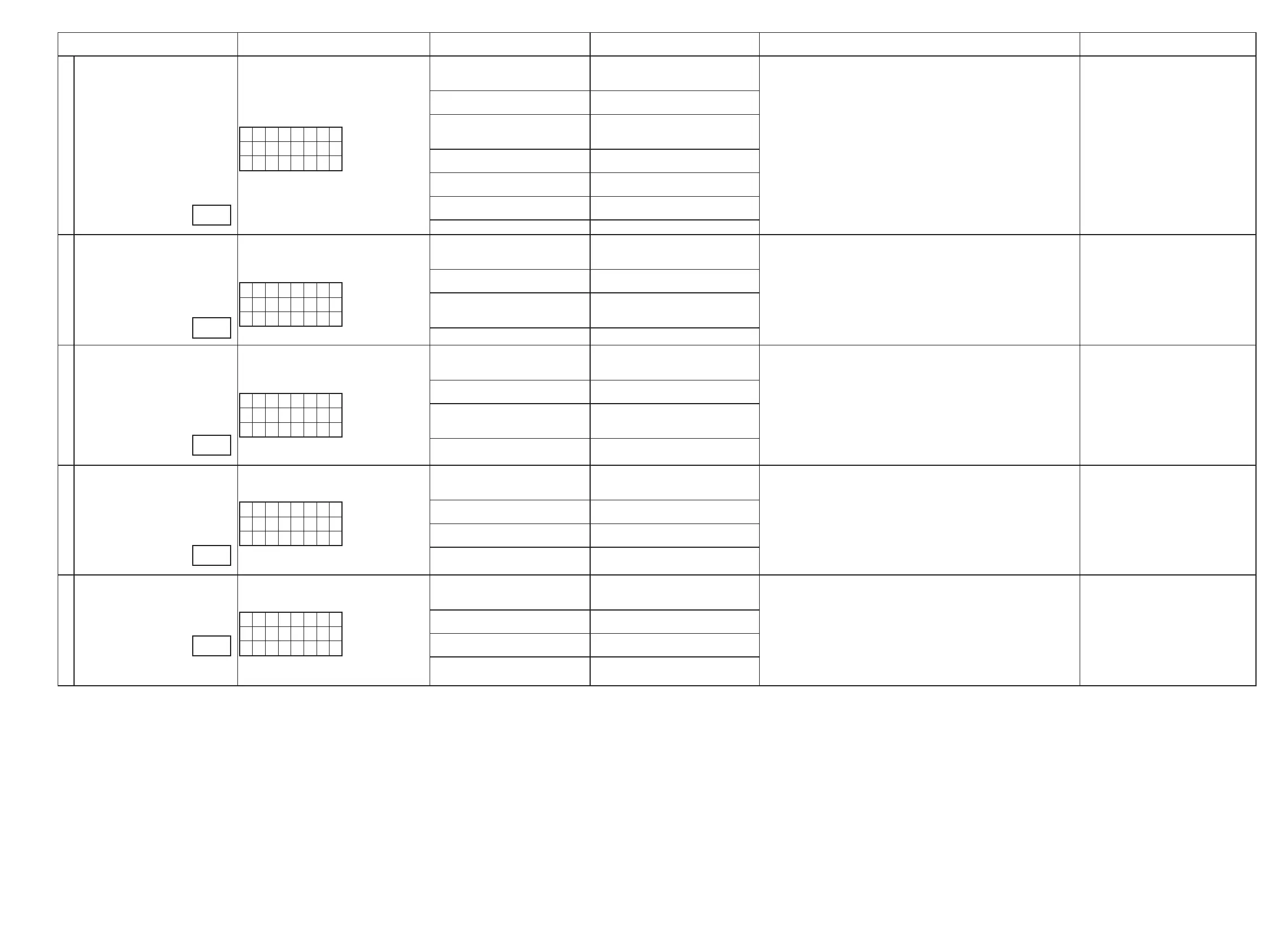
Conrmation item Setting and display
Details of how to operate remote
controller *a)
Output sequence of remote control codes
※
It is useful to form a macro program. *b)
Contents of conrmation Remarks
5
OSD FUNCTION Video Convert(IP Scaler) : ON, All Sources
IP Scaler : Analog & HDMI , All Sources
Resolution : "AUTO", All Sources
Menu : ON
All ZONE :ON
Display:
D i a g M o d e
V 0 2
D V D
1.Press [AMP]
2.Press [Z2]
3.Press [STANDBY]
q
ZONE2 POWER OFF ·OSD : Display / Output : HDMI
·OSD : Display / Output : CVBS
·OSD : Display / Output : Component
·OSD : Display / Output : HDMI
(
b
As the input source, you can switch from DVD to other ones.)
4.Press [Z3]
5.Press [STANDBY]
w
ZONE3 POWER OFF
6.Press [AMP]
7.Press [2/STEREO]
e
KEY2/STEREO (Main Zone)
(Initialization & Video Convert All OFF
& IP Scaler "Analog & HDMI")
8.Press [Z2]
9.Press [POWER ON]
r
ZONE2 POWER ON
10.Press [Z3]
11.Press [POWER ON]
t
ZONE3 POWER ON
12.Press [AMP]
13.Press [DVD] twice
y
DVD (Main Zone)
14.Press [AMP MENU]
u
GUI MENU (Main Zone)
6
CEC FUNCTION
(Control Monitor : HDMI Monitor1)
HDMI Control : ON
Control Monitor Monitor1
(When checking the HDMI Monitor Out1)
Display:
D i a g M o d e
V 0 3
D V D
1.Press [AMP]
2.Press [Z2]
3.Press [STANDBY]
q
ZONE2 POWER OFF · When the power supply of a TV is put in the standby mode, make sure that the
power supply of this unit is also put in the standby mode.
(
b
As the input source, you can switch from DVD to other ones.)
4.Press [Z3]
5.Press [STANDBY]
w
ZONE3 POWER OFF
4.Press [AMP]
5.Press [3/M-DAX]
e
KEY3/M-DAX (Main Zone)
(Initialization & CEC Control ON &
Select Control Monitor 1)
6.Press [DVD] twice
r
DVD (Main Zone)
7
CEC FUNCTION
(Control Monitor : HDMI Monitor2)
HDMI Control : ON
Control Monitor Monitor2
(When checking the HDMI Monitor Out2)
Display:
D i a g M o d e
V 0 4
D V D
1.Press [AMP]
2.Press [Z2]
3.Press [STANDBY]
q
ZONE2 POWER OFF
4.Press [Z3]
5.Press [STANDBY]
w
ZONE3 POWER OFF
4.Press [AMP]
5.Press [4/DYN VOL]
e
KEY4/DYN VOL (Main Zone)
(Initialization & CEC Control ON &
Select Control Monitor 2)
6.Press [DVD] twice
r
DVD (Main Zone)
8
HDMI Audio (signal) Path
(Audio : AMP)
Audio : AMP(When checking the audio output
from AMP)
Display:
D i a g M o d e
V 0 5
D V D
1.Press [AMP]
2.Press [Z2]
3.Press [STANDBY]
q
ZONE2 POWER OFF ·Input : HDMI (Signal of PCM, DolbyDigital or DTS) / Output : Speakers
·Input : HDMI (Signal of HD Audio) / Output : Speakers
(
b
As the input source, you can switch from DVD to other ones.)
4.Press [Z3]
5.Press [STANDBY]
w
ZONE3 POWER OFF
6.Press [AMP]
7.Press [5/HT-EQ]
e
KEY5/HT-EQ (Main Zone)
(Initialization & Select Audio AMP)
8.Press [DVD] twice
r
DVD (Main Zone)
9
HDMI Audio (signal) Path
(Audio : TV)
Audio : TV(When checking the audio output
from TV)
Display:
D i a g M o d e
V 0 6
D V D
1.Press [AMP]
2.Press [Z2]
3.Press [STANDBY]
q
ZONE2 POWER OFF ·Input : HDMI (Signal of PCM, DolbyDigital or DTS) / Output : TV
(
b
As the input source, you can switch from DVD to other ones.)
4.Press [Z3]
5.Press [STANDBY]
w
ZONE3 POWER OFF
6.Press [AMP]
7.Press [6/V.SEL]
e
KEY6/V.SEL (Main Zone)
(Initialization & Select Audio TV)
8.Press [DVD] twice
r
DVD (Main Zone)
g.5
g.6
g.7
g.8
g.9
27



 To Next Page