15
ENGLISH
7
RT (Radio Text)
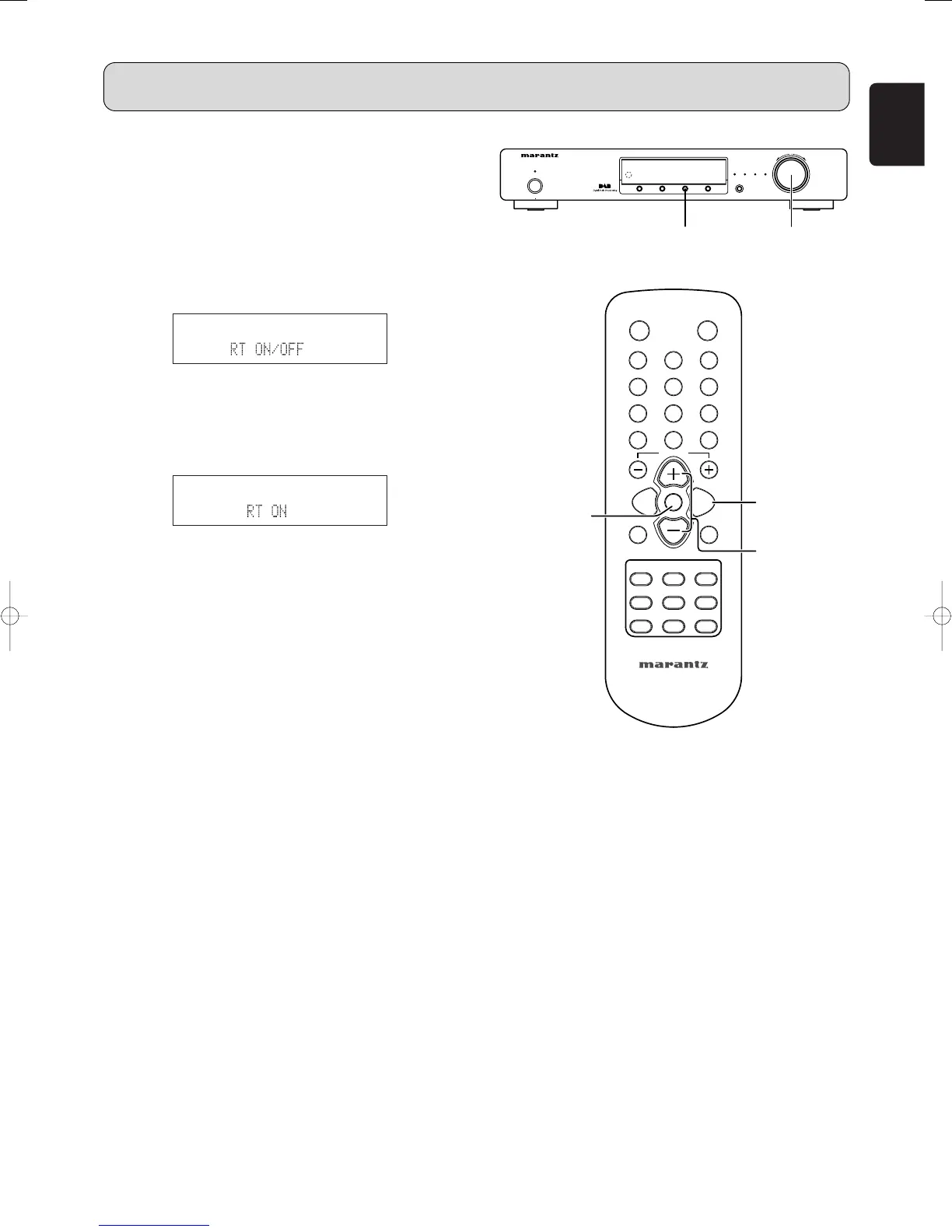
1. Press the MENU button u or ⁄2 to select menu.
2. Either turn the TUNING/PRESET knob !4 or press the
CHANNEL/CONTROL button ⁄4 to display “RDS”.
3. Press the TUNING/PRESET knob !4 or ENTER button
v to set the RDS search selection mode.
4. Either turn the TUNING/PRESET knob !4 or press the
CHANNEL/CONTROL button ⁄4 to display “RT
ON/OFF”.
5. Press the TUNING/PRESET knob !4 or ENTER button
v to set the RT ON/OFF selection mode.
6. Either turn the TUNING/PRESET knob !4, press the
CHANNEL/CONTROL button ⁄4 to choose the “RT ON”
or “RT OFF”.
7. Press the TUNING/PRESET knob !4 or ENTER button
v to set whether to enable or stop the RADIO TEXT
function.
• If no text data is being broadcast, “NO TEXT DATA” is
displayed.
OPERATION



 To Next Page