SAVE
4
4
SAVE
4
4
Examine the 3 different feature charts enclosed and decide which feature will get changed. Circling the feature to
be changed will make the programming process much easier to perform.
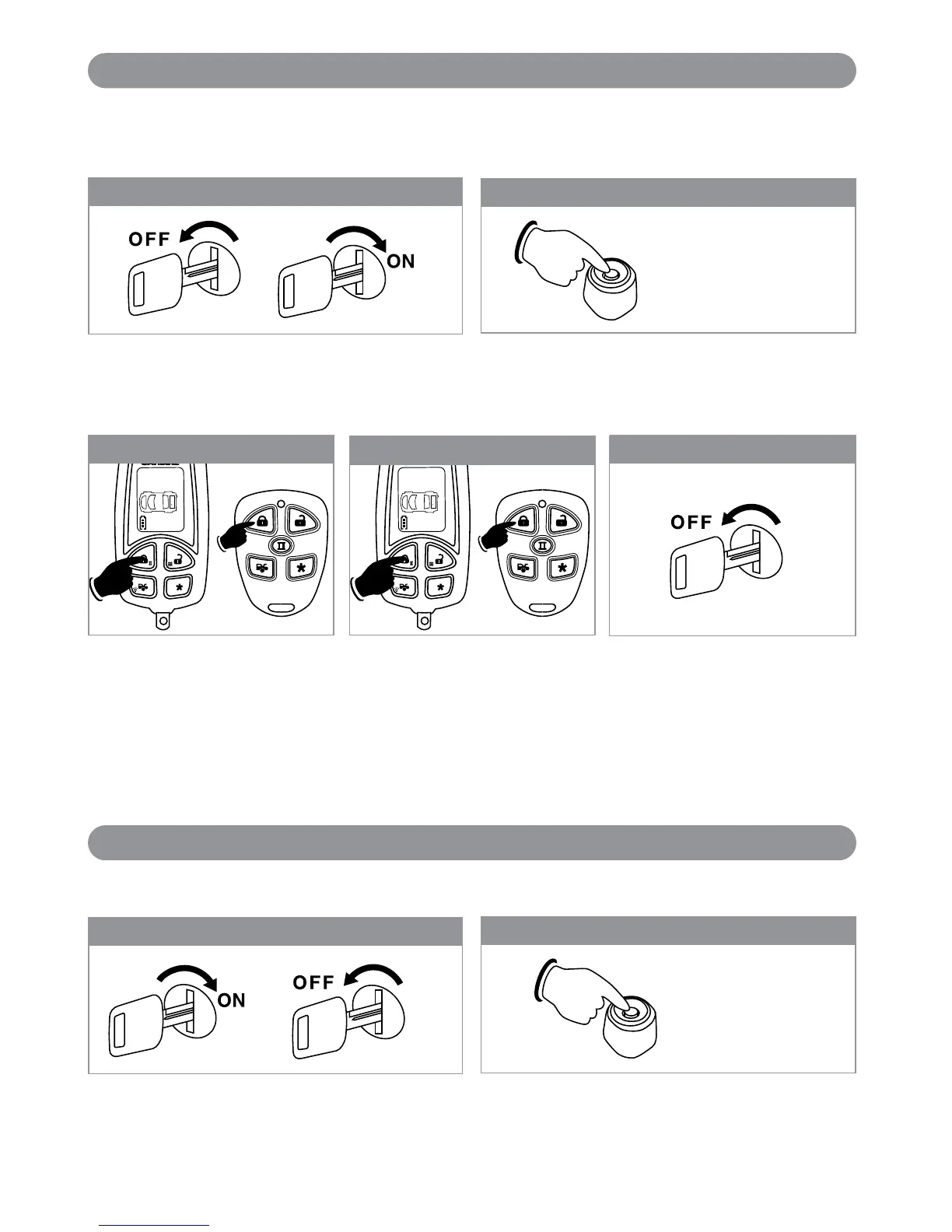
Step 1
3X
With the ignition switch in the OFF position, turn the
key On-Off-On-Off-On
Step 1
3X
Step 3
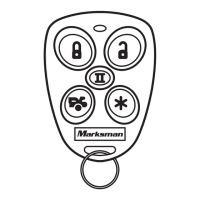
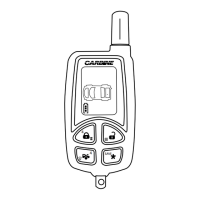
Press the “Lock” button on the first
transmitter until you hear a
confirmation chirp/beep. The
transmitter is now coded into the
system.
Repeat for each additional
transmitter.
When finished, either turn off the
ignition key or wait for 15 seconds
to get out of transmitter
programming mode. You will hear 3
long chirps/beeps and the parking
lights will flash 3 times to indicate
you are out of the transmitter
programming mode.
Programming the Remote Transmitter (Includes the Standard Type and LCD Transmitter Type)
Note: This mode will only retain the last 4 remote transmitters programmed. If the transmitter memory is
exceeded, the security system will start deleting transmitters from memory in chronological order.
Step 4
Before 15 seconds has passed, push and release the
valet switch 2 times. Hold the button down on the 2nd
press until 1 short and 1 long chirp or beep is heard,
then release it. You are now in “Alarm Feature
Programming (Group 1)” mode.
Step 2
1X + 1X (Hold)
Before 15 seconds has passed, push and release the valet
switch 3 times. Hold the button down on the 3rd press
until a long chirp or beep is heard, then release it. You are
now in “Programming the Transmitter” mode.
Step 2
2X + 1X (Hold)
With the ignition switch in the OFF position, turn the
key On-Off-On-Off-On-Off
Step 5:
Exit Program Mode
14
Programming the Transmitter
Alarm Feature Programming (Group 1)
X4-IM.qxp 3/6/08 10:53 AM Page 14


 To Next Page