30 MAC Quantum Wash User Guide
Control panel menus
MAC Quantum Wash firmware version 2.0.0.
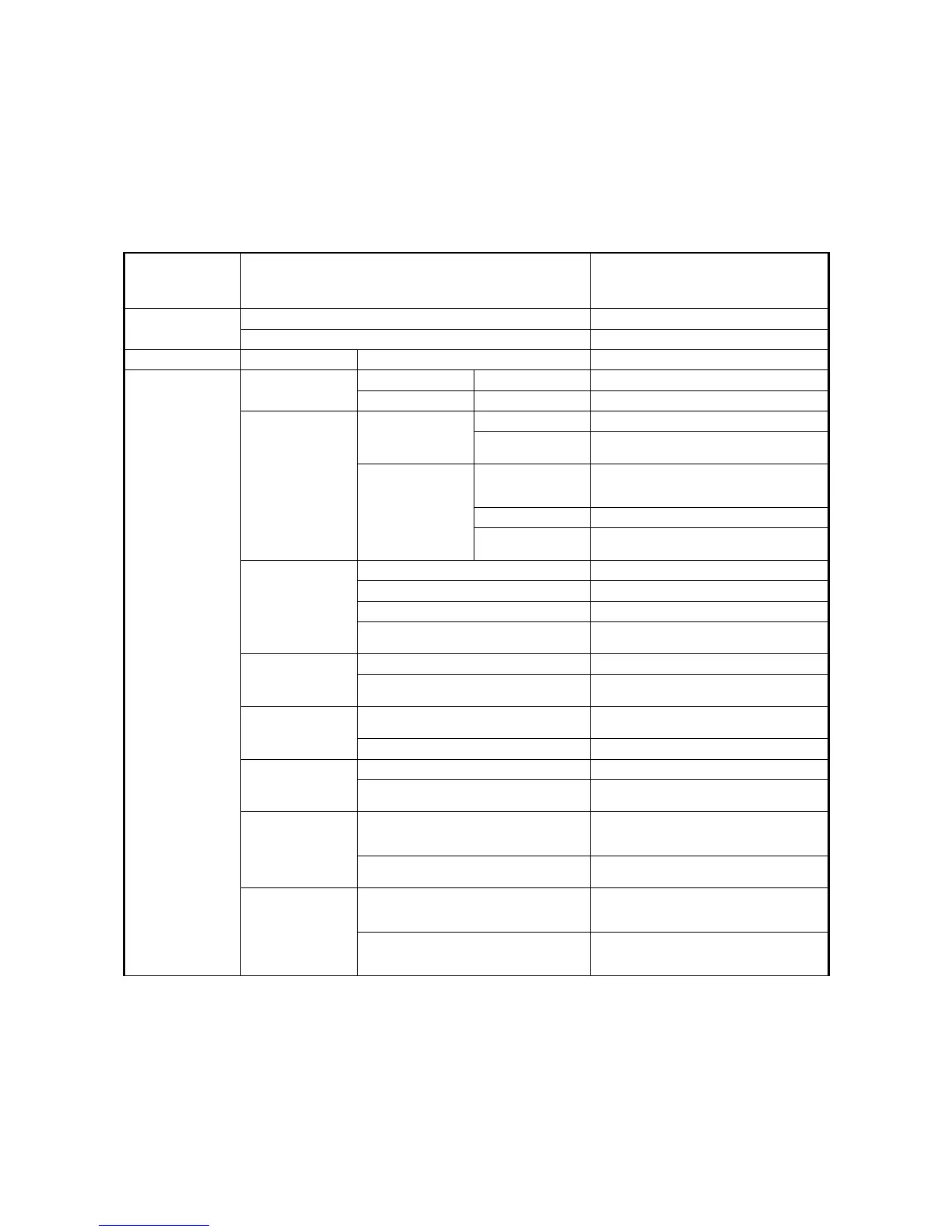
Menu level 1 Menu level 2 Menu level 3 Menu level 4 Notes (Default settings in bold print)
DMX ADDRESS 1 – XXX
DMX address (default address = 1). The
DMX address range is limited so that the
fixture will always have enough DMX
channels within the 512 available.
CONTROL MODE
BASIC Basic DMX mode
EXTENDED Extended DMX mode
FIXTURE ID 0 – 9999 User-settable fixture ID number
0
PERSONALITY
PA N /T ILT
PAN INVERT ON/OFF Inverse DMX pan control: right → left
TILT INVERT ON/OFF Inverse DMX tilt control: down → up
SPEED
PA N /T ILT
FAST Optimize pan/tilt movement for speed
SMOOTH
Optimize pan/tilt movement for
smoothness
EFFECT
FOLLOW P/T
Effects speed follows the speed setting
applied to pan and tilt via DMX or in
control menu
FAST Optimize effects movement for speed
SLOW
Optimize effects movement for
smoothness
DIMMER CURVE
LINEAR Optically linear dimming curve
SQUARE LAW Square law dimming curve
INV SQ LAW Inverse square law dimming curve
S-CURVE
S-curve (fixture emulates incandescent
lamp voltage linear RMS dimming curve)
COLOR MODE
EXTENDED COLOR Color mixing optimized for saturation
CALIBRATED COLOR
(COMMON COLOR in SW v.1.1.0)
Color mixing optimized for even color
rendition across fixtures
VIDEO
TRACKING
ENABLED
Color fading optimized for speed of color
changes
DISABLED Color fading optimized for smoothness
DMX RESET
ON Fixture can be reset via DMX
OFF
Fixture cannot be reset via DMX (can be
overridden: see DMX protocol)
EFFECT
SHORTCUT
ON
Effects take shortest route during
changes, crossing open positions if
necessary
OFF
Effects avoid open positions during effects
changes
COOLING MODE
REGULATE FANS
Fans optimized for light intensity
(temperature controlled by regulating
fan speed, light output unaffected)
REGULATE INTENSITY
Fans optimized for quietness
(temperature controlled by regulating light
output, fan speed kept low)
Table 5: Control menus














 To Next Page