5-63
OTHER CONTROLS AND EQUIPMENT
76MH1-74E
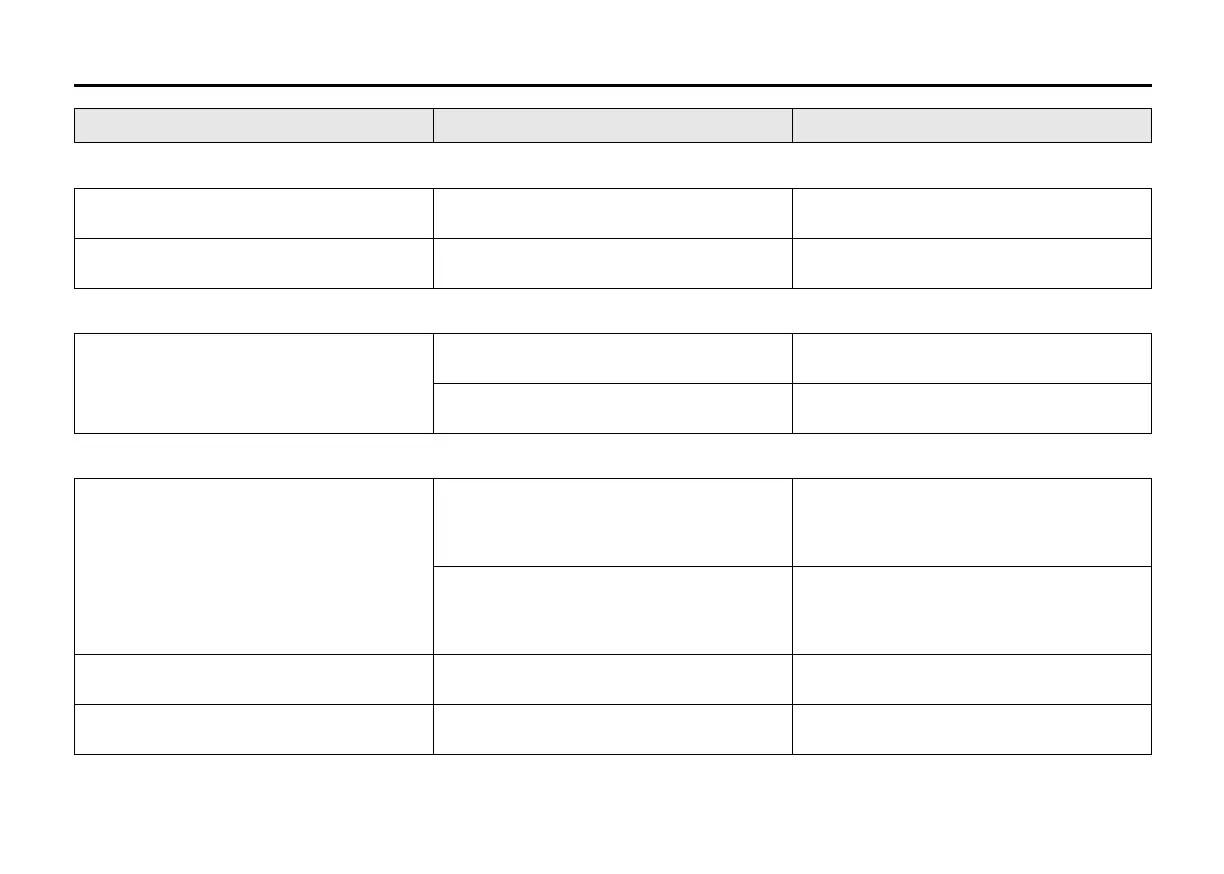
MP3/WMA/AAC
No playback
The disc contains unsupported formatted
data.
Check the file format.
Sound skips or noise produced
Sound skipping may occur when playing
VBR (Variable Bit Rate) files.
It is not recommended to play VBR files.
USB
Playback does not start when the USB
device is connected.
There is no supported format file to play
on this unit.
Check the file format.
The current consumption of the USB
device exceeds 1.0 A.
Use an USB device with a current con-
sumption lower than 1.0 A.
Bluetooth
®
Pairing failed
The distance between this unit and the
Bluetooth
®
ready device is too far, or a
metallic object may be located between
the Bluetooth
®
ready device and this unit.
Change the location of the Bluetooth
®
ready device.
The Bluetooth
®
function of the Blue-
tooth
®
ready device is off.
Refer to the manual of the Bluetooth
®
ready device. (Some devices have the
power saving function that automatically
activates after a certain time.)
Unable to receive a call.
Your current location may be out of ser-
vice area.
Drive your vehicle to the service area of
the phone.
The voice quality of hands-free is low
(Distortion, noise etc.).
Another wireless device may be located
near the unit.
Switch off the wireless device or keep it
away from the unit.
Problem Possible cause Possible solution





 To Next Page