2-48
BEFORE DRIVING
76MH1-74E
NOTE:
The activation point of this light varies
depending on road conditions (for exam-
ple, slope or curve) and driving conditions
because of fuel moving in the tank.
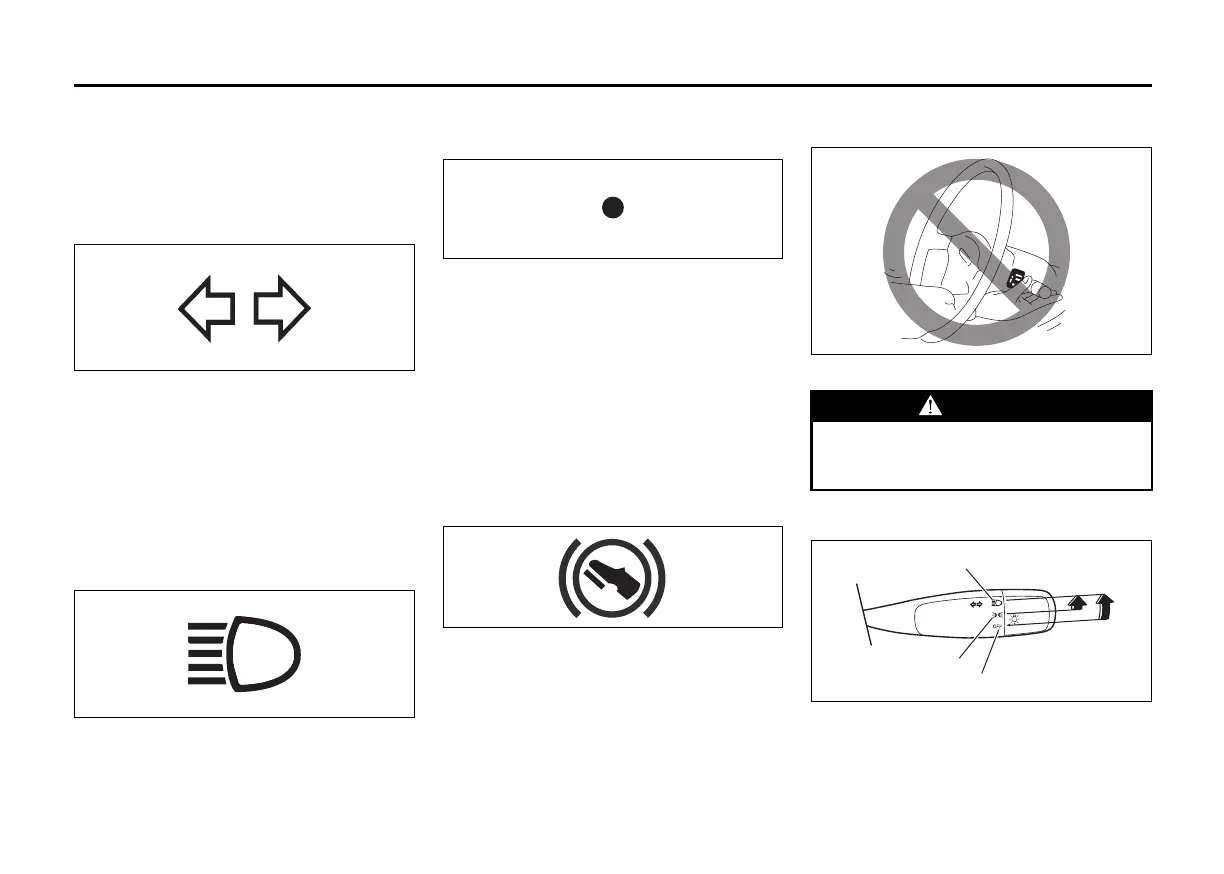
Turn Signal Indicators
50G055
When you turn on the left or right turn sig-
nals, the corresponding green arrow on the
instrument panel will flash along with the
respective turn signal lights. When you
turn on the hazard warning switch, both
arrows will flash along with all of the turn
signal lights.
Main Beam (high beam) Indicator
Light
50G056
This indicator comes on when headlight
main beams (high beams) are turned on.
Security System Indicator
(if equipped)
82K269
For details about the security system, refer
to “Security System” in this section.
NOTE:
If the security system indicator blinks when
the ignition switch is in the “ON” position,
there may be something wrong with the
security system. Ask your authorised
Maruti Suzuki workshop to inspect the sys-
tem.
Depress Brake Pedal Indicator
(if equipped)
76MH0A047
Refer to “Auto Gear Shift” in the “OPERAT-
ING YOUR VEHICLE” section for details.
Lighting Control Lever
65D611S
Lighting Operation
60MK011
To turn the lights on or off, twist the knob
on the end of the lever. There are three
positions:
WARNING
To avoid possible injury, do not oper-
ate controls by reaching through the
steering wheel.
(3)
(2)
(1)






 To Next Page