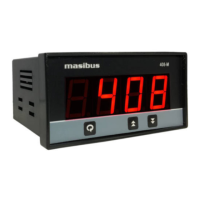
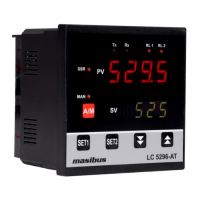
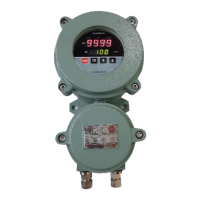
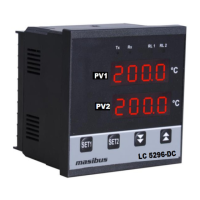
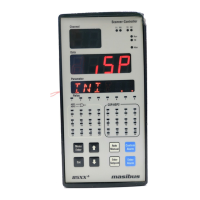
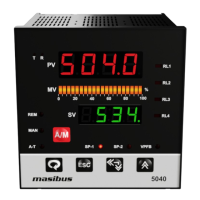
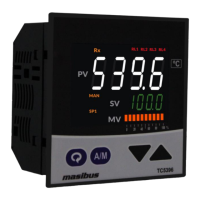
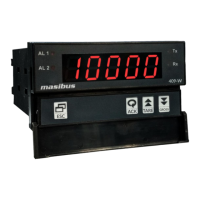
Model: LC5296-H / LC5296 / 5006-RN / 408-M / LC5248E
Doc. Ref. no.:- m61C/om/101
Issue no. 13
User’s Manual Page 19 of 36
6.1 Run Time Indication/Function
Following parameters can view or change during run time.
For Thermocouple input type, Press Decrement key to show ambient temperature.
6.2 Set Point Setting
6.3 Configuration Mode
Sett in g nam e and
desc ription
Range Depending on PV
sensor type selected
Range Depending on PV
sensor type selected
Setting Name & Description
Set PV Input Type
tC j / tC t / tC K / tC r / tC s /
rtd1 / rtd.1 / 0-5v / 1-5v / 0-10
*Use external 250ohms,0.1% for
current input
Automatically change to the Input Lower
Range with changing of Input Type
(Refer Above Table)
Can be set to any value within the Input
Range & less the SPAN Value.



 To Next Page
 Loading...