EasyManua.ls Logo

Masibus LC5296-H - Calibration Mode

Masibus LC5296-H
36 pages
Print Icon
To Next Page IconTo Next Page
To Previous Page IconTo Previous Page
Loading...
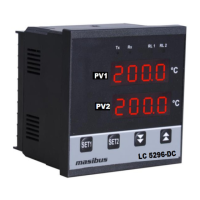
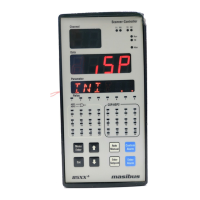
Model: LC5296-H / LC5296 / 5006-RN / 408-M / LC5248E
Doc. Ref. no.:- m61C/om/101
Issue no. 13
User’s Manual Page 27 of 36
7.6 Calibration Mode
NOTE:-
For Dual Display Device available option for parameter will be displayed on
SV Display in Edit Mode. For Single Display Device available option for
parameter will be displayed on PV Display in Edit Mode.
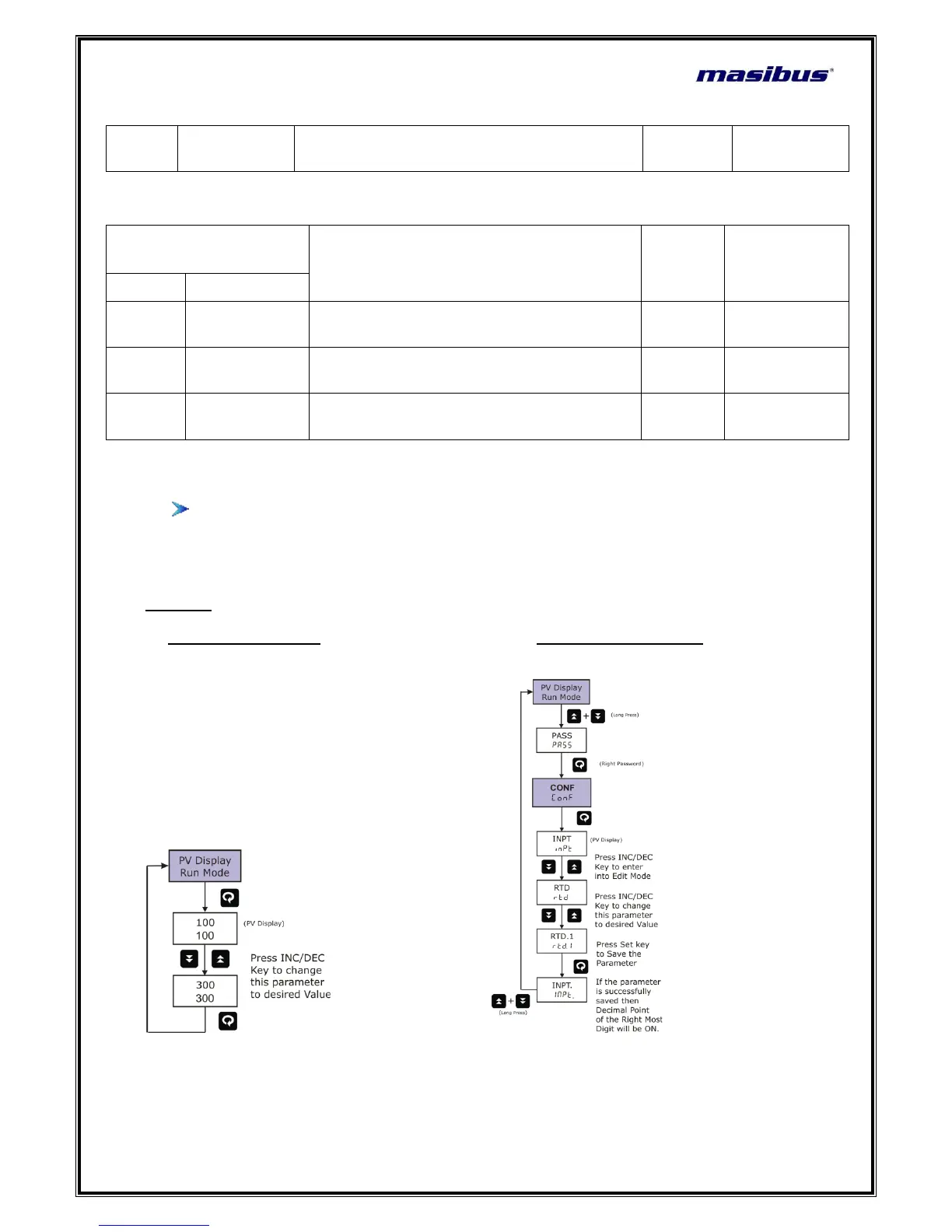
Examples:
1. How to change Set Point 2. How to change Input Type

VERS
(vers)
Version
Shows the Version of the Current Firmware
-
Parameter
(PV display)
Setting Name & Description
Default
Value
Show if Only
Symbol
Name
AMB
(Amb)
Ambient
Ambient Adjustment
-
Input is TC
ZERO
(zero)
Calibration
Zero
Calibration Zero for PV Input
(PV/SV Display : PV)
-
Span
(spaN)
Calibration
Span
Calibration Span for PV Input
(PV/SV Display : PV)
-

Related product manuals