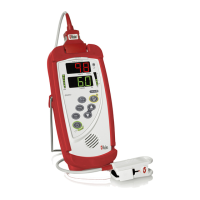
Radical-7 Signal Extraction Pulse CO-Oximeter Service Manual
3-2
CAUTIONS:
• If the Radical-7 has not been charged for 1 month or more, then
recharge the battery prior to use.
• At low battery warning, connect the Radical-7 to AC power to prevent
interruption of power.
• Additional information on the Radical-7 batteries may be found in the
Radical-7 Operators Manual.
3.3 Replacing the Handheld Battery
3.3.1 Turn the Radical-7 Handheld off and remove the patient
cable connection. Detach the Radical-7 Handheld from the
Docking Station (if docked).
3.3.2 Place the Handheld face down on a soft surface such that no
cosmetic damage occurs to the unit.
3.3.3 Loosen the closure screw on the battery, or on color models,
the battery compartment door, and remove the battery.
3.3.4 Position the replacement battery into the Handheld, bottom
first. On color models, the battery needs to be plugged in /
unplugged.
3.3.5 Replace the enclosure (if applicable) and tighten the battery
screw until it is secure. If there is a grasp loop, make sure it
is pointing towards the top of the Handheld and lays flat into
the plastic housing.
3.3.6 Place Handheld into Docking Station. Turn on power and if
necessary, charge battery according to Section 9 of the
Radical-7 Operator’s Manual: Battery Operation and
Maintenance.
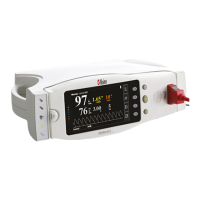
3.4 Replacing the Docking Station Battery
CAUTION: Do not over-tighten screws. Tighten the screws throughout
the Radical-7 Handheld and Docking Station to 80 in.- oz.
Note: Docking Station Battery can only be installed in RDS-1B or RDS-
3B type replacement units.
Note: It will be necessary to perform safety testing after replacement.


 To Next Page