4)
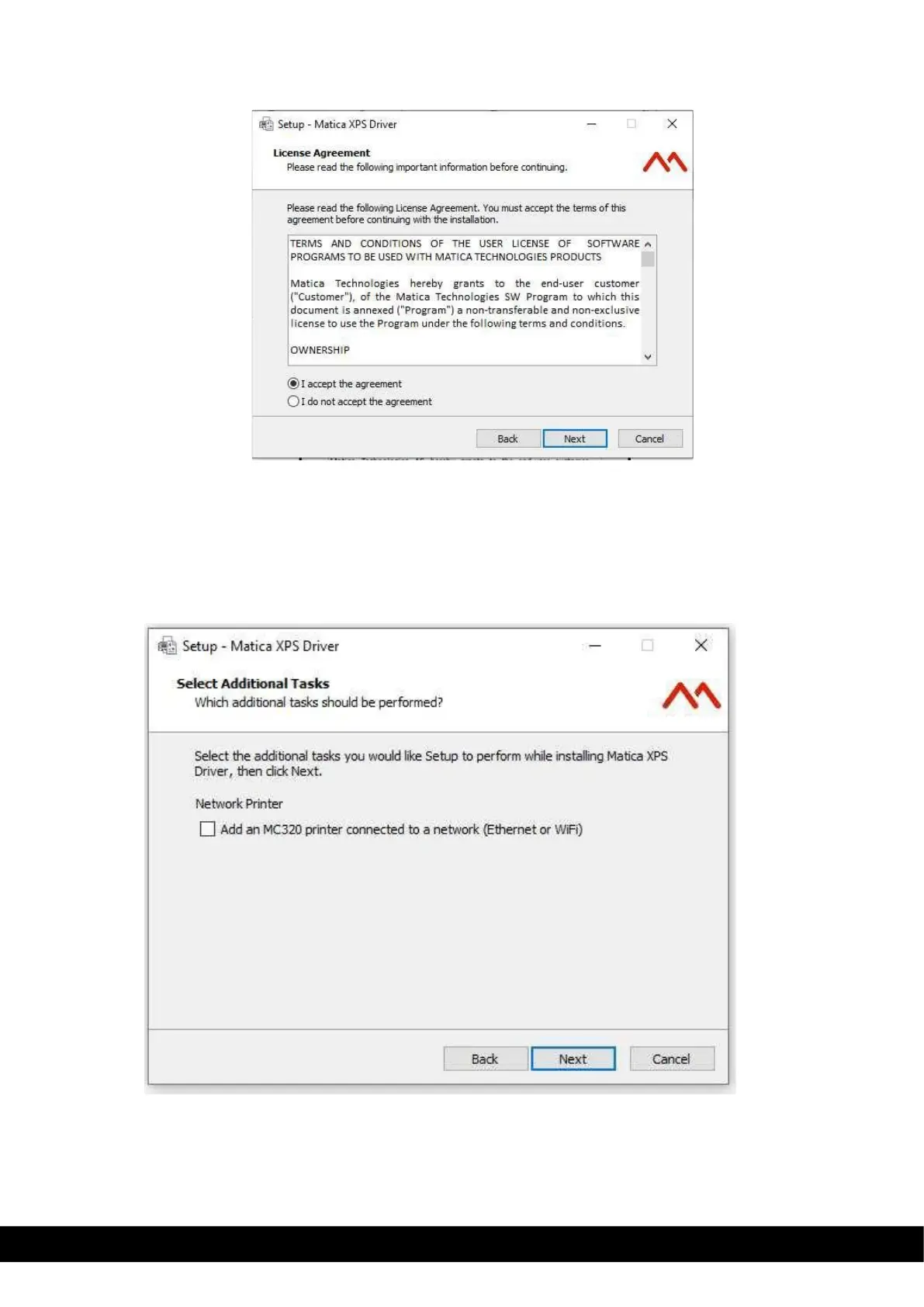
Select on “I accept the agreement” to accept the license agreement and then click Next.
5)
Incase you want to Install the printer using LAN connection tick the box ‘Add an MC320 printer connected
through the network’ and Click Next to continue with the installation.
For USB connection leave the option unticked & click Next to continue with the installation.
Network printer selection is not mandatory to continue the setup.



 To Next Page