6 Printer Maintenance
6.1 Printer Routine Cleaning
Four different cleaning processes are implemented in the printers using MC310 Cleaning kit
(PR20309601)
6.2 Standard Cleaning
•
Suggested frequency
Color printing: Each time the ribbon is changed
•
Mandatory frequency (to prevent voiding the warranty)
After every 1,000 prints, Printer will alert the user for ‘Basic Cleaning’ in the display with AMBER LED blink
Standard cleaning is performed using the Extended cleaning card as explained below.
The product has an internal counter that keeps track of the number of cards printed and warns the user when
the mandatory cleaning procedure must be performed.
•
If the Cleaning procedure is not followed after 1000 prints, at 1200 print Printer will alert the user for
‘Mandatory cleaning’ in the display and RED LED
•
For Printer with ISO Magnetic stripe option: cleaning frequency should be more often
Standard Cleaning Procedure
1.
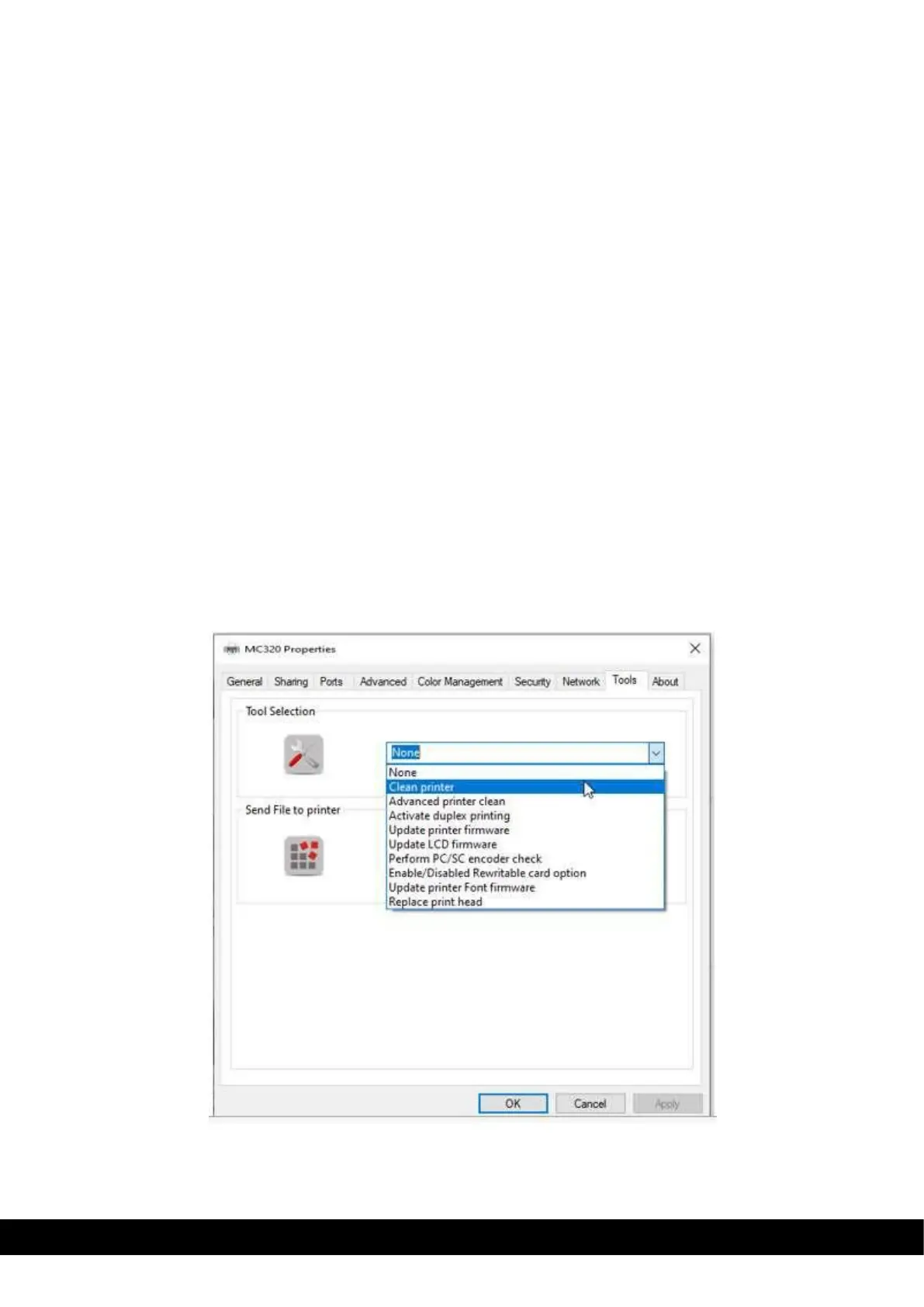
To perform the Standard cleaning, select ‘clean printer” wizard from drop down menu available in the printer
properties tool tab,



 To Next Page