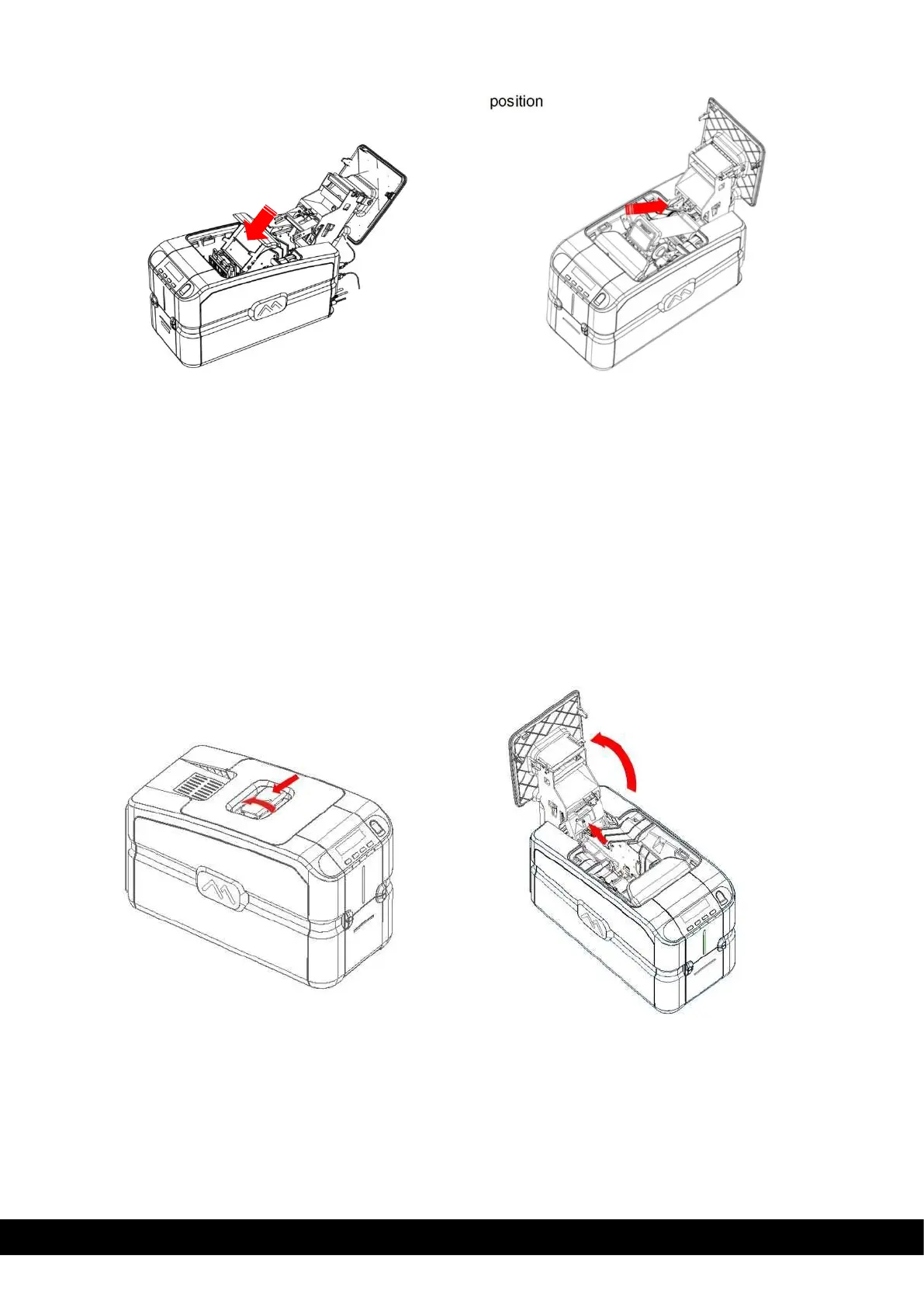
9)
Insert the Encoder cover and ribbon carrier back into its
10)
Close the printing module compartment
11)
The roller cleaning procedure is now concluded.
6.5
Printhead Cleaning
It is suggested to clean the printhead when dots are missing on the printed cards:
•
The edge of the printhead must be cleaned using the cleaning pen.
•
The edge of the printhead must be cleaned to remove residual ink or dust.
6.5.1 Printhead Cleaning Procedure
1)
Unplug the printer from the power supply.
2)
Open the Top cover.



 To Next Page