11.
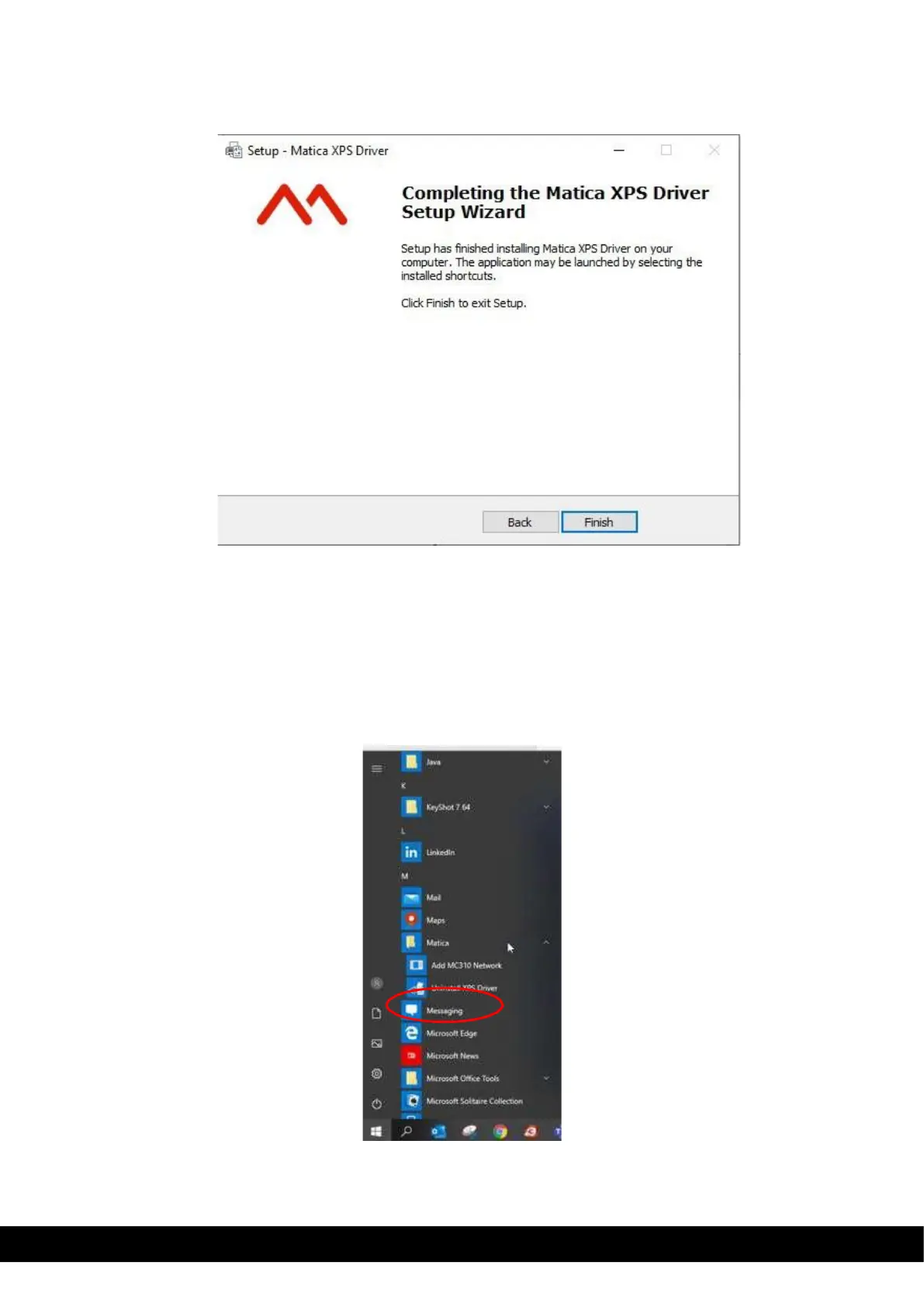
Click Finish to complete the Matica XPS Driver Setup Wizard,
4.2 Uninstall Program Tabs
To uninstall the software:
1)
in Windows XP, select Start > Control Panel > Add/Remove Programs > Matica XPS Driver version 1.x.x.x
2)
in Windows 7, Windows 8/8.1, Win10 select Start > Control Panel > Programs> Uninstall a Program
> Matica XPS Driver version 1.x.x.x.
Or click start button & select Matica and click Uninstall XPS driver. Uninstallation process guide the user to uninstall
XPS driver.
3)
Once XPS driver uninstalled re-start the PC/Laptop.



 To Next Page