PROTON 206/308 V1 System Manual 45
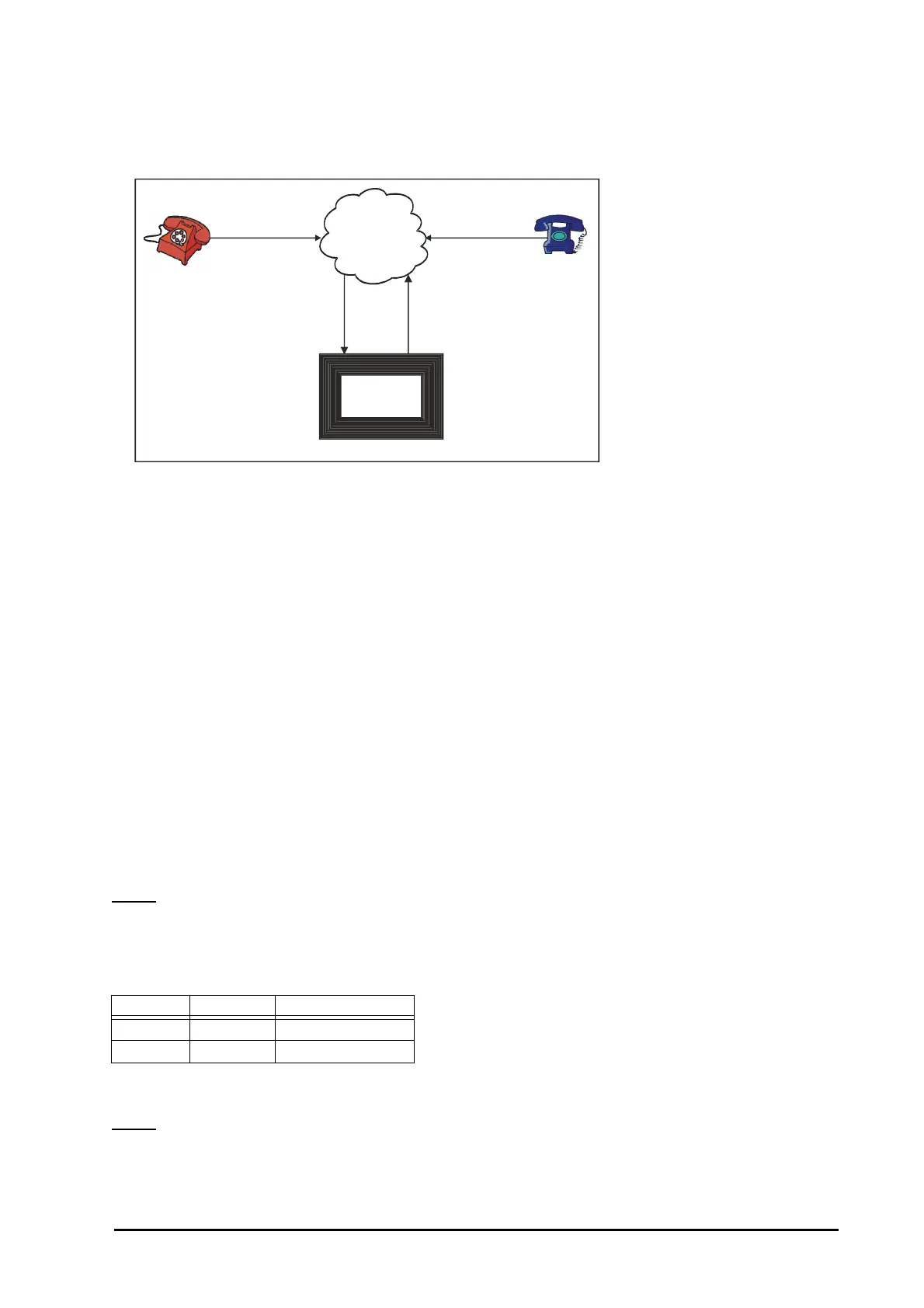
• To make one DOSA call, minimum two trunk lines are used (L2 and L3 in figure). Hence, these should be
connected to the PBX. However, in all four trunk lines are (L1, L2, L3 and L4 in figure) used while using this
facility as shown below.
• When a caller dials a DOSA activated trunk, two trunk lines (L1 and L2) are used. Then the caller grabs the
third trunk (L3) and dials a telephone number where fourth line (L4) is used.
• In DOSA call, speech quality may deteriorate since the length of the path increase.
How to use DOSA facility?
• Dial a DOSA activated trunk.
• On getting PBX dial tone, dial 1-Station Number-User Password. You get DOSA dial tone. (Short beeps)
• On getting DOSA dial tone, dial ‘0’, ‘5’, ‘61’, ’62’ or ‘63’ to grab another trunk to get P & T dial tone.
• On getting P & T dial tone, dial the telephone number.
• Dial any digit except ‘#’ to continue the talk.
• Dial ‘#’ to disconnect the call.
• You are still logged in the system. You can make another call by grabbing P & T line.
• Dial ‘#’ to end the DOSA session.
How to program DOSA facility?
Step 1: Enable/disable DOSA on trunk during day time and night time using command 45.
Step 2: Enable/disable DOSA on a station using command 35.
Step 3: Program DOSA Inactivity Timer is Second/Minute using command 207.
Step 4: Program the DOSA related timers.
Step 1
Use following command to enable/disable DOSA facility on a trunk:
45-Trunk-Day Time-Night Time
Where,
Trunk is from 1 to 3.
By default, DOSA is disabled on all the trunks both during daytime and nighttime.
Step 2
Use following command to enable/disable DOSA on a station:
35-Station-Code
Where,
Day Time Night Time Meaning
0 0 DOSA deactivated
1 1 DOSA activated
PSTN
L1
L4
Proton
206/308
L2 L3
(DOSA activated
Trunk)
Residence
Client’s Place
Office



 To Next Page