PROTON 206/308 V1 System Manual 47
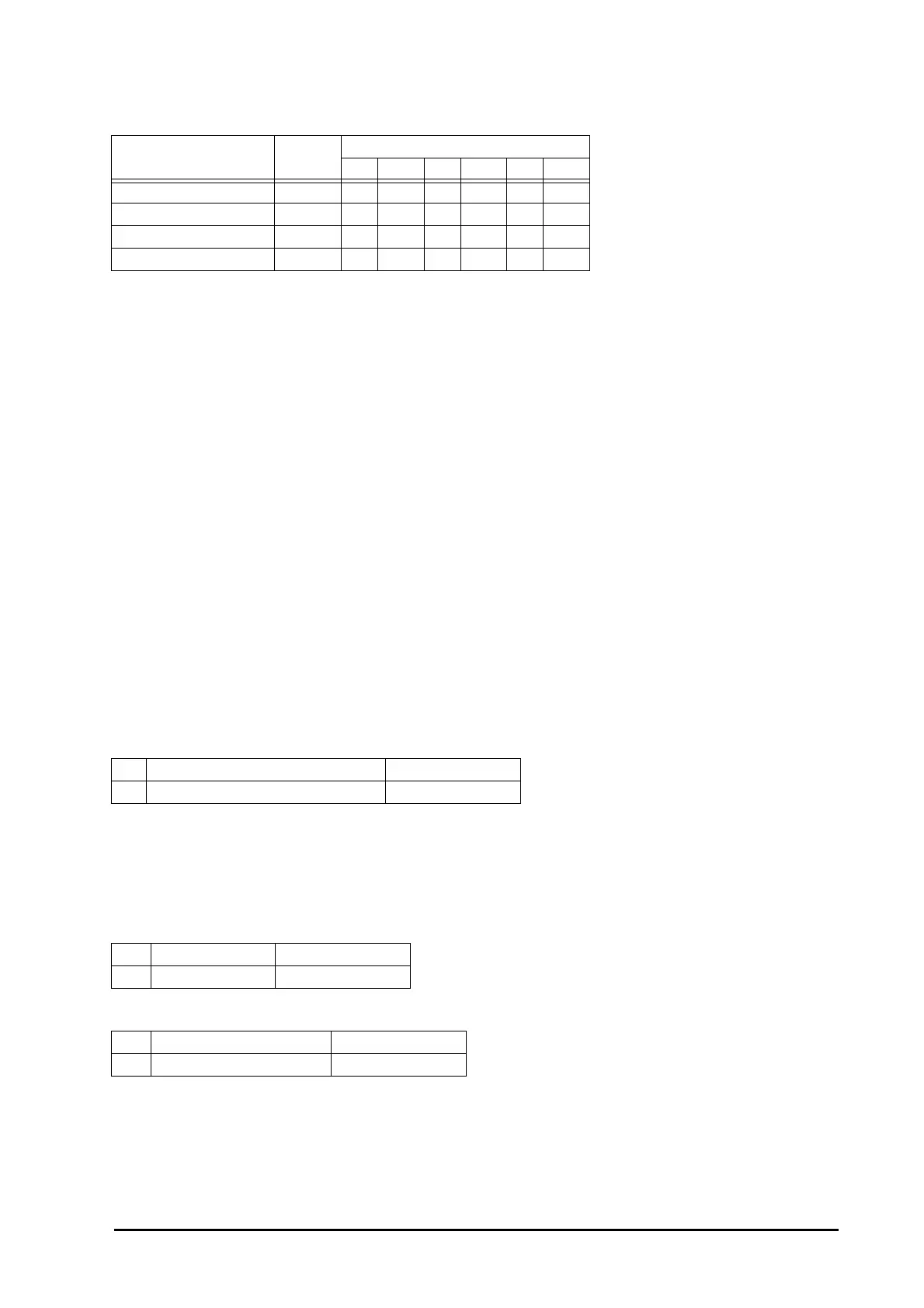
Following table lists different types of ring and cadences for different situation:
As different ring cadences are used for different occasions, it is easy to guess the caller type before you answer
the call. Thus, you can respond faster to a trunk call.
Do Not Disturb (DND)
What’s this?
Please refer “Call Forward” for more details.
Dynamic Lock
What’s this?
• A user can lock his station to avoid misuse of local and long distance dialing in his absence.
• When a user locks his station, his toll control changes to limited dialing or no dialing.
• The lock operates with a 4-digit password. Each user has his personal password called User Password.
• Station can be locked manually or automatically.
• If manual lock is selected, then user should lock the station while leaving his work place by dialing the
required code. On returning back to work place, he can unlock the station.
• If automatic lock is selected, the system locks the station after a set time automatically.
• The timer starts from the time when the station is unlocked.
How to use it?
To Select Auto or Manual Lock
• User Password is a 4-digit secret code. Default User Password is 1111.
• Minutes specify time in minutes after which the station gets locked automatically.
• Set minutes to 00 for manual locking. Factory default is manual lock.
• Range for time is 00 to 99 minutes. 00 for manual locking and 01-99 for auto locking.
To Lock the station
To Unlock the station
• Once the station is locked, you will be able to dial the numbers depending on the dynamic toll control.
Name Type
Timings (millisec.)
ON OFF ON OFF ON OFF
Internal Call Slow 750 2250
External Call Double 400 400 400 1800
Alarm Ring\Boss Ring Fast 500 1000 500 1000 500 1000
Door Phone Ring Triple 400 200 400 200 400 1400
1 Lift the handset. Dial tone
2 Dial 143-User Password-Minutes. Confirmation tone
1 Lift the handset. Dial tone
2Dial 140. Confirmation tone
1 Lift the handset. Dial tone
2Dial 141-User Password. Confirmation tone



 To Next Page