PROTON 206/308 V1 System Manual 57
Internal Call
How to make an Internal Call?
• Lift the handset.
• Dial the desired station’s flexible number.
• The called station rings.
• Speech is established when the called party lifts the handset.
Important Points:
• Hands free Operation is also possible if a speakerphone is used.
• The stations having access to internal call will only be able to make Internal Calls.
Relevant Topics:
1. “Flexible Numbers” 51
2. “Interrupt Request” 58
3. “Raid” 66
4. “Auto Call Back” 17
Internal Call Restriction
What’s this?
The PROTON 206/308 offers a feature that helps restrict calls to a particular station/group of stations.
How it works?
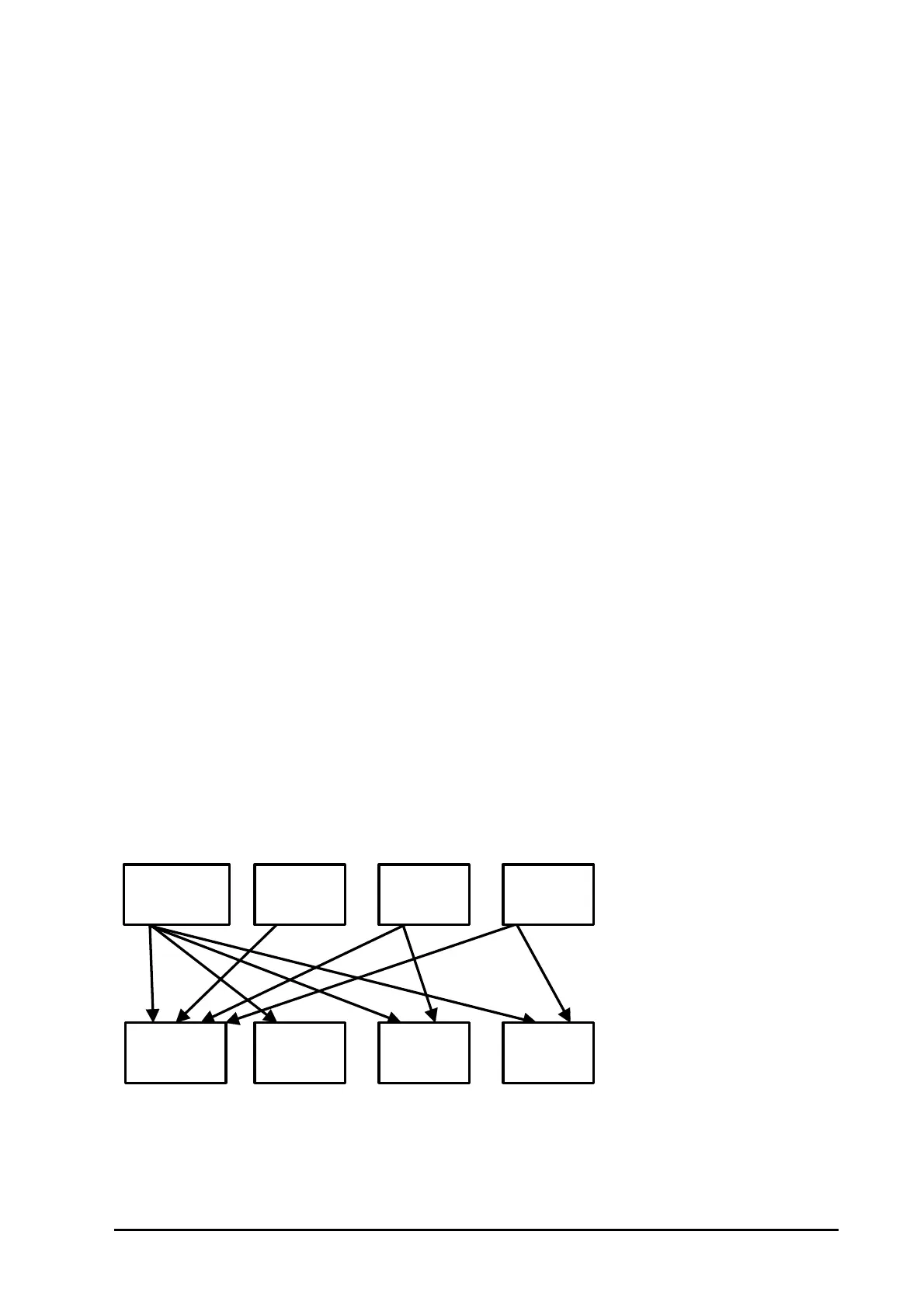
• The PROTON 206/308 offers three types of groups viz. Solo Group, Party Group and Universal Group.
• Solo Group (Group 0) has only one station.
• Maximum 8 Solo Groups can be formed.
• A station in Solo Group can call any station in the Universal Group but he cannot call any other station in any
Party group or Solo group.
• A station in a Party Group can call any station within his group and any station in Universal group. However
he cannot call a station in any other Party group or any station in Solo group.
• A station in Universal Group can call any other station within Universal Group or any station in any of the
party groups or any station in Solo group.
Following diagram depicts this logic:
How to program?
Use following command to assign a group number to a set of station:
38-Station-Group Number
Where,
Solo group
Party group
Party group
Universal group
Party group
Party group
Party group



 To Next Page