9.2 mvDeviceConfigure 103
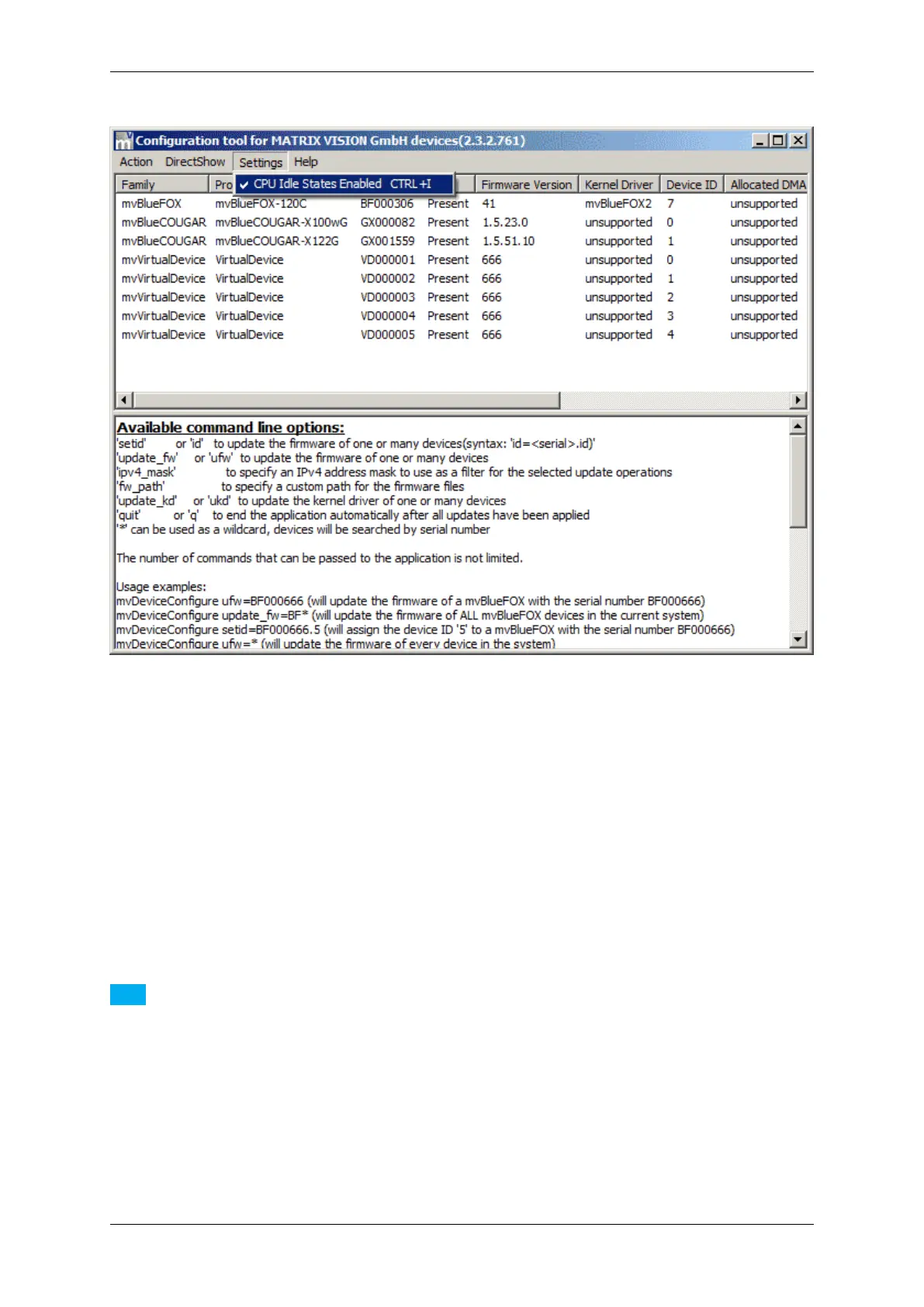
Figure 64: mvDeviceConfigure - Settings
The sleep states can also be enabled or disabled from a script by calling mvDeviceConfigure like this:
mvDeviceConfigure.exe set_processor_idle_states=1 quit
or
mvDeviceConfigure.exe set_processor_idle_states=0 quit
The additional quit will result in the application to terminate after the new value has been applied.
Note
With Windows Vista or newer mvDeviceConfigure must be started from a command shell with administrator
privileges in order to modify the processors sleep states.
9.2.6 Command-line options
It is possible to start mvDeviceConfigure via command line and controlling the starting behavior using parameters.
The supported parameter are as follows:
MATRIX VISION GmbH


 To Next Page