20 CONTENTS
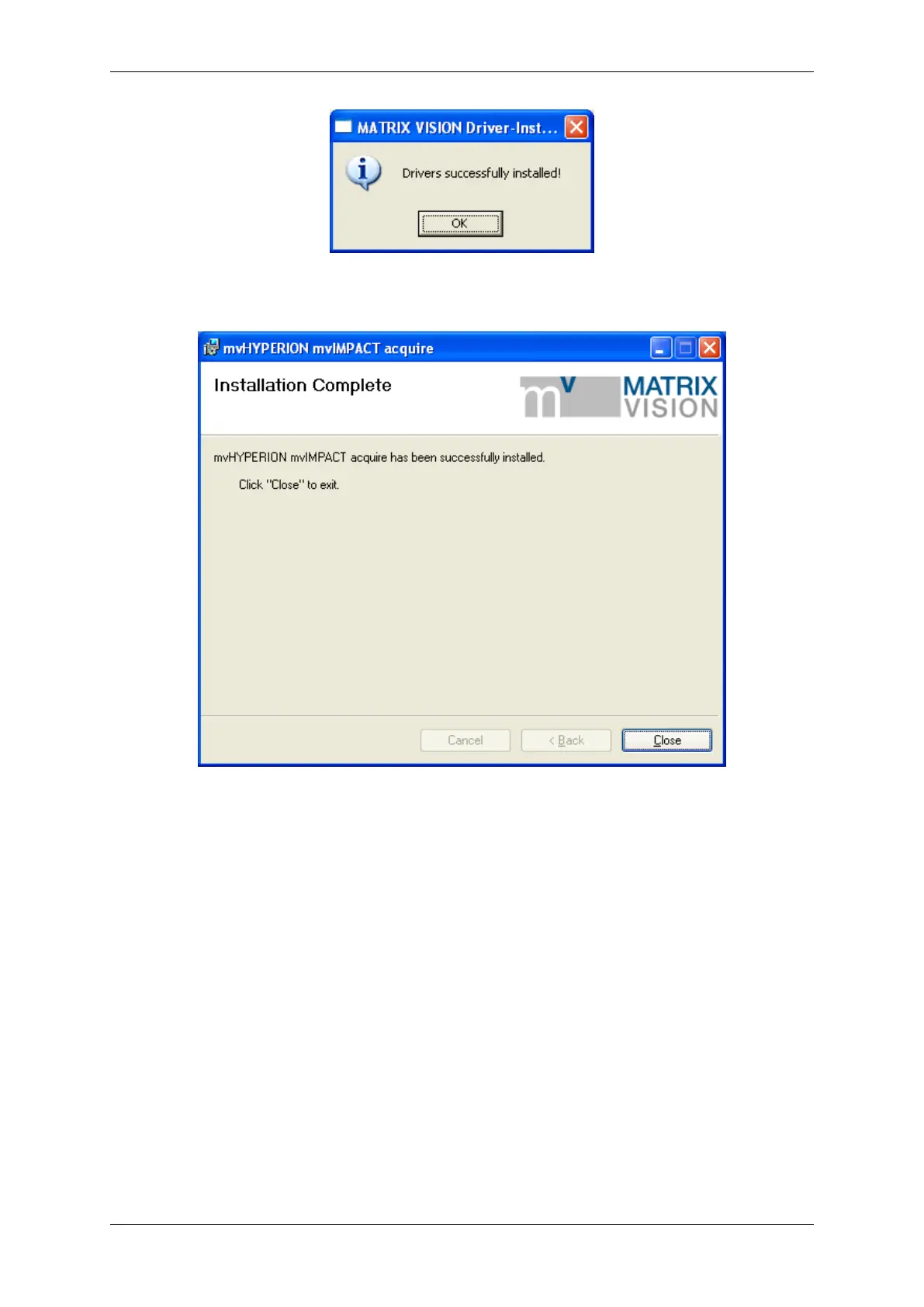
Figure 7: mvHYPERION installer - Driver successfully installed
Figure 8: mvHYPERION installer -Installation complete
After this, you have to restart the system. Afterwards, you can acquire images with the frame grabber. Simply start
the application wxPropView (p. 48) (wxPropView.exe).
See also
wxPropView (p. 48)
7.3 Linux
7.3.1 System Requirements
Kernel requirements
Kernel 2.6.x.
Software requirements
MATRIX VISION GmbH


 To Next Page