16 CONTENTS
7.2.2 Software installation
All necessary drivers for Windows and Linux are contained in the mvIMPACT CD-ROM or DVD-ROM. For newer
driver versions we recommend to visit the MATRIX VISION website at www.matrix-vision.de, section Support/←-
Download/Hardware.
After the Hardware installation (p. 15) the boot sequence shows "Found New Hardware" and starts the Windows
Hardware Wizard. Closed this windows and insert the mvIMPACT CD-ROM or DVD-ROM into your drive and select
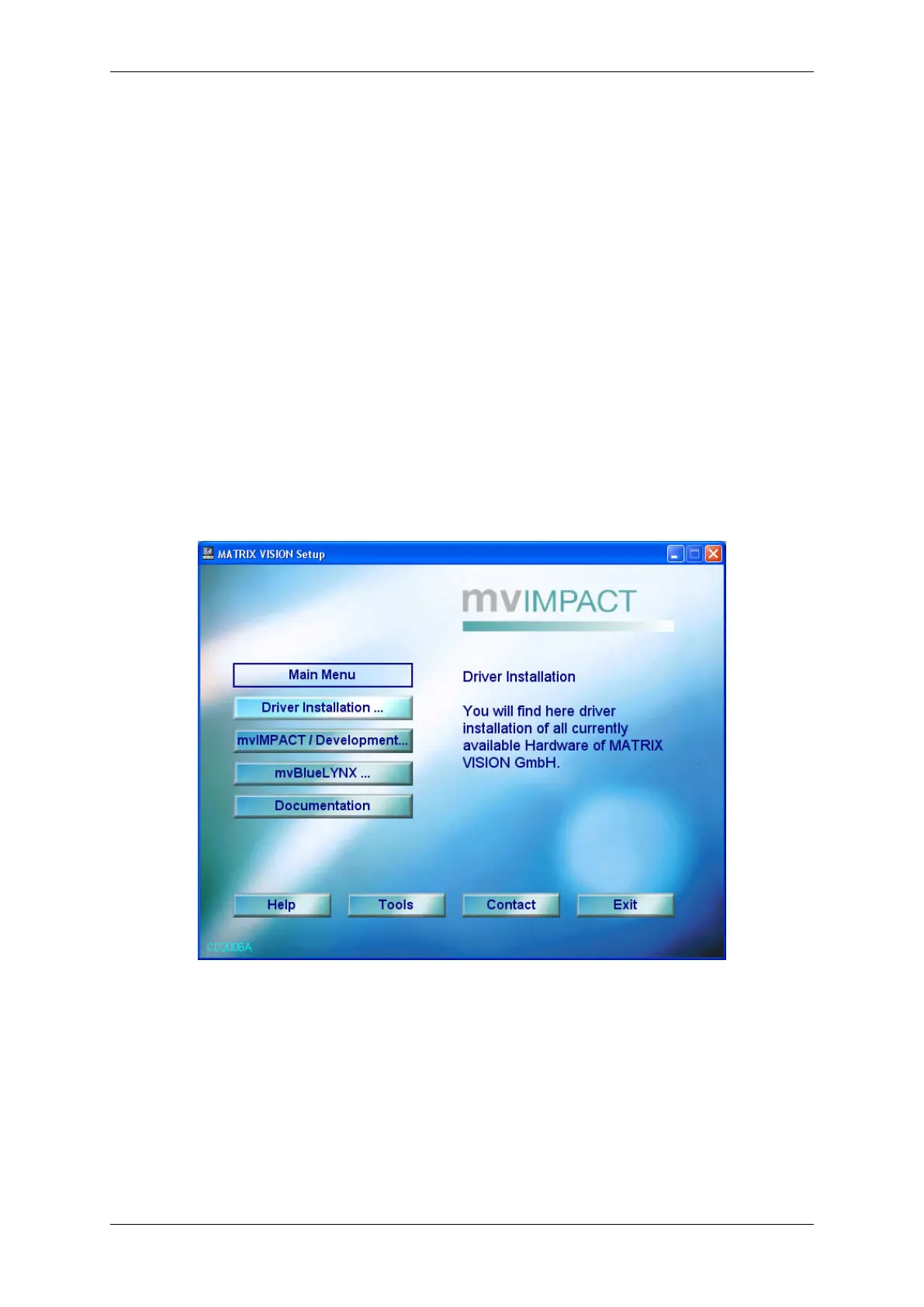
"Driver installation ..." and the needed mvIMPACT Acquire driver (e.g. "mvTITAN / mvGAMMA").
Figure 1: Start window
After the click on the needed driver the installation process starts.
MATRIX VISION GmbH


 To Next Page