78 CONTENTS
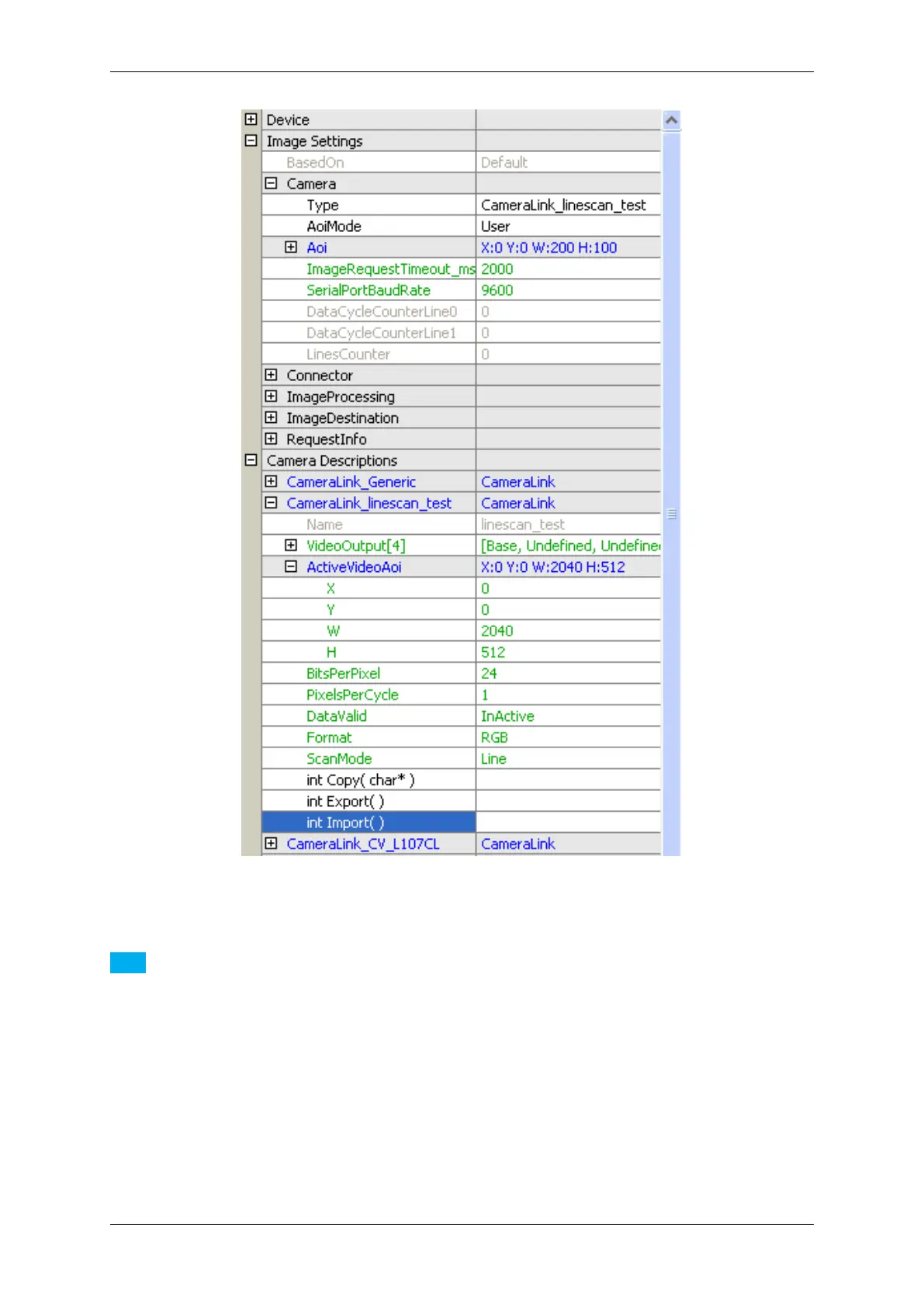
Figure 34: wxPropView - After exporting a new camera description
Note
Again please note, that this will NOT work for one of the standard camera descriptions. Whenever the user
tries to export one of these, the error DMR_EXECUTION_PROHIBITED will be returned.
When exporting a camera description a file in XML format will be written to disc. Under Windows® camera de-
scriptions will be stored under "%ALLUSERS%\Documents\MATRIX VISION\mvIMPACT acquire\←-
CameraFiles" or "%MVIMPACT_ACQUIRE_DATA_DIR%\\CameraFiles" which will point to the same
folder. Under Linux® this directory will be "/etc/matrix-vision/mvimpact-acquire/camerafiles"
while under other platforms these files will end up in the current working directory.
Now, when closing and re-opening a device only the default camera descriptions an the one selected before settings
have been saved will appear in the list of camera descriptions. This is to save memory. However, all detected camera
descriptions will be available via the property "Type" under "Image Settings -> Camera":
MATRIX VISION GmbH


 To Next Page