77
CHAPTER 9: PART REPLACEMENT GUIDE
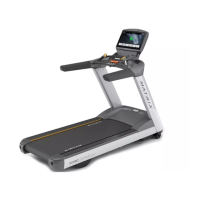
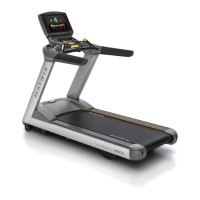
FIGURE E FIGURE F
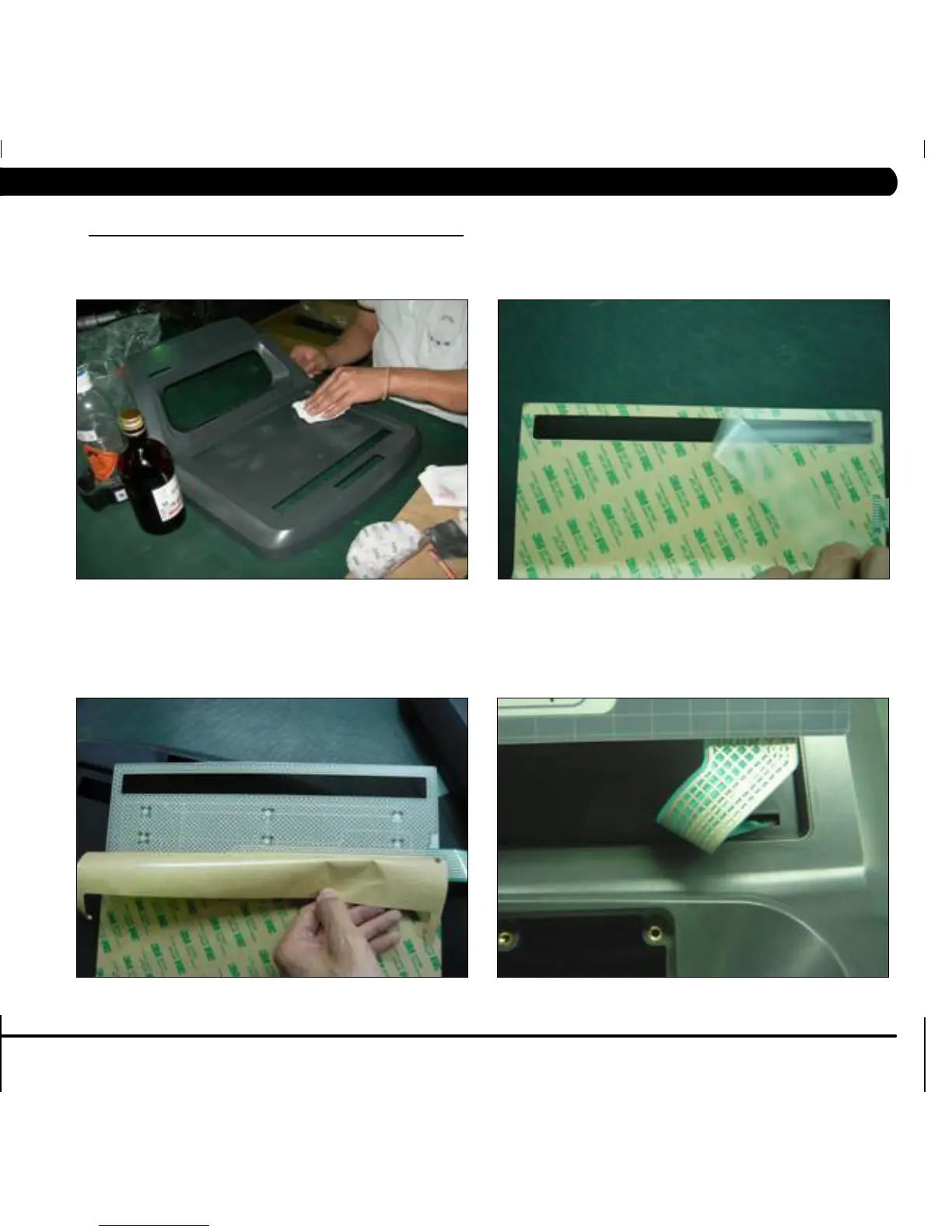
5) Clean the console area with alcohol to remove any left over adhesive (Figure C).
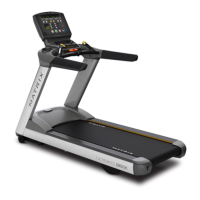
6) Remove the protective film over the display window of the overlay (Figure D).
7) Peel part of the protective film from the back of the overlay (Figure E).
8) Push the overlay ribbon cable through the hole in the console and plug it in (Figure F).
FIGURE C FIGURE D
9.19 OVERLAY REPLACEMENT - CONTINUED


 To Next Page